Image
ABI │ PHOENIX
UpdatingInstant DeliveryDescription
- Enable – enables or disables the aimbot
- Aim Key – allows assigning an activation key for the aimbot
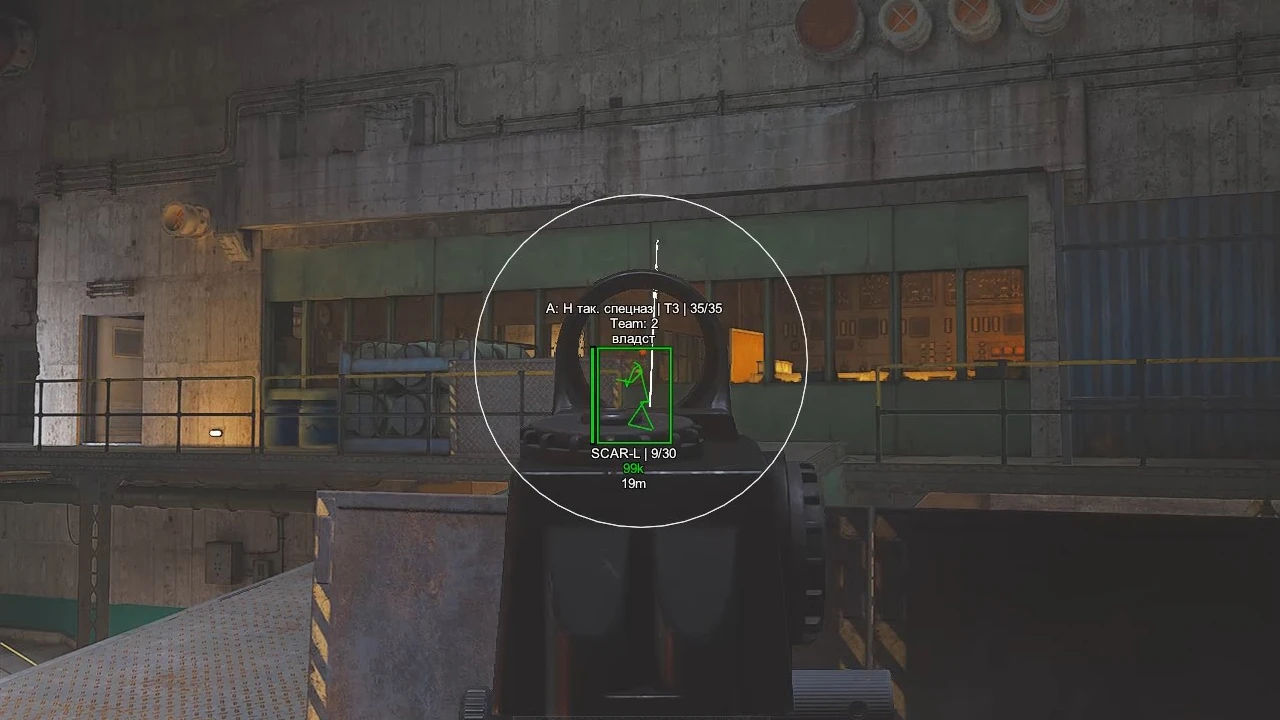
- Through Wall – allows the aimbot to work on targets behind obstacles
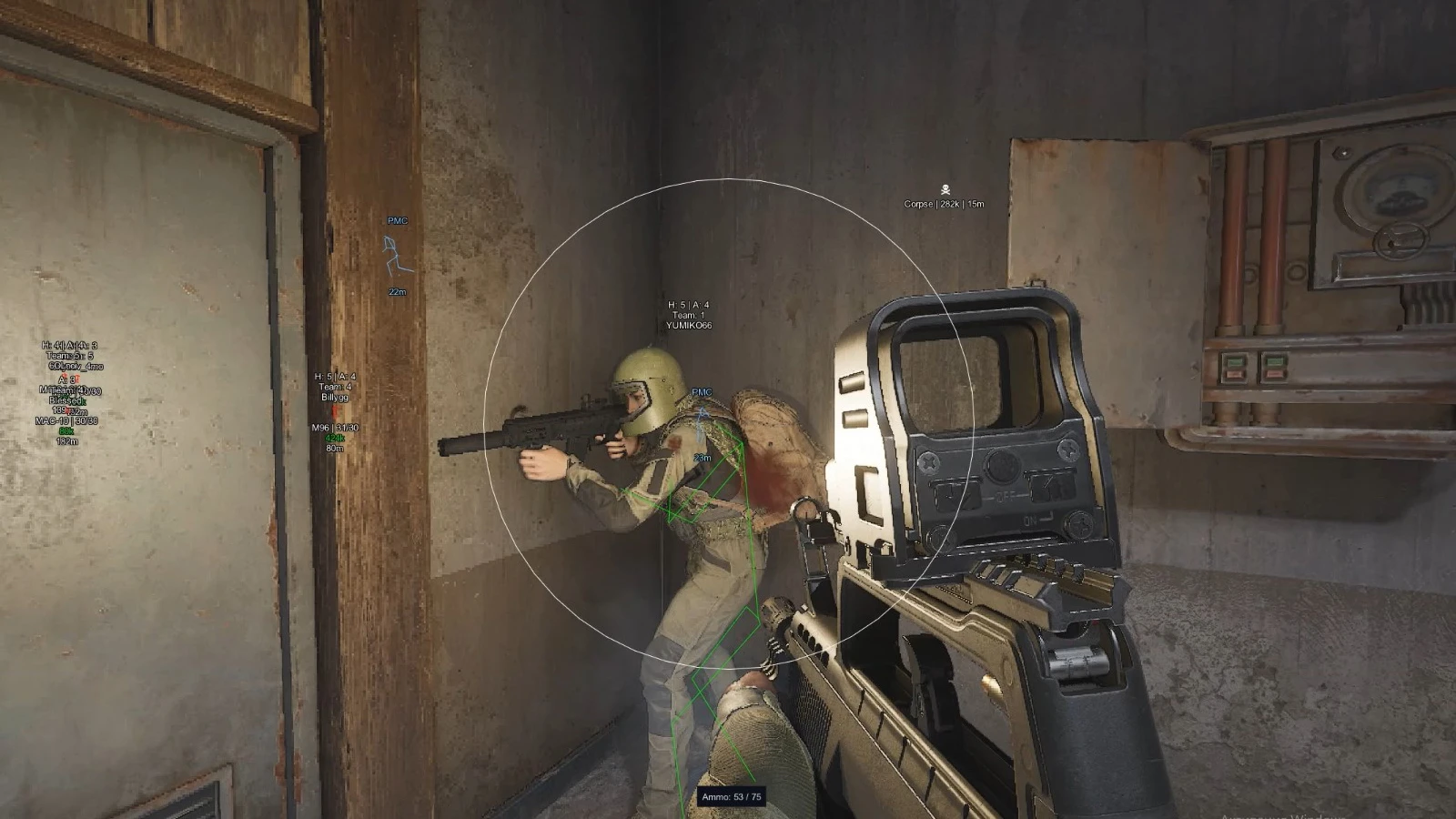
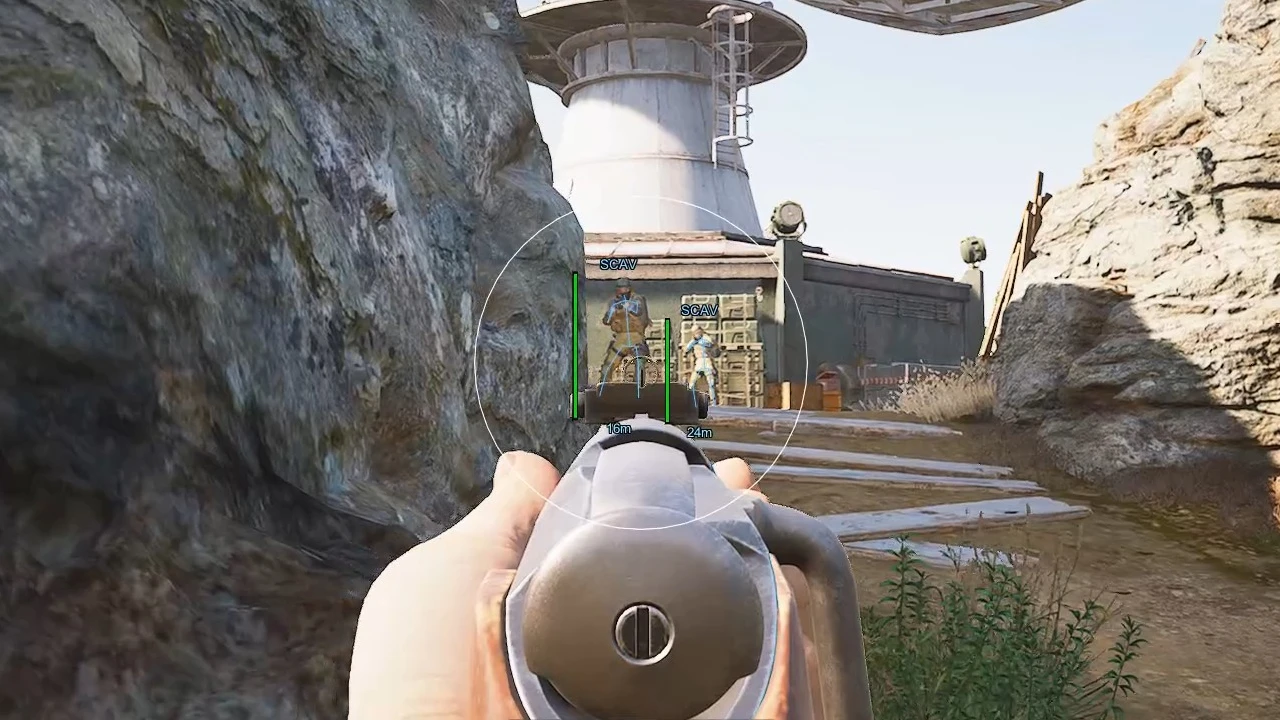
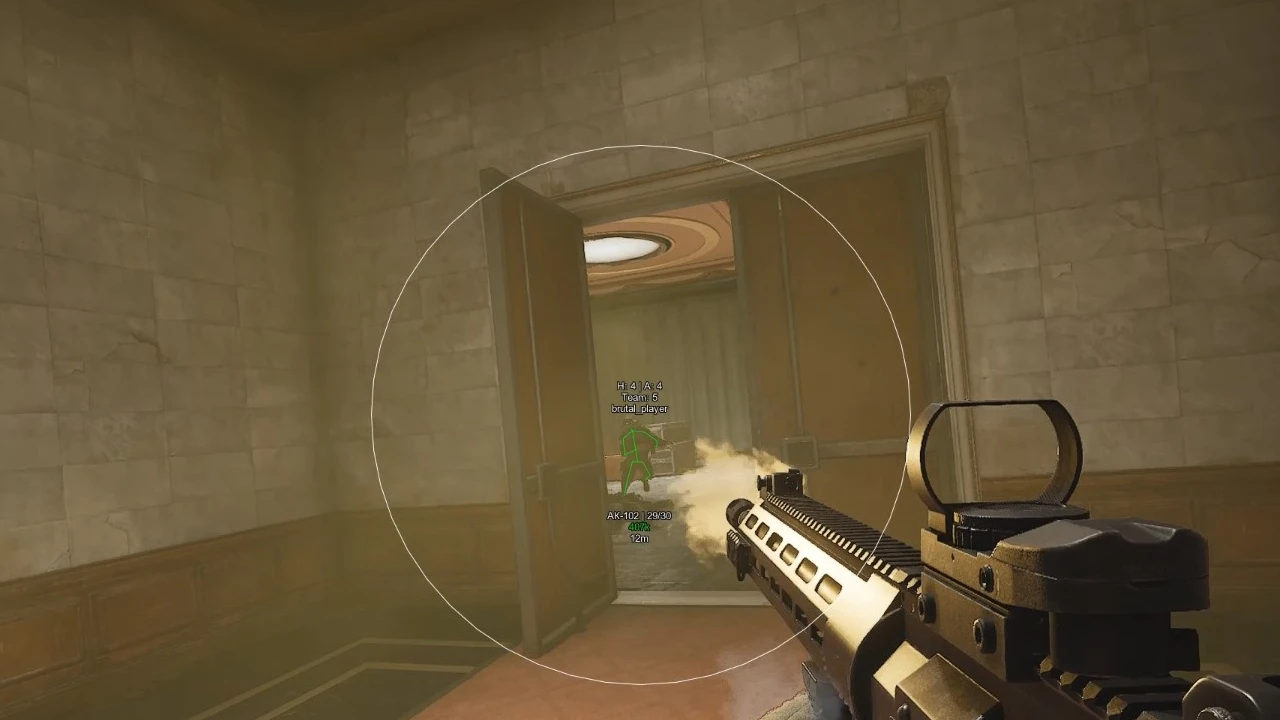
- Show FOV – displays the aimbot working radius on the screen
- FOV – adjustable radius of the aimbot working area
- Instant Kill – instant kill on hit
- Instant Kill Bot – instant kill when hitting a bot
- Instant Kill Key – you can assign a button to activate the option
- No Recoil – disables weapon recoil when shooting
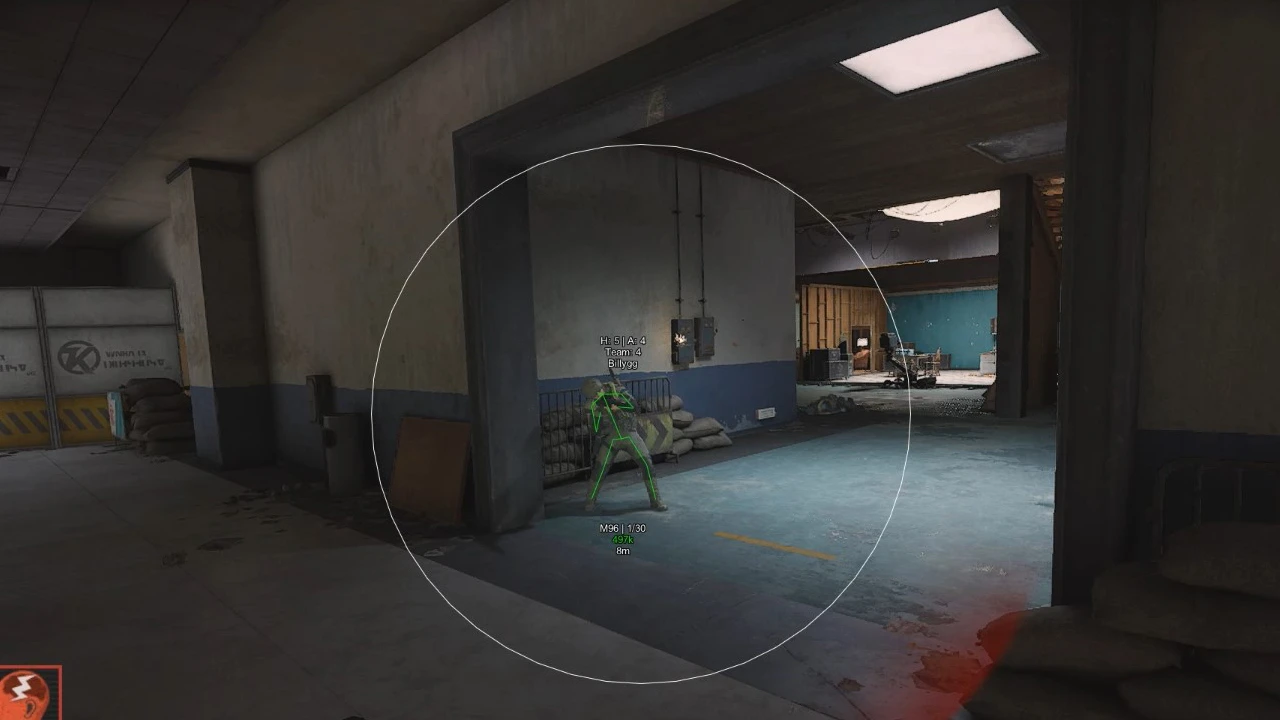
- Enable – enables ESP for bots
- Name – displays the bot’s name
- Box – displays bots as boxes
- Health – shows the bots’ health level
- Skeleton – displays the bots’ skeleton
- Distance – displays the distance to bots
- Max Distance – maximum display distance for bots
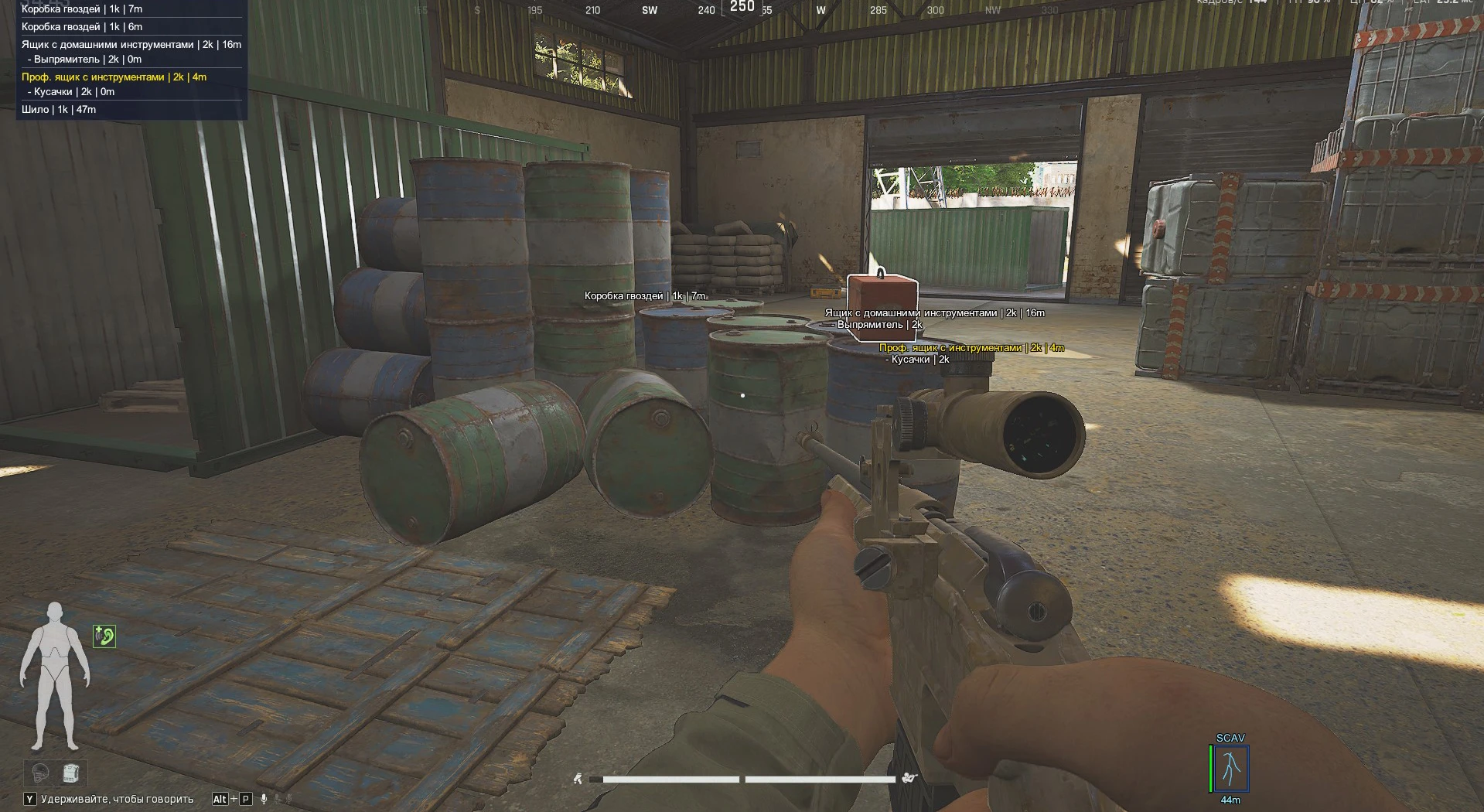
- Enable – enables ESP for corpses
- Corpse – displays player corpses
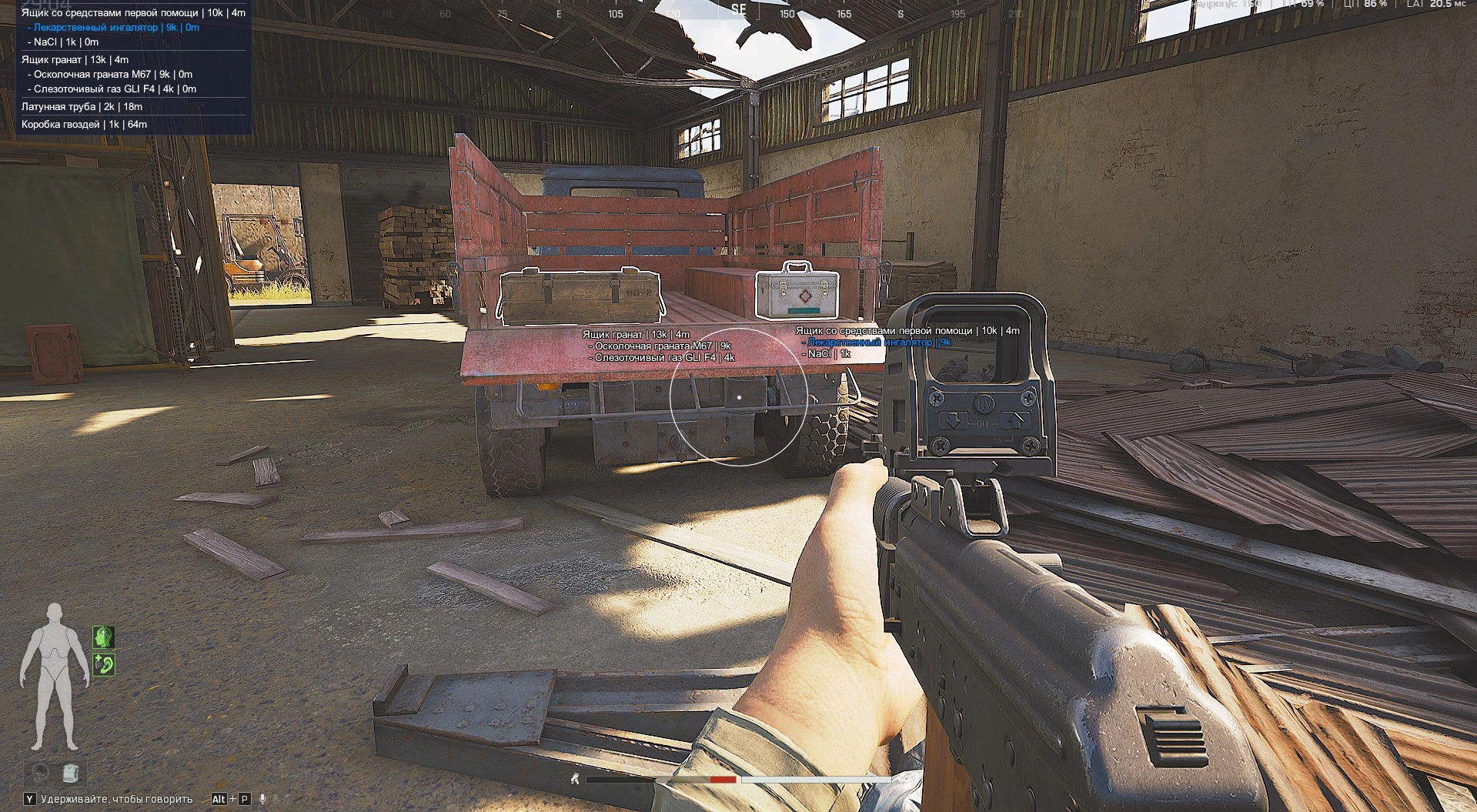
- Corpse Show Needed Items – shows only needed items in corpses
- Corpse Min Price – minimum loot value for corpse display
- Enable – enables ESP for displaying players
- Box – displays players as boxes
- Health – shows players’ health level
- Tier helmet – displays the player’s helmet level
- Armor Info – shows armor information
- Armor Info Mode – armor information display mode
- Team Index – displays the player’s team index
- Name – shows the player’s nickname
- Skeleton – displays the player’s skeleton
- Weapon – shows the weapon the player is holding
- Weapon Ammo Count – displays the amount of ammo in the weapon
- Price – shows the value of the player's equipment
- Distance – displays the distance to the player
- Slider – allows you to adjust the distance between players in ESP
- Enable – displays the ammo count indicator
- Skin Changer – enables skin changing
- BunnyHop – automatic jumping while holding the key
- Fast Search – speeds up searching containers and corpses
- Fast Magazine – speeds up reloading and magazine actions
- Fast Gate – on the Arsenal map, you can enter immediately without a lever
- No Visor – disables the helmet visor visual effect
- Debug – enables debug mode
- Save – save current settings
- Load – load saved settings
- Reset – reset settings
- Menu Key – menu open key
- Toggle – menu toggle mode
- Custom Scale – menu scale adjustment
- Built-in-Spoofer – built-in HWID Spoofer for bypassing hardware bans in ABI
- Infinite Backpack – the ability to load multiple backpacks into your current backpack
- Keys Reset – keys can be handed over to others, any other person can immediately put them in a secure safe for themselves
- Remote Loot – allows you to pick up items within range (customizable
Operating system: Windows 10 (21H2, 22H2), Windows 11 (21H2, 22H2, 23H2, 24H2, 25H2)
Processor: Intel & AMD
Video card: Nvidia & AMD
Client: Arena Breakout Launcher, Steam, Microsoft Store, Epic Games (EGS)
Bundle Offers
Save when you add all items
✓ All bundle items in cart