Image
Apex │ UNNAMED EXTERNAL
FrozenInstant DeliveryDescription
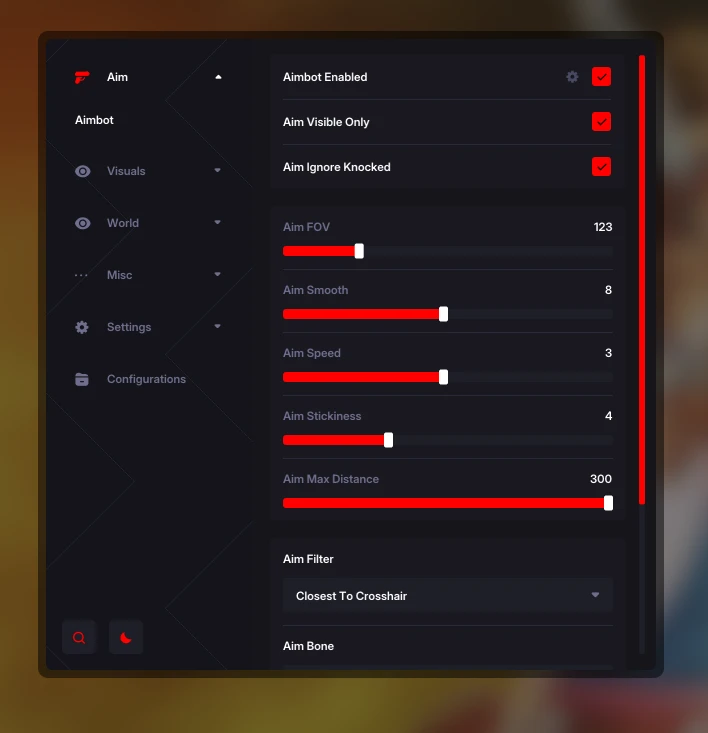
- Enabled – enable/disable aimbot
- Visible Only – aim works only on visible targets
- Team Check – enable aiming at teammates
- Ignore Knocked – ignore knocked enemies
- Aim Key – key to activate aimbot (hold)
- Aim FOV – target capture zone size (aim radius)
- Aim Smooth – aiming smoothness (softer movements)
- Aim Speed – aiming speed
- Stickiness – target stickiness strength
- Max Distance – maximum aimbot range
- Filter – target selection filter (closest to crosshair, low HP, close distance)
- Bone – target body part selection (closest bone to crosshair, head, neck, body)
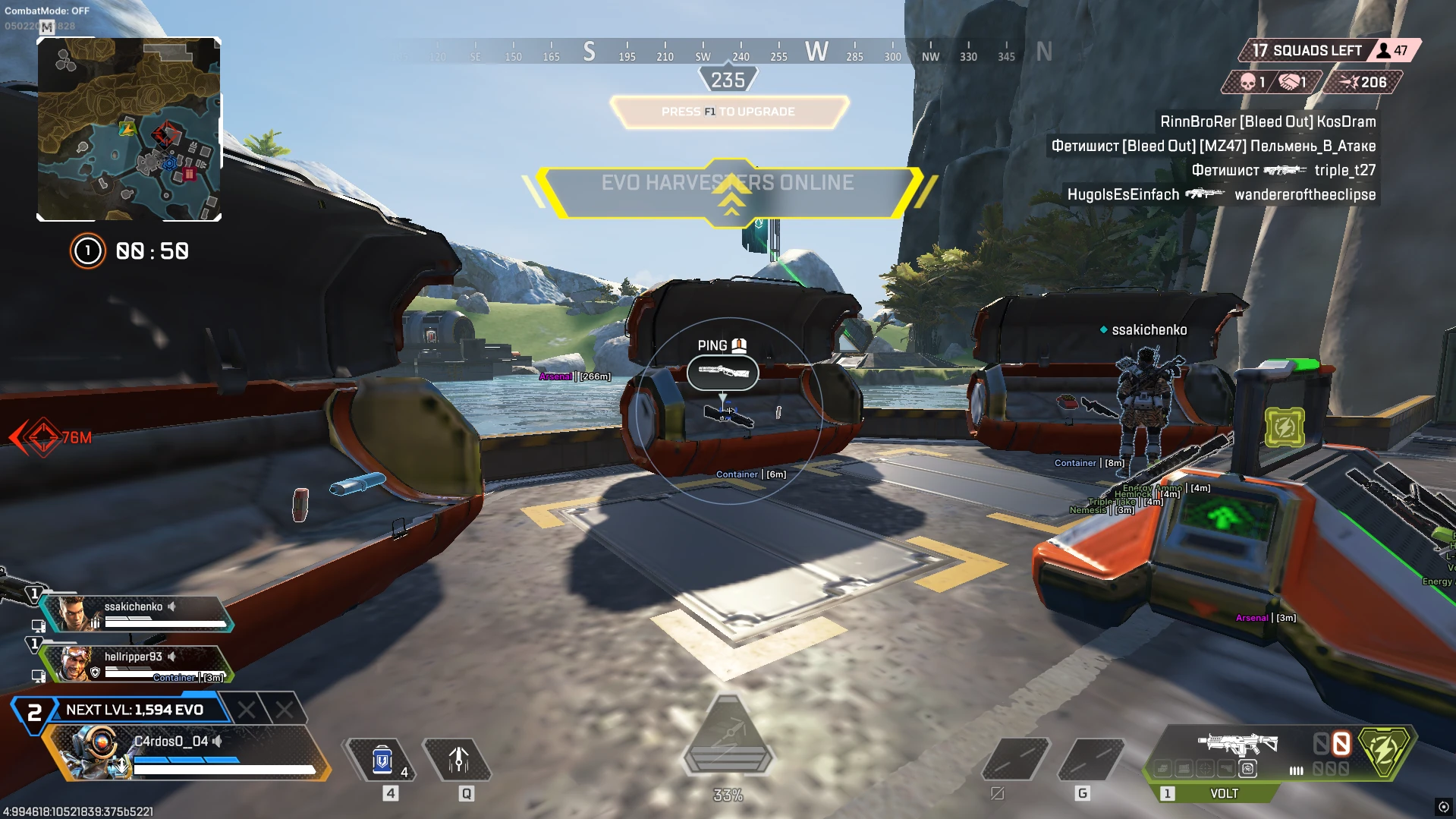
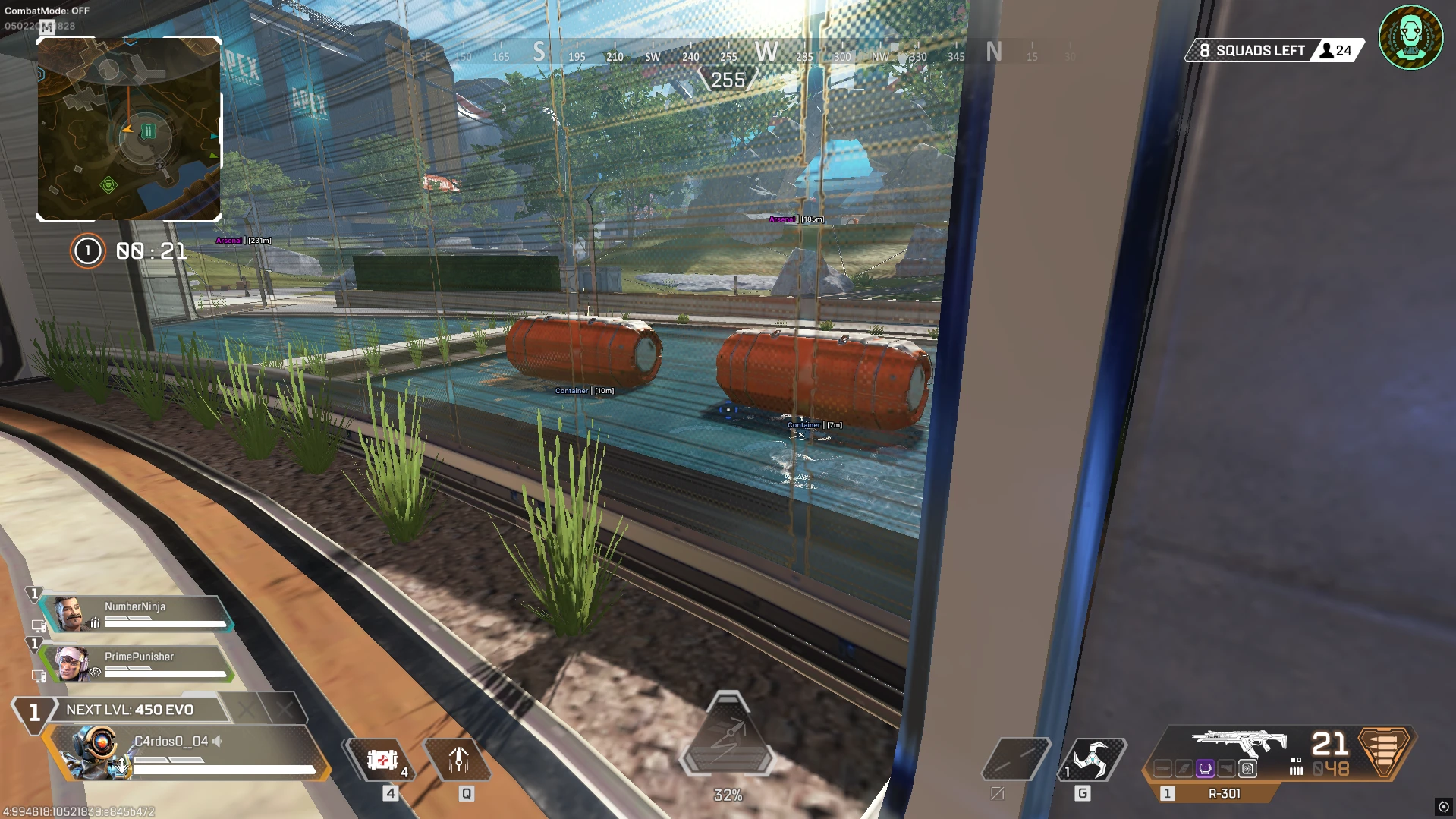
- Loot Filters – choose which items to display in ESP (by class and rarity)
- Deathbox – show deathboxes
- Containers – show loot containers
- Arsenal – show weapons and ammo
- Weapon – show weapons
- Ammo – show ammunition
- Optic – show optics
- Magazine – show magazines
- Stock – show other weapon attachments
- Name – show item names in ESP
- Distance – show distance to items
- Weapon Chams – enable glow/coloring for weapon items
Operating system: Windows 10, Windows 11 (21H2, 22H2, 23H2, 24H2, 25H2)
Processor: AMD & Intel
Video card: NVIDIA & AMD
Client: Steam, EA App
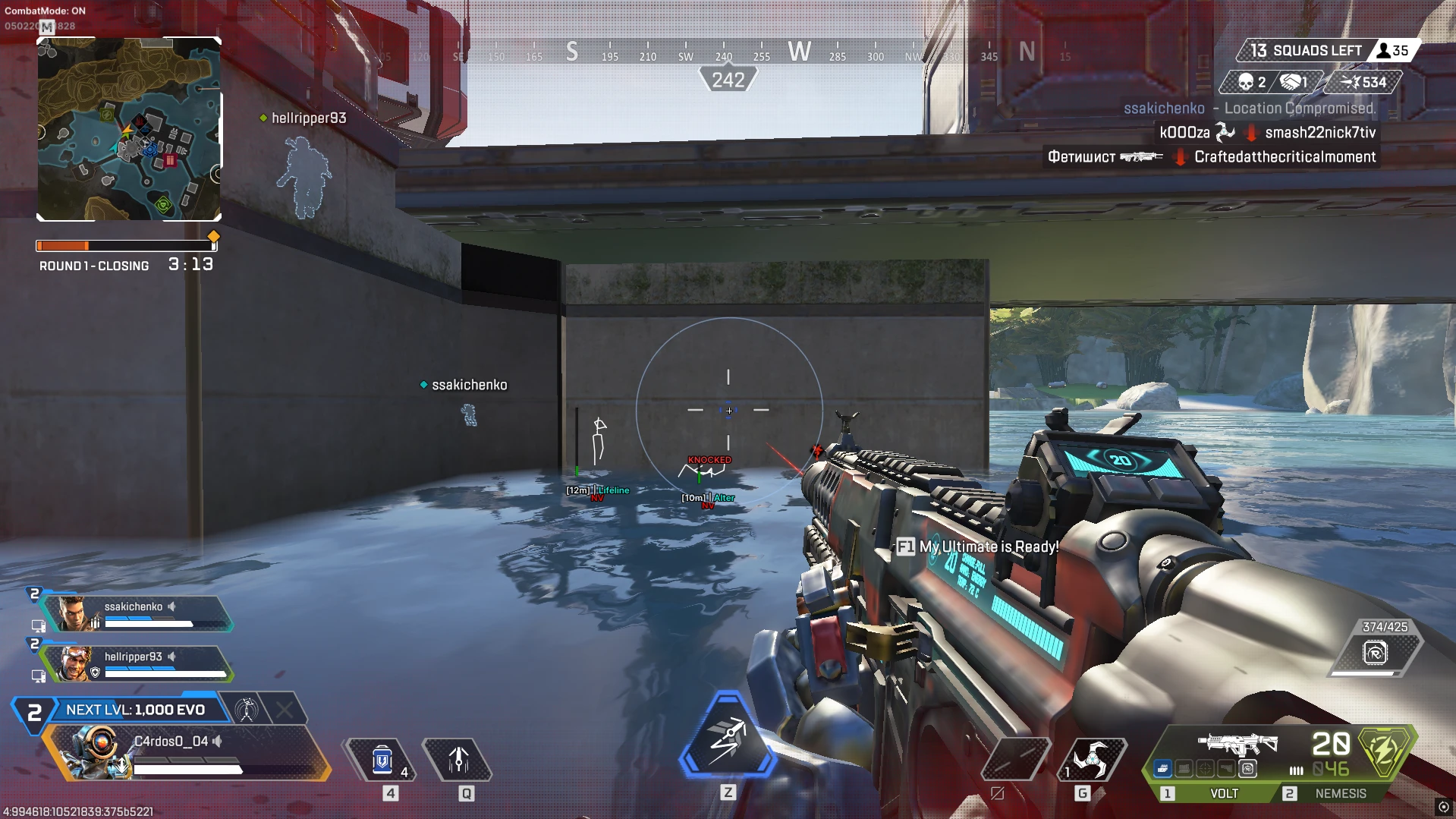
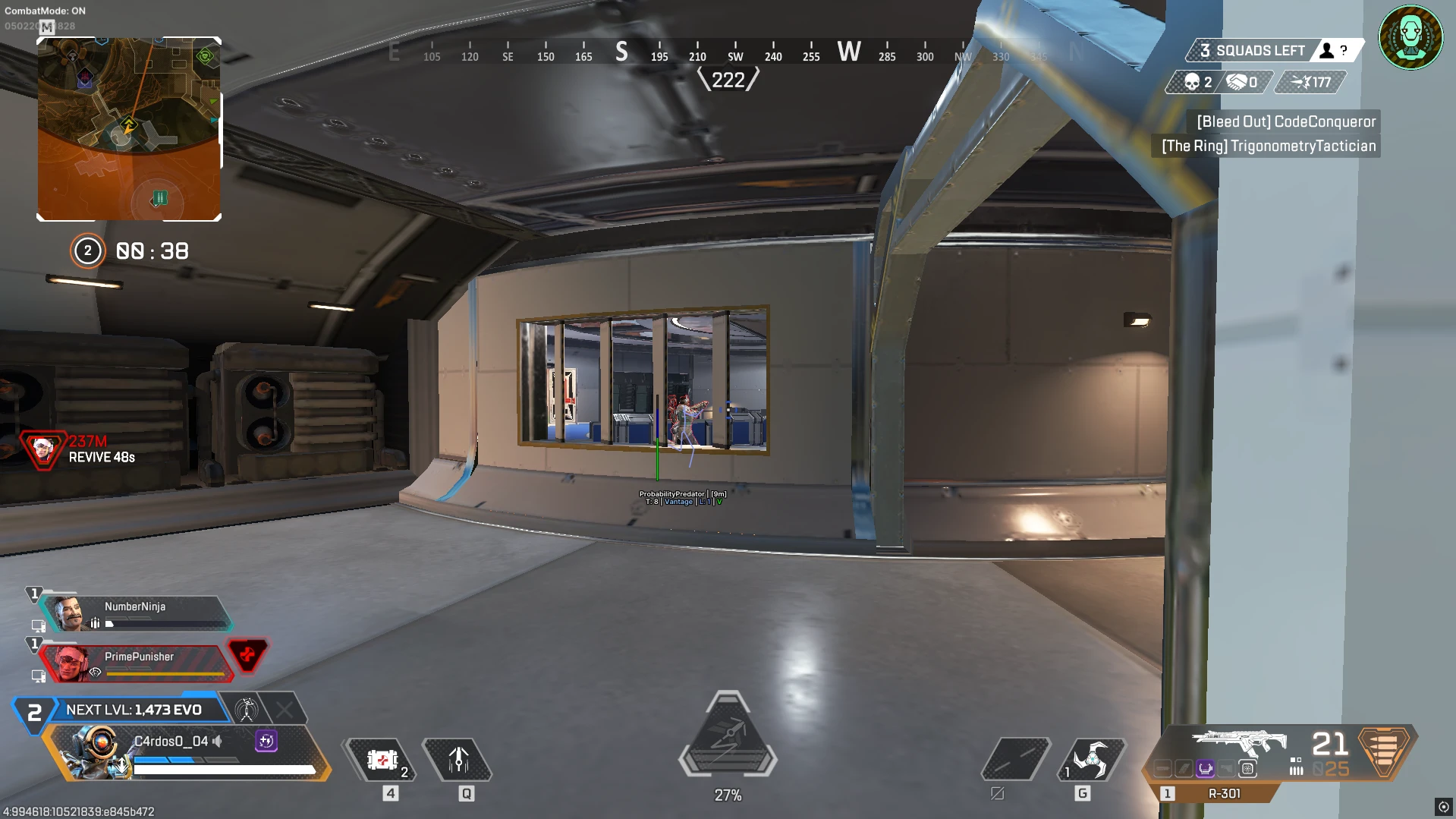
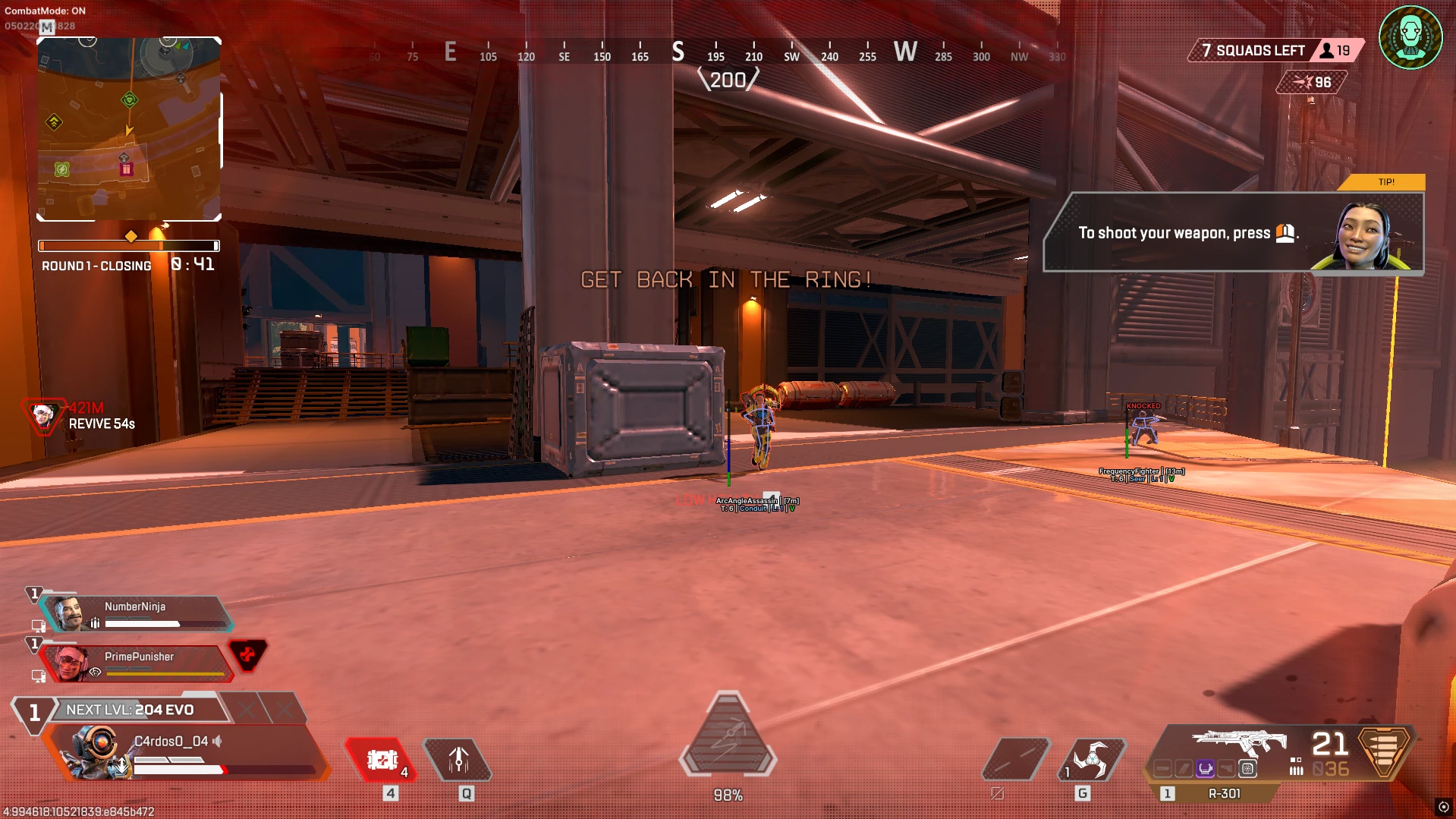
- Chams – enables glowing player model coloring
- Box – 2D boxes around players
- Visible Check – different display for visible and invisible targets
- Name – show player names
- Level – display player level
- Legend – shows character legend
- Team ID – show squad number
- Health Bar – display health bar
- Shield Bar – display shield bar
- Head Circle – circle around the head
- Skeleton – display player skeleton
- Snapline – line from screen to player
- View Direction – show target view direction
- Show/Hide Knocked – show or hide knocked players
- Only Enemies – show enemies only
- Distance – display distance to player in meters
- Max Distance – maximum ESP display distance
- Crosshair – adds an additional crosshair in the center of the screen
- Font Size – changes font size for ESP elements
- Battle-Mode – disables all World ESP on key press
- Configs – simple and convenient config system with lists
- Theme – light and dark cheat menu themes
- Search – search for desired cheat parameter via search bar
- ESP Customization – customize ESP colors via sliders
- Super Glide – a fast and long jump after climbing to instantly change position (customizable)
- Tap Strafe – a sharp change of direction in the air while maintaining speed (customizable)
Bundle Offers
Save when you add all items
✓ All bundle items in cart