Image
Apex │ UNNAMED INTERNAL
UndetectedInstant DeliveryDescription
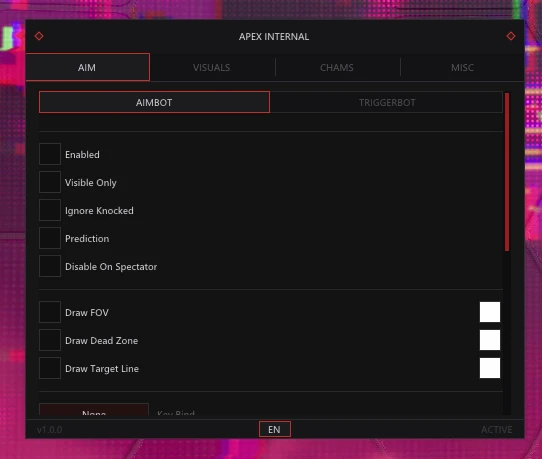
- Aimbot – enables automatic aiming at targets
- Aim Key – assigns a key to activate the aimbot
- Smooth – adjusts aim smoothness (configurable)
- Speed – adjusts aim speed (configurable)
- Prediction – accounts for target movement speed and direction when aiming
- FOV – allows changing the aimbot target acquisition area (configurable)
- Dead Zone – allows changing the non-activation zone of the aimbot (configurable)
- Bone – allows selecting the body part to aim at
- Stickiness – adjusts the strength of aim lock on the target (configurable)
- Target Filter – allows selecting target priority
- Target Switch Delay – adjusts the delay between switching targets (configurable)
- Disable on Spectator – automatically disables the aimbot when being spectated
- Ignore Knocked – ignores downed enemies
- Team Check – excludes teammates from targets
- Visible Check – aims only at visible targets
- Maximum Distance – limits the maximum aimbot range (configurable)
- Show Aimbot FOV – displays the aimbot working area
- Show Dead Zone FOV – displays the aimbot non-activation zone
- Target Line – displays a line to the current target
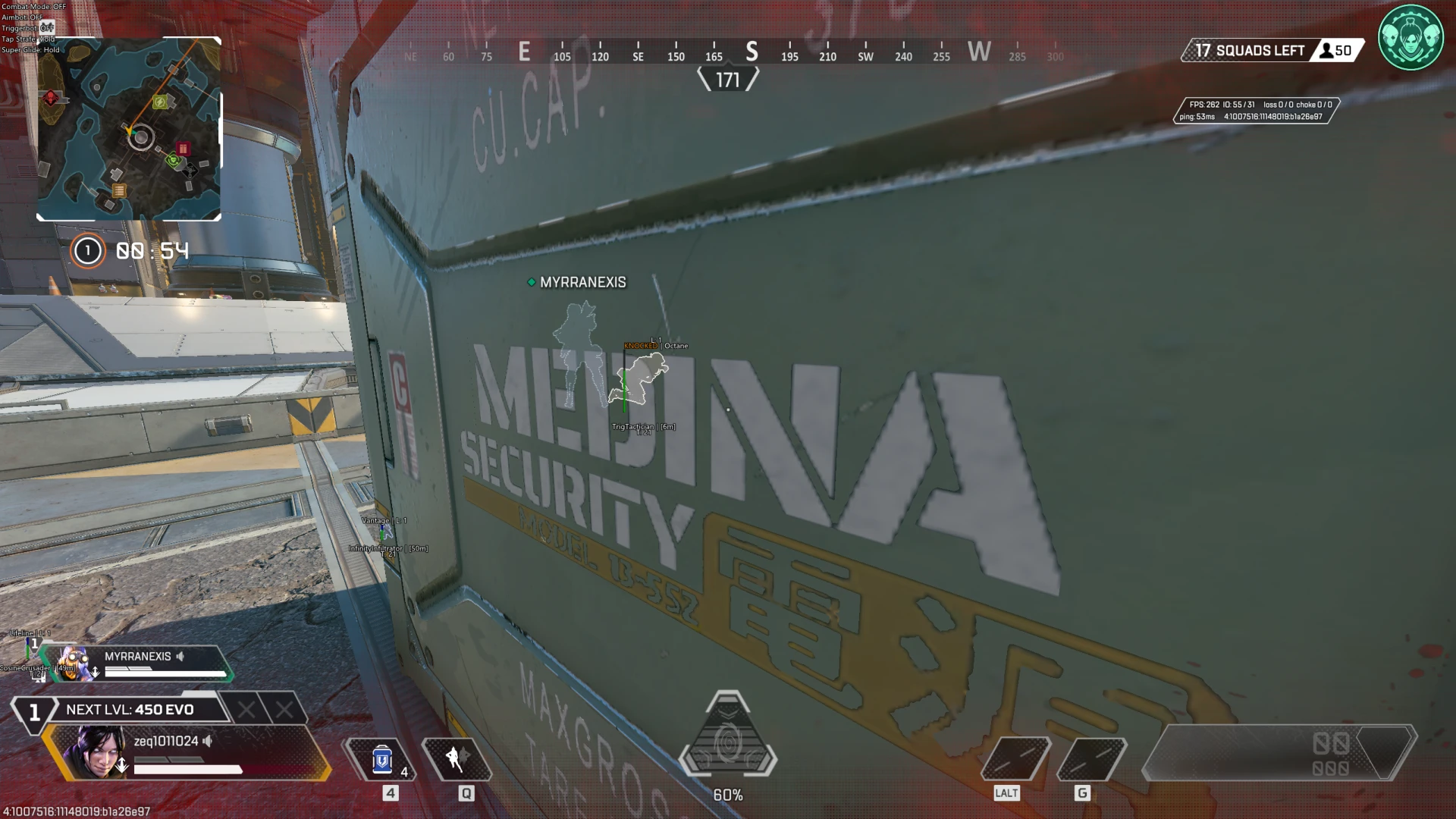
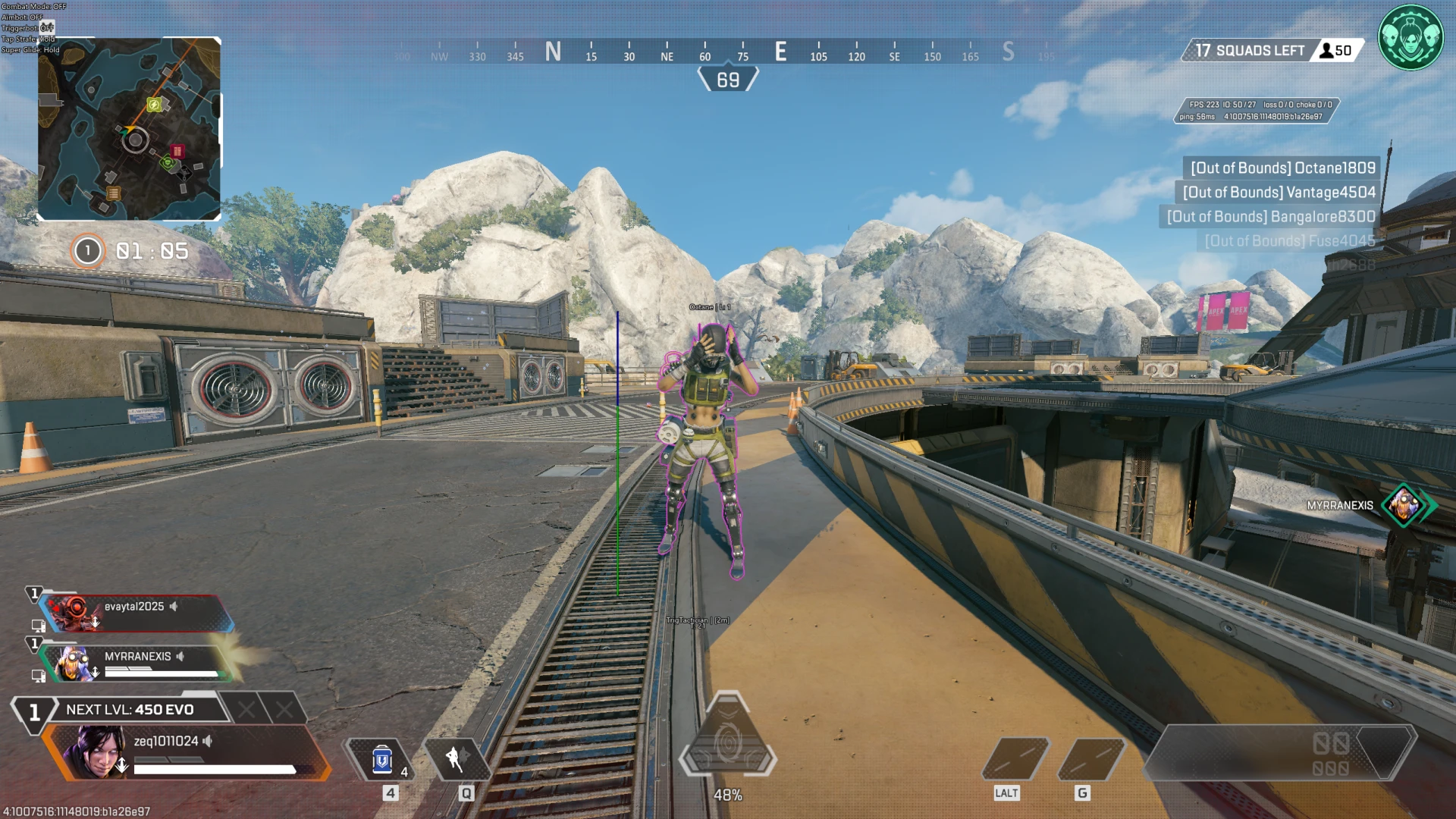
- Chams – highlights player models
- Weapon Chams – highlights players' weapons
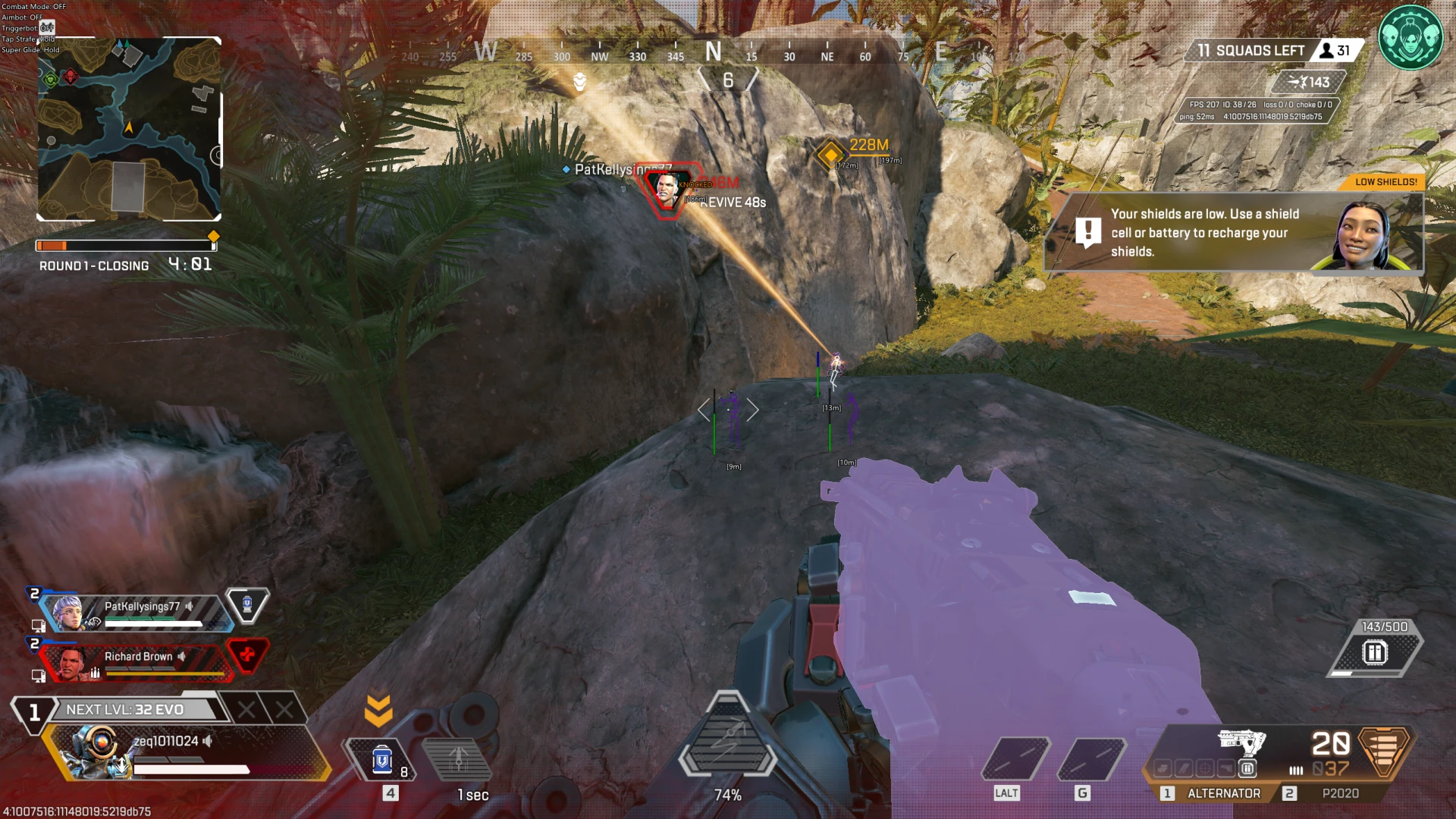
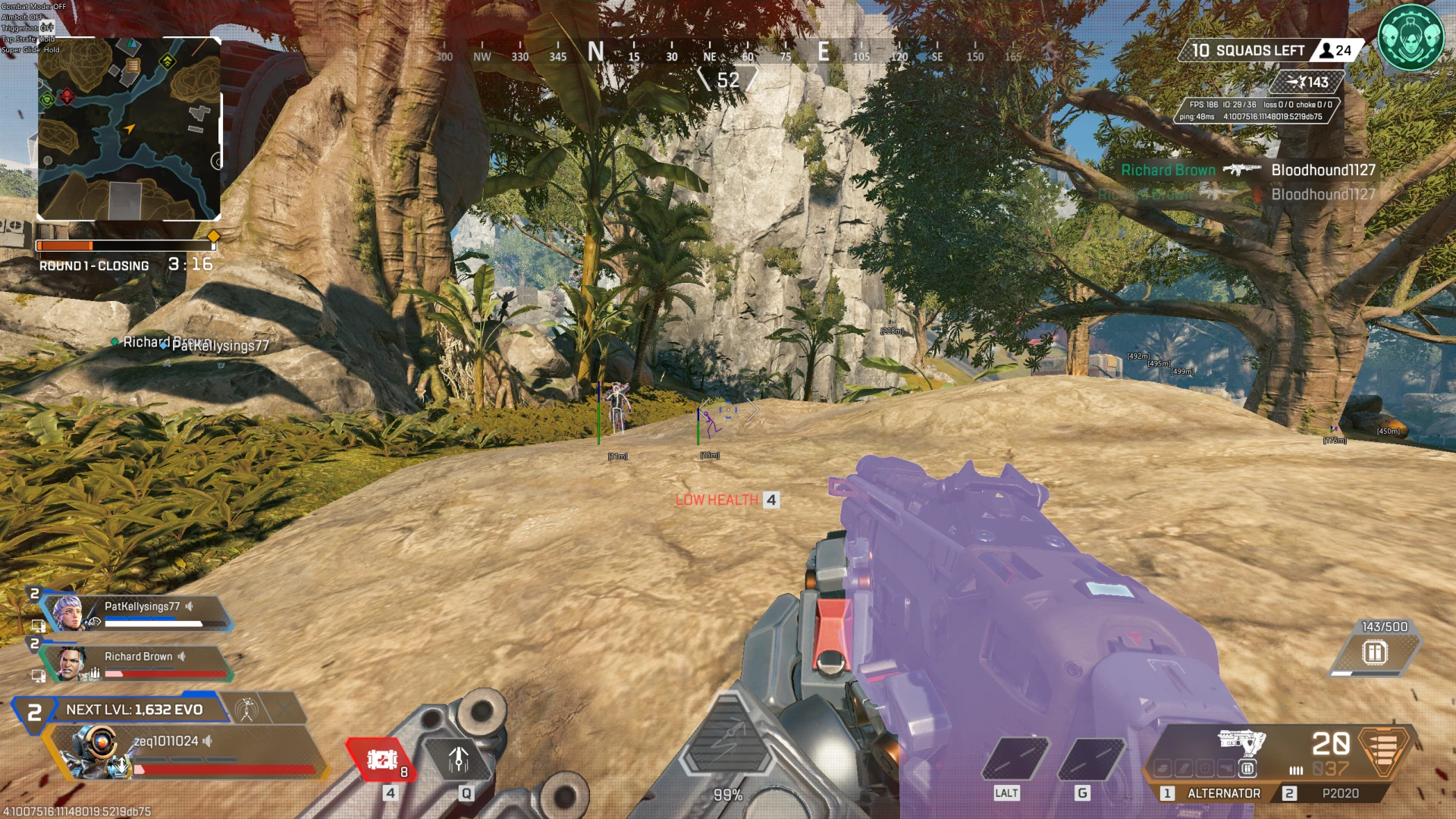
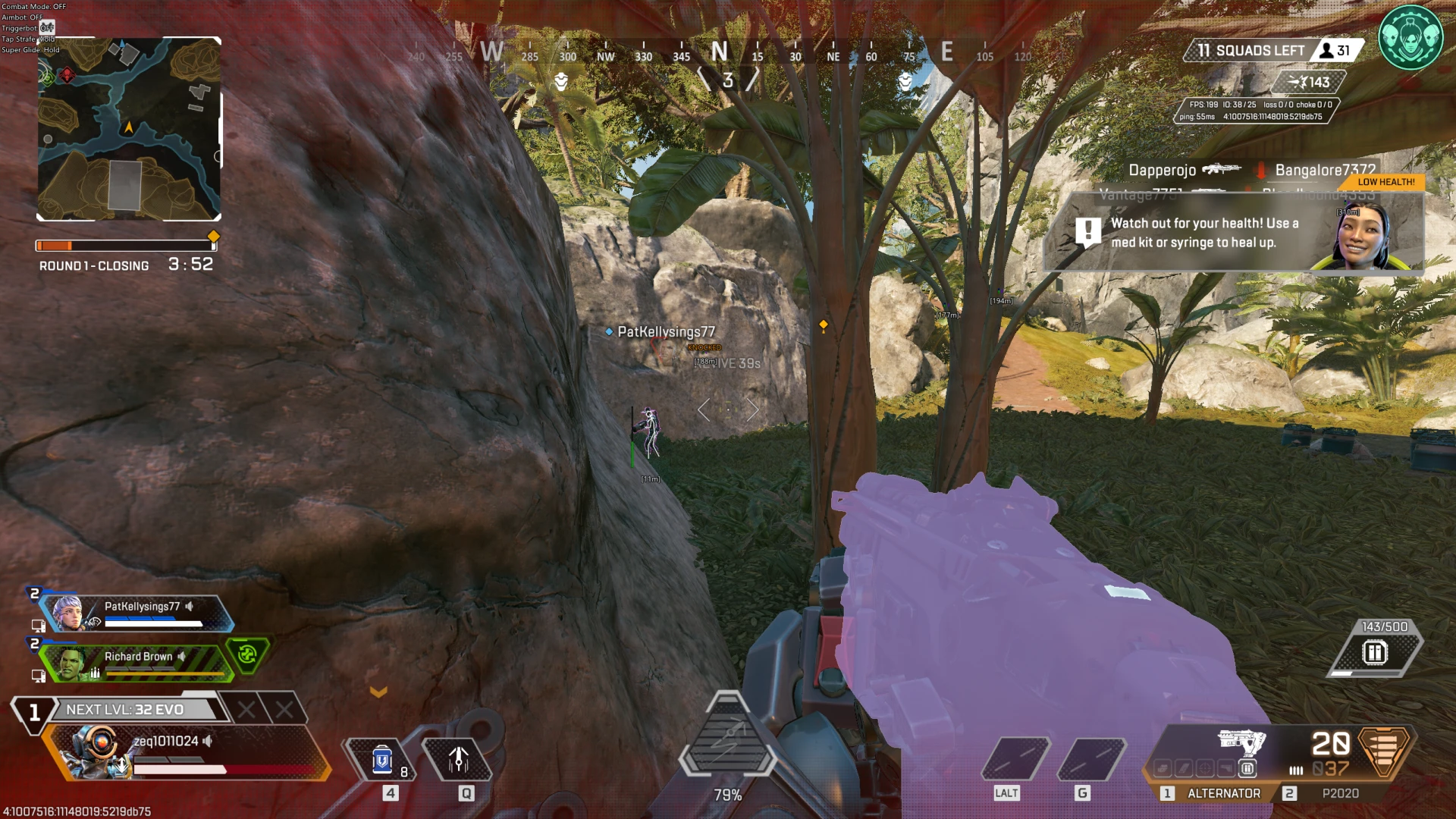
- Box – displays boxes around players
- Skeleton – displays player skeletons
- Head Circle – displays a circle around players' heads
- Health Bar – displays players' health bars
- Shield Bar – displays players' shield bars
- View Direction – displays players' view direction
- Name – displays players' in-game nicknames
- Level – displays players' levels
- Legend – displays the selected character legend
- Team ID – displays the player's team identifier
- Distance – displays the distance to players
- Snapline – displays lines to players
- Show Knocked – displays downed players
- Visible Check – visible/invisible targets are shown in different colors
- Ignore Knocked – hides downed players
- Only Enemies – displays only enemies
Operating system: Windows 10, Windows 11 (21H2, 22H2, 23H2, 24H2, 25H2)
Processor: AMD & Intel
Video card: NVIDIA & AMD
Client: Steam, EA App
- Triggerbot – automatically fires when aiming at a target
- Trigger Key – assigns a key to activate the triggerbot
- Trigger Mode – allows selecting the triggerbot operating mode
- First Shot Delay – adjusts the delay before the first shot (configurable)
- Shot Delay – adjusts the delay between shots (configurable)
- Disable on Spectator – automatically disables the triggerbot when being spectated
- Native Controller Support – enables game controller support for the aimbot
- Super Glide – automatically performs Super Glide
- Super Glide Key – assigns a key to activate Super Glide
- Super Glide Mode – allows selecting the Super Glide operating mode
- Tap Strafe – automatically performs Tap Strafe
- Tap Strafe Key – assigns a key to activate Tap Strafe
- Tap Strafe Mode – allows selecting the Tap Strafe operating mode
- Spectator List – displays the list of spectators
- ESP Size – allows changing the size of ESP elements (configurable)
- Features Status – displays the status of active features in a separate window
- Crosshair – displays an additional crosshair
- Combat Mode – disables unnecessary ESP features and keeps only player wallhack
Bundle Offers
Save when you add all items
✓ All bundle items in cart