Image
Arc Raiders │ ARCANE RADAR
FrozenInstant DeliveryDescription
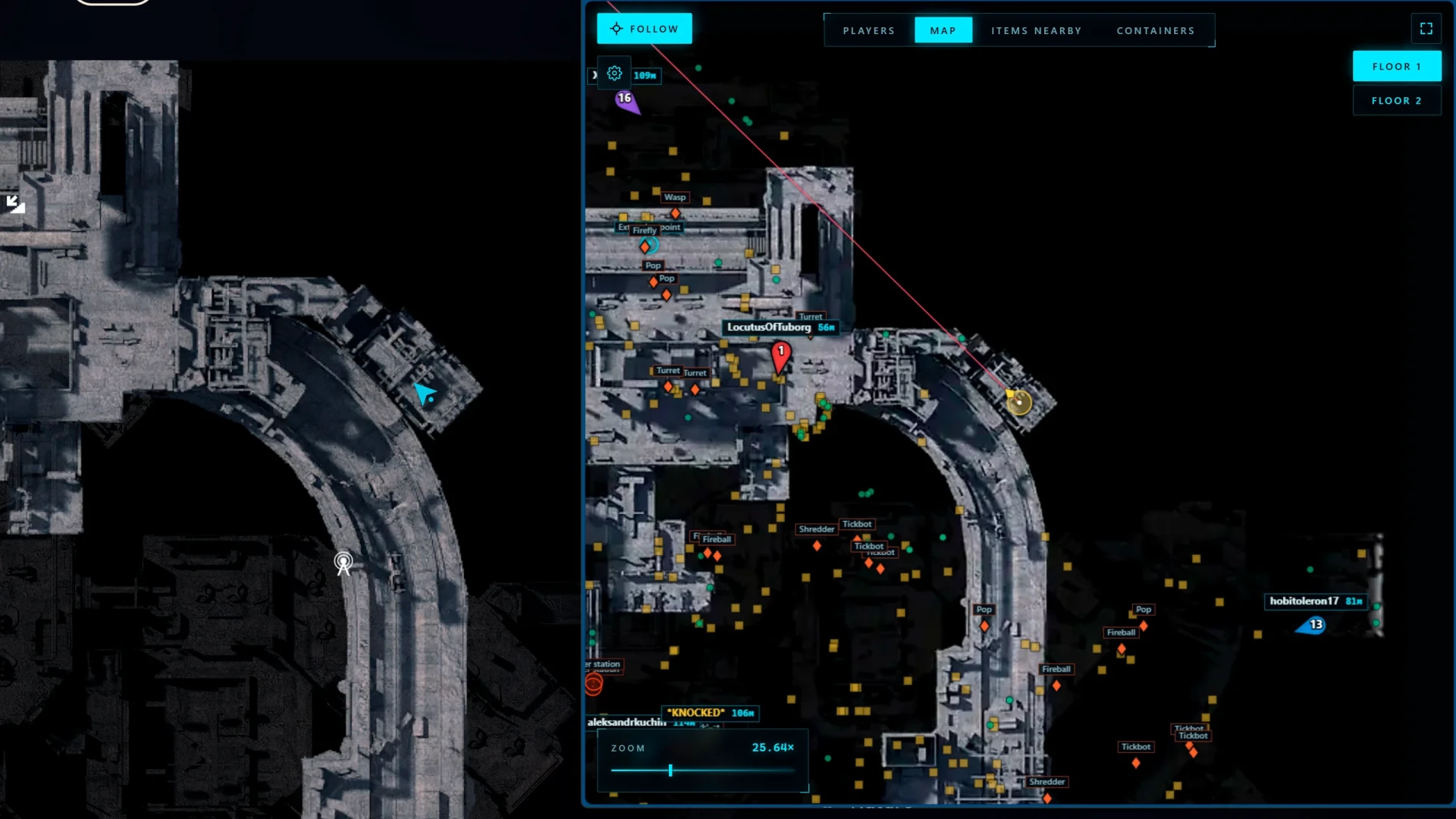
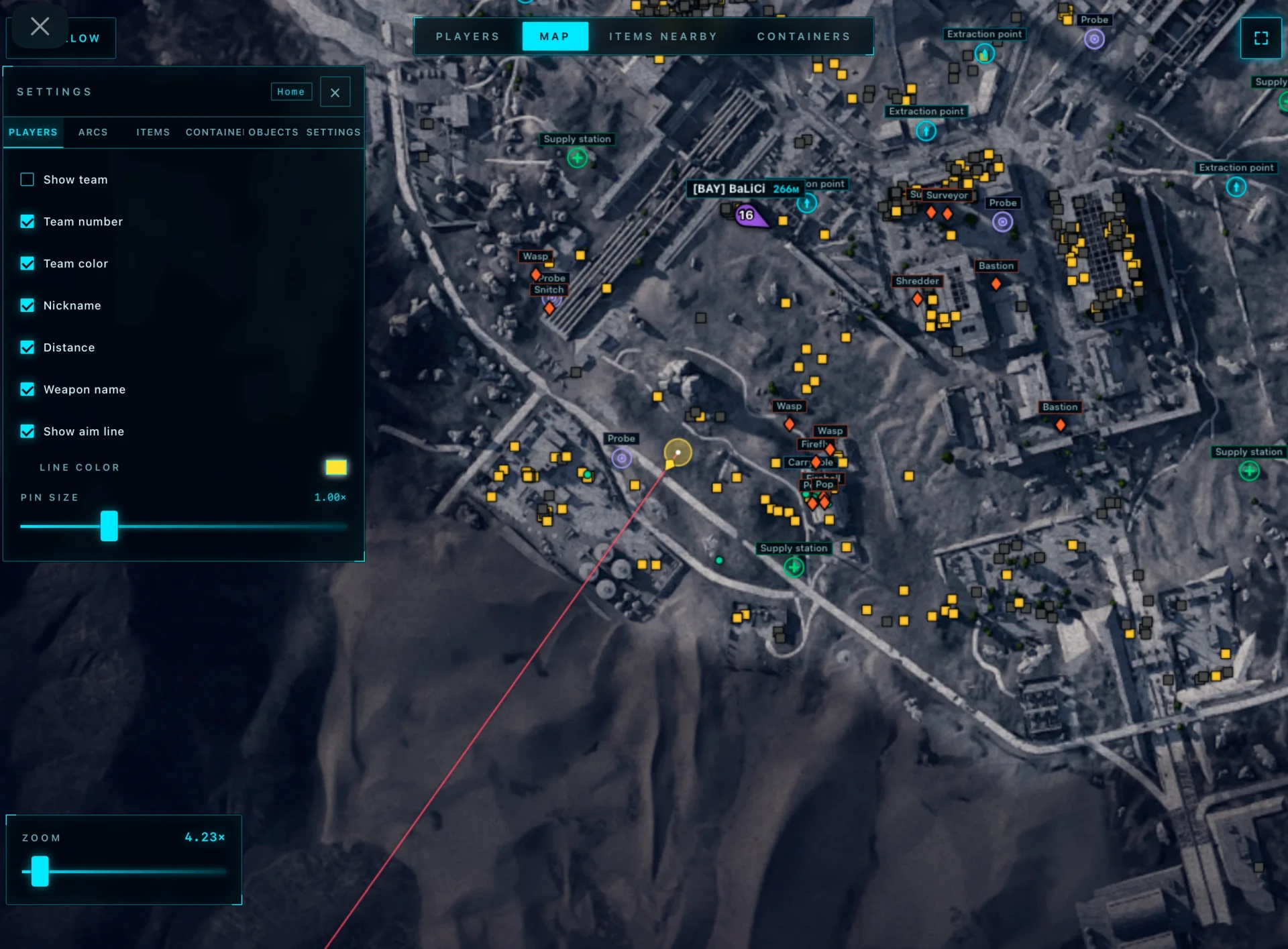
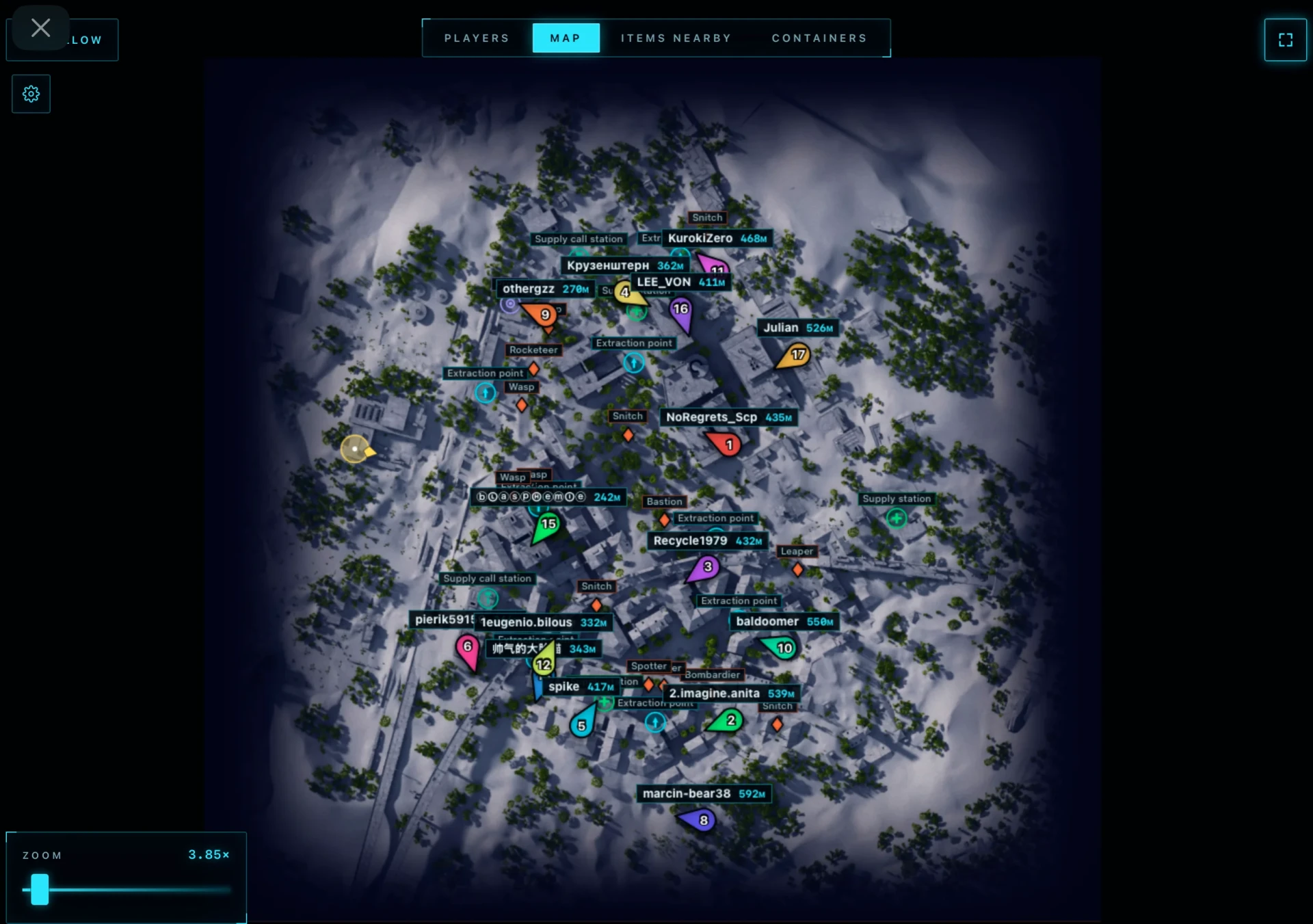
- Show Team – displays squads of all players in the match (can show everyone or only selected players)
- Team Number – shows the team number next to each player
- Team Color – colors players according to their team for easier navigation
- Nickname – displays player nicknames
- Distance – shows the distance to each player
- Show Aim Line – displays the line indicating the player's viewing direction
- Players Size – changes the size of player markers on the radar
- Show ARCs – displays all detected ARCs on the map
- Show Name – shows the name of each ARC
- Show Distance – displays the distance to the ARC
- Font Size – changes the text size for drones
- Team Number – displays the player’s team number
- Name – shows the player’s nickname
- Weapon – displays the weapon being used
- Health – shows the current health level
- Distance – displays the distance to the player
- Show – highlights the selected player on the map
- Route – creates a route to the selected player
- Status – displays the container status (opened or closed)
- Name – shows the container name
- Type – displays the container type
- Distance – shows the distance to the container
- Show Container – highlights the container on the map
- Route to Container – creates a route to the selected container
Operating system: Windows 10, Windows 11 (21H2, 22H2, 23H2, 24H2, 25H2)
Processor: AMD & Intel
Video card: AMD & NVIDIA
Client: Epic Games, Steam, Microsoft Store (Xbox)
- Show Items – displays items located on the map
- Show Name – shows the name of each item
- Show Distance – displays the distance to items
- Font Size – changes the text size for items
- Opacity – adjusts the transparency of displayed items
- Category Selector – allows selecting only the needed item categories for display
- Show Containers – displays all available containers on the map
- Hide Opened – hides already opened containers
- Show Name – displays the container name
- Show Distance – shows the distance to the container
- Font Size – changes the font size for containers
- Opacity – adjusts the transparency of container markers
- Types Selector – allows selecting which types of containers and objects to display
- Extraction Points – extraction points
- Supply Call Station – supply call stations
- Supply Station – supply stations
- Power Station – power stations
- Probe – probes
- Mine – mines
- Quest – quest objects
- Carryable – carryable items
- Grenade – grenades
- Search for Nearby Items – displays a list of nearby items
- Name – shows the item name
- Distance – displays the distance to the item
- Show Item – highlights the item on the map
- Route to Item – creates a route to the selected item
- Browser Radar – this type of radar works through a browser and allows launching the map on any device (second monitor, laptop, tablet, Steam overlay, smartphone, etc.)
- Share Link – ability to share the radar with a teammate via a link
Bundle Offers
Save when you add all items
✓ All bundle items in cart