Image
ARC Raiders │ GHOST
UndetectedDescription
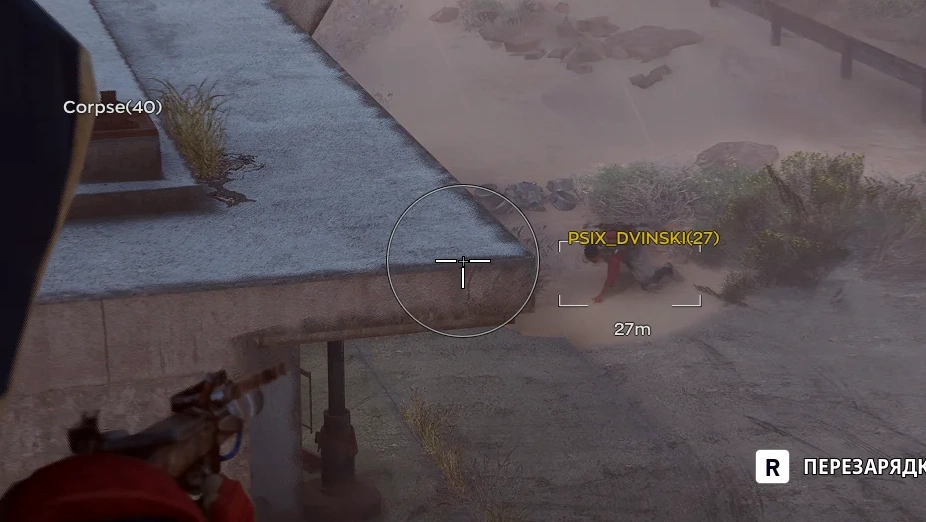
- Enable – enables or disables the aimbot
- Aim Key – the key used to activate the aimbot
- FOV – sets the target acquisition radius
- Smooth – adjusts how smoothly the aim moves toward enemies
- Visible Check – allows aiming only at visible enemies
- Target Lock – keeps the selected target locked until eliminated
- Aim Method – selects the aiming method (Memory or Mouse)
- Hitbox – selects the body part to aim at
- Target Priority – sets the target selection priority
- Recoil Control – compensates for weapon recoil while shooting
- Max Distance – limits the maximum aimbot range
- Humanization Enable – enables humanized aiming movement
- Jitter – adds slight crosshair movement to simulate natural aim
- Deadzone – sets an area around the target where the aimbot will not adjust the aim
- Reaction Min / Max – sets the minimum and maximum delay before aiming
- Max Speed – limits the maximum crosshair movement speed
- Enable – enables or disables loot rendering
- Loot Filter – allows filtering items by rarity (common, rare, epic, legendary, etc.)
- Items List – allows selecting specific items to display on the map
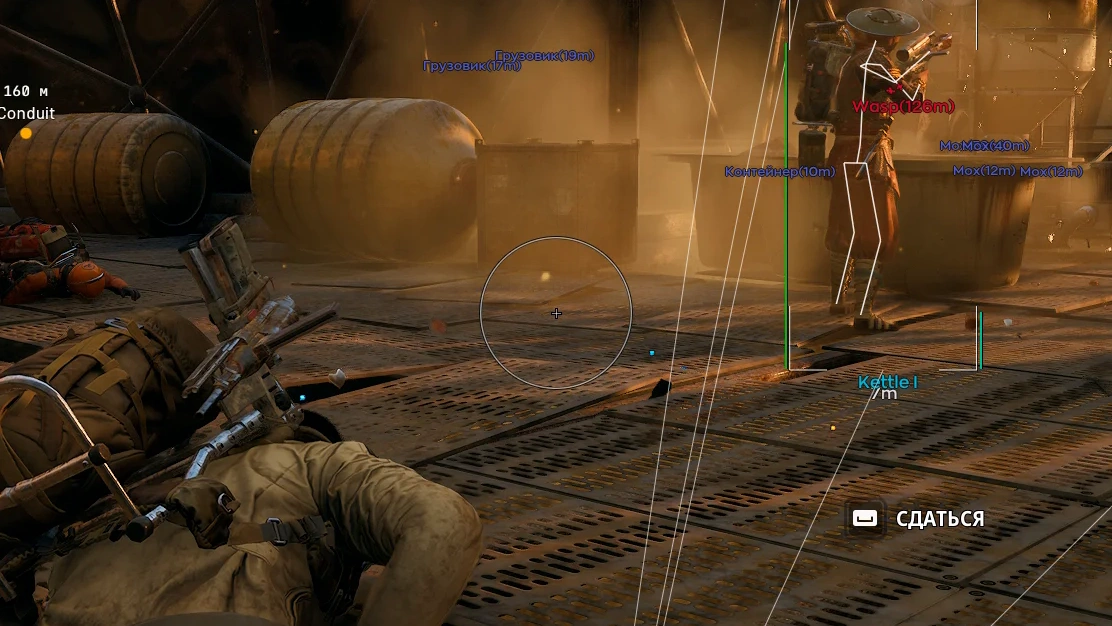
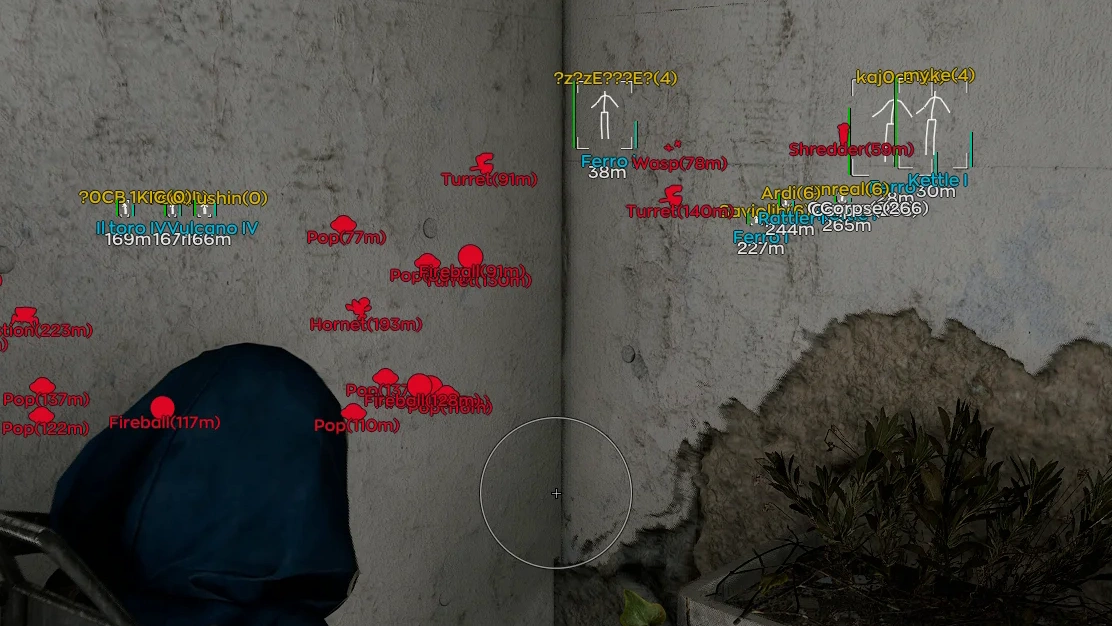
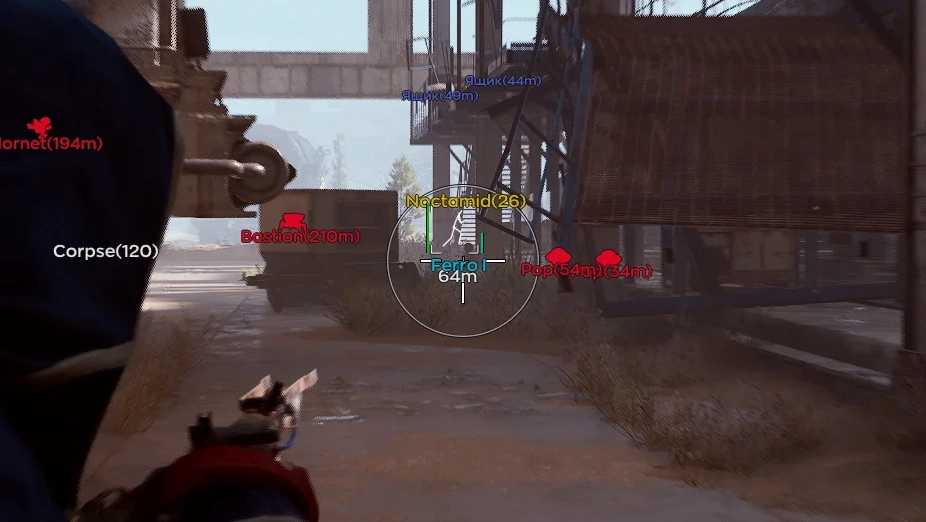
- Drones – displays drones and other ARC types
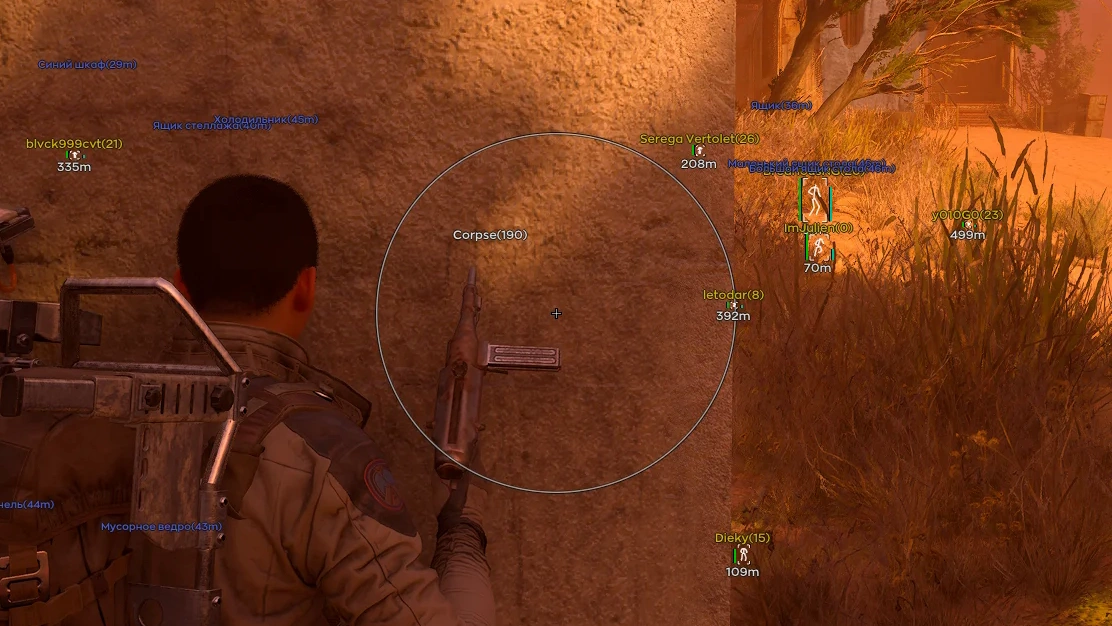
- Containers – displays containers and loot locations
- World – displays environmental objects including
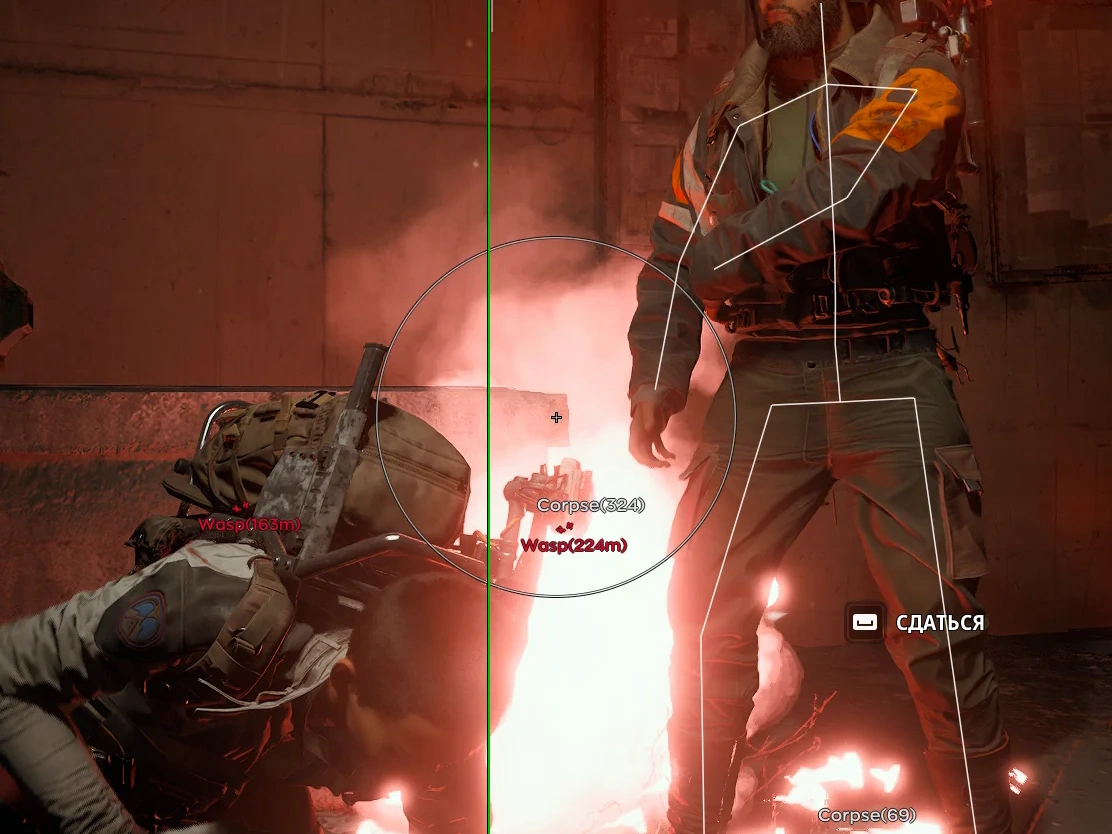
- Corpse – displays the bodies of fallen enemies
Operating system: Windows 10, Windows 11 (21H2, 22H2, 23H2, 24H2, 25H2)
Processor: Intel & AMD
Video card: Nvidia & AMD
Client: Steam
- Enable – enables or disables player rendering
- Visible Check – displays only visible enemies
- Box – draws a box around the player model
- Skeleton – displays the player's skeleton
- Name – shows the player's name
- Distance – displays the distance to the player
- Snapline – draws a line from the screen to the player
- Offscreen Arrows – indicates the direction of players outside the screen
- Health – displays the player's health level
- Player Status – shows the player's status
- Weapon – displays the player's current weapon
- Team ID – shows the player's team affiliation
- Armor Bar – displays the player's armor level
- No Recoil – removes weapon recoil
- No Spread – eliminates bullet spread
- Rapid Fire – increases fire rate
- Flashlight Color – allows changing the flashlight color
- Config System – allows managing configurations and saving mod menu settings
- Create Config – creates a new configuration
- Delete Config – deletes a saved configuration
- Save Config – saves the current settings
- Load Config – loads saved settings
- Export Config – exports a configuration
- Import Config – imports a configuration
- Watermark – displays the mod menu watermark on the screen
- Keybind Indicator – shows a panel with assigned hotkeys
- Shadow Text – adds a shadow to text for better readability
- Battle Mode – hides unnecessary interface elements for a cleaner view during combat
- Crosshair – displays an additional crosshair over the game
- Menu Key – allows assigning a key to open the menu
- DPI Scale – adjusts the interface scale
- AI Assistant – allows asking the built-in AI bot questions about mod menu settings
Bundle Offers
Save when you add all items
✓ All bundle items in cart