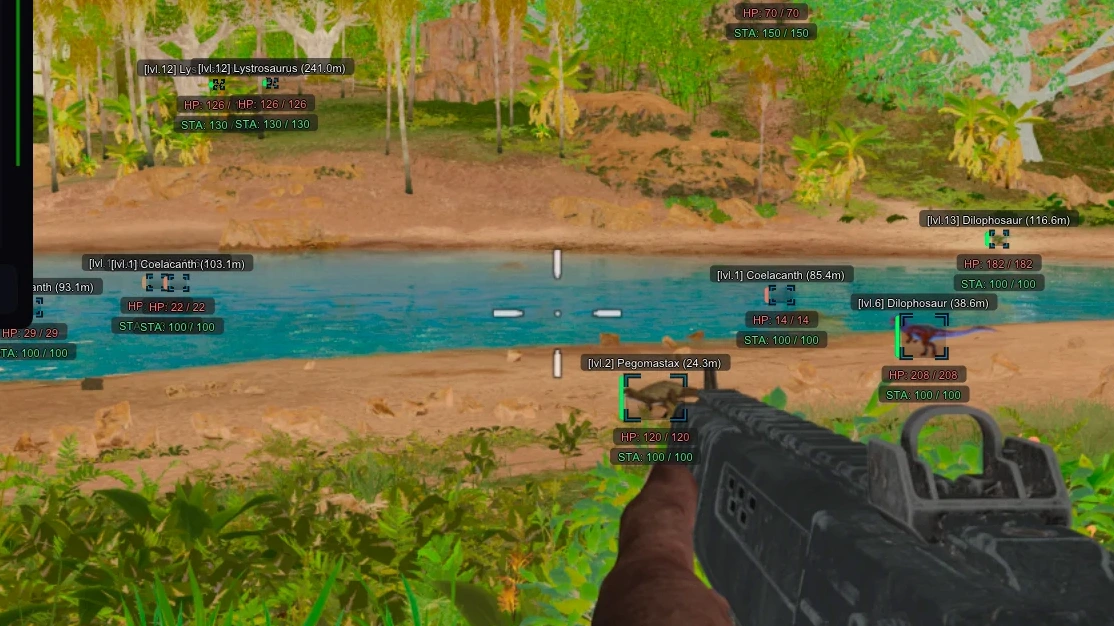
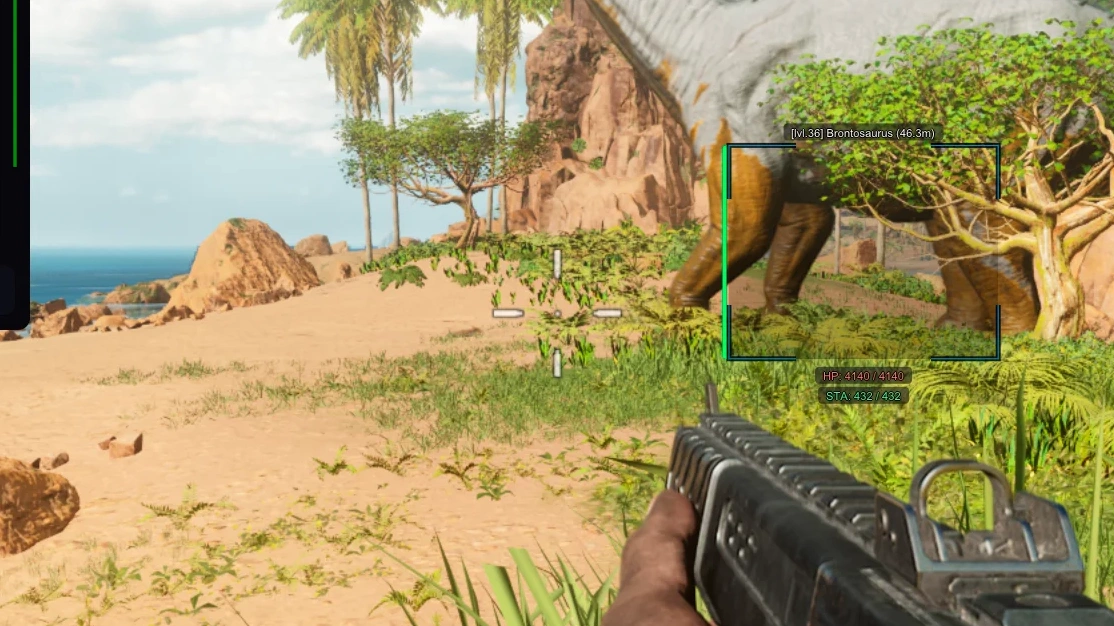
Description
- Enable Aimbot – enable or disable aimbot
- Aim Key – set a custom key for activating aimbot
- Aim Mode (Hold, Always) – choose aim mode (hold key or always active)
- Targets (Players, Dinos) – separate aim settings for players and dinosaurs
- Ignore Targets (Sleeper, Dead) – the ability to ignore the aim on sleeping or dead people
- Prediction – trajectory prediction for aiming
- Humanization – make aimbot movements look more human-like
- FOV – working area (radius) of aimbot
- Draw FOV – display aimbot working area as a circle
- FOV Color – set color of the aimbot FOV circle
- Distance – working distance of aimbot
- Priority (Screen Center, Distance) – target priority (screen center or distance)
- Smooth – smoothness level of aimbot movements
- Box 2D - WH display mode (boxes or corners)
- Box Filled - box fill type (static or gradient)
- Health Bar - health indicator of characters
- Health Text - character HP level in text form
- Nickname - players' in-game names
- Distance - distance to targets in meters
- Level - shows the player's level
- Item In Hands - current item in characters' hands
- Show Ammo Count - display the amount of ammunition
- Skeleton - ESP in the form of skeletons
- Show Dead - display dead players
- Sleeping - display sleeping players
- Line - draws lines to targets
- View Line - shows the direction of the players' view
- Rendering Distance - WH working distance
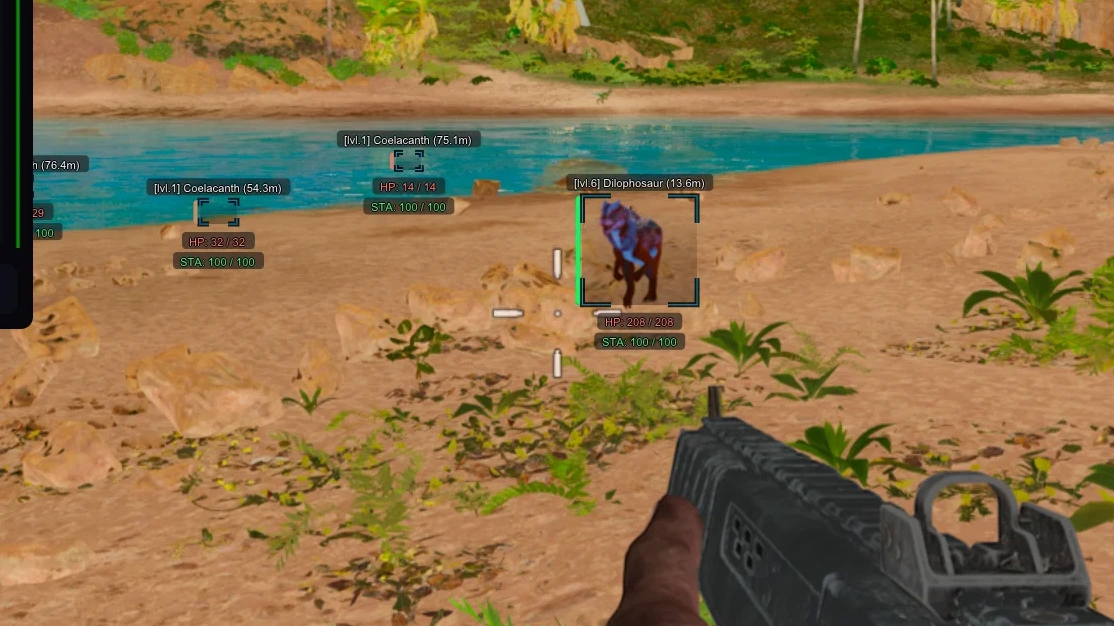
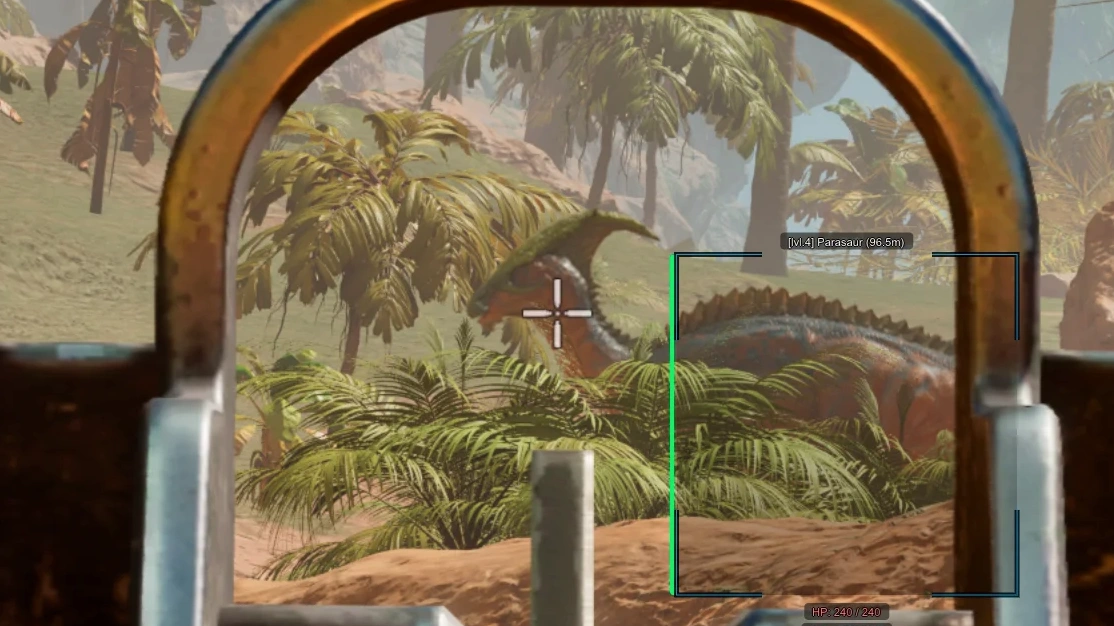
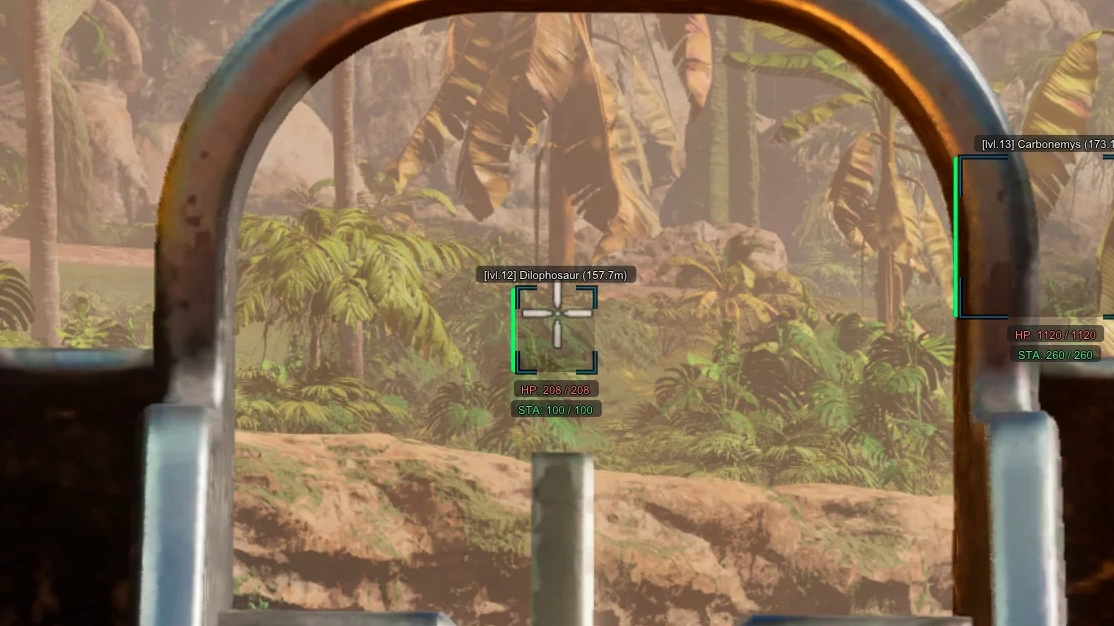
- Box 2D - WH display mode (boxes or corners) around the dino model
- Box Filled - box fill type (static or gradient)
- Health Bar - health indicator of dinosaurs
- Dino Species - shows the type of dinosaurs
- Distance - distance to targets in meters
- Level - shows the dino's level
- Health Text - character HP level in text form
- Stamina - displays the dinosaur's stamina level
- Weight - displays the dino's weight
- Sleeping - display sleeping dinos
- Show Dead - display dead dinos
- Rendering Distance - WH working distance on Dinos
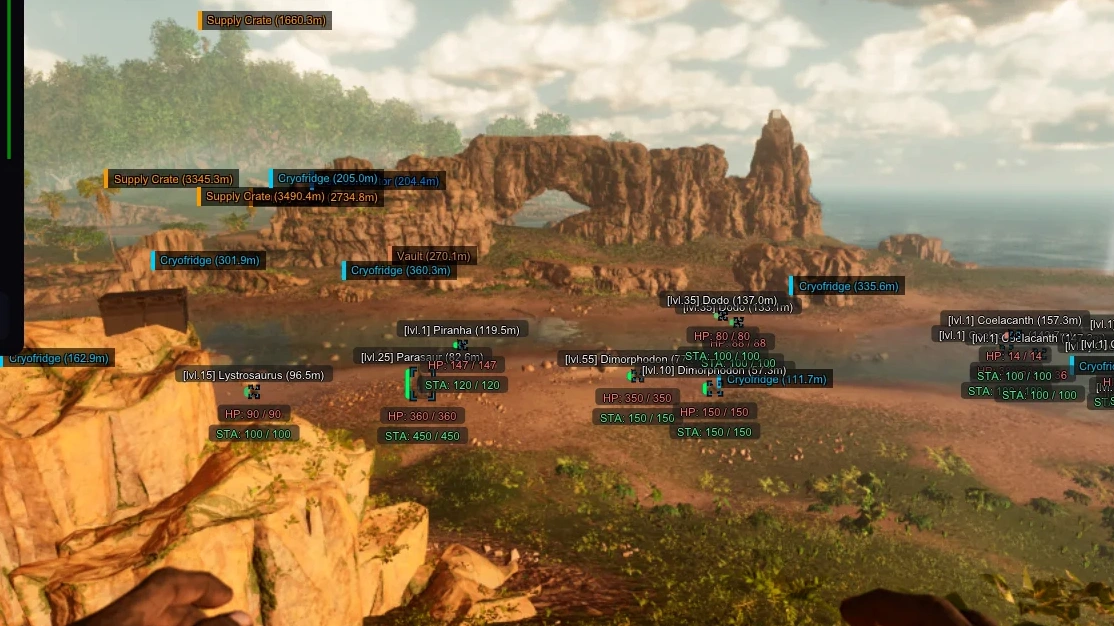
- Enable – enable ESP for items and world objects
- Items – display items and loot
- Objects – display environmental objects
- Categories – filter displayed objects by category
- Names – show names of displayed objects
- Distance – show distance to items in meters
- Max Distance – maximum working range of this ESP tab
- Battle Mode – combat mode, disables all ESP except players
- Loot – show loot dropped on the ground
- Resources – display resources (wood, metal, stone, etc)
- Structures – show buildable structures and objects
- Supply Crate – display supply drops
- Sleeping Places – show beds, sleeping bags, etc
- Storages – display storage boxes (loot, ammo, etc)
- Other Objects – show workbenches, machines, turrets, etc
- Dino Upscaler – visually enlarge your dinosaur model
- Disable Shadow – feature for disable shadows in Ark Ascended
- No Recoil – completely remove weapon recoil
- No Spread – disable bullet spread, all bullets hit one point
- Rapid Fire – maximum fire rate for semi-automatic weapons
- No Camera Shake – disable camera shake
- FOV Changer – increase field of view
- Zoom Hack – multiple zoom levels without optics
- Crosshair – static crosshair in the center of the screen
- Off Screen Arrows - arrows pointing to enemies outside your field of view
- Menu Style – color and scale customization for Arcane Ark Ascended menu
- Language (Russian, English, Chinese) – cheat Arcane supports 3 languages: Russian, English, Chinese
- StreamProof – completely hide cheat from screen recording, streaming, and screenshots
- HWID Spoofer – built-in spoofer to bypass and protect from hardware bans
Operating system: Windows 10, Windows 11 (21H2, 22H2, 23H2, 24H2, 25H2, 26H1, 26H2)
Processor: AMD & INTEL
Video card: AMD & NVIDIA
Client: Steam, Epic Games, Microsoft Store (Xbox Gamepass PC)
RAM: 16 GB
A normal Windows install is required: not Enterprise, not optimized or repacked.
Arcane for ARK: Survival Ascended combines a friendly interface with powerful features, whether you are defending your base or raiding another tribe. Its aimbot has detailed settings for comfortable shooting, and the ESP shows players, dinosaurs and important objects, with filters to keep only what you need on screen. Extras include no recoil and no spread, view angle control and a zoom hack. A built-in HWID spoofer helps you get past hardware bans, and strong stream-proofing keeps the interface off screenshots, videos and streams. It is updated regularly for new patches.
Ark Ascended │ ARCANE
Undetected- Instant delivery: your key arrives by email and on your order page.
- Setup guide and loader included.
- 24/7 support tickets.
Questions before you buy? Open a ticket
Bundle Offers
Save when you add all items