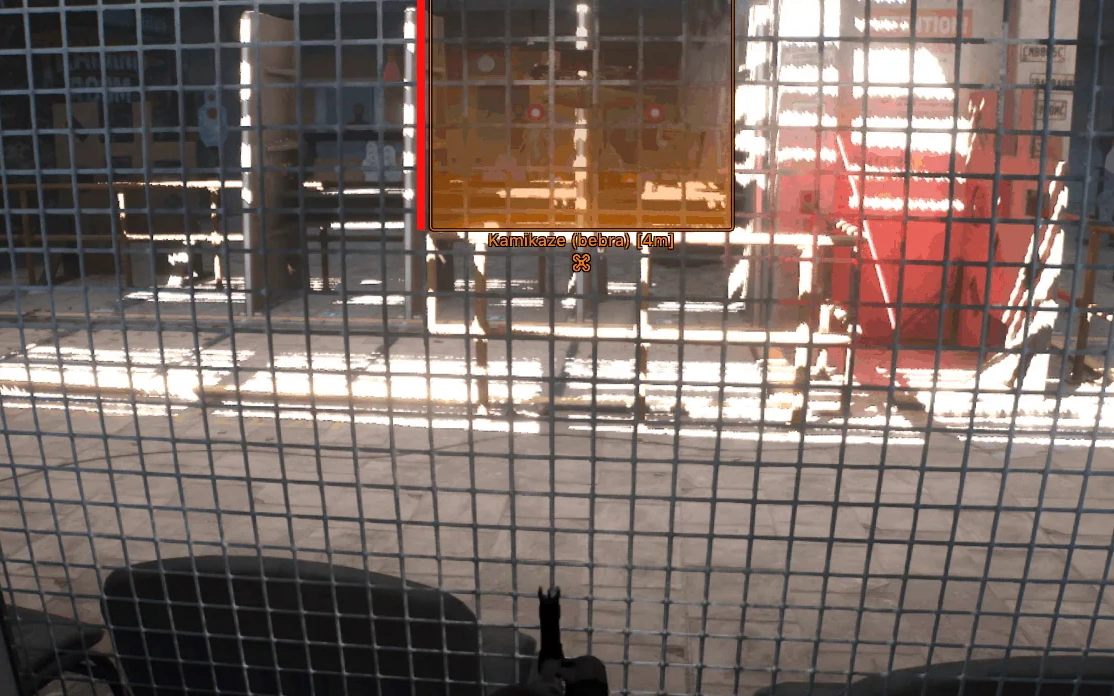
Description
- Enable – turns automatic aiming at targets on/off
- Mode – selects the operating mode (while holding the key or always on)
- Aim Key – aimbot activation key
- FOV Size – size of the target acquisition radius
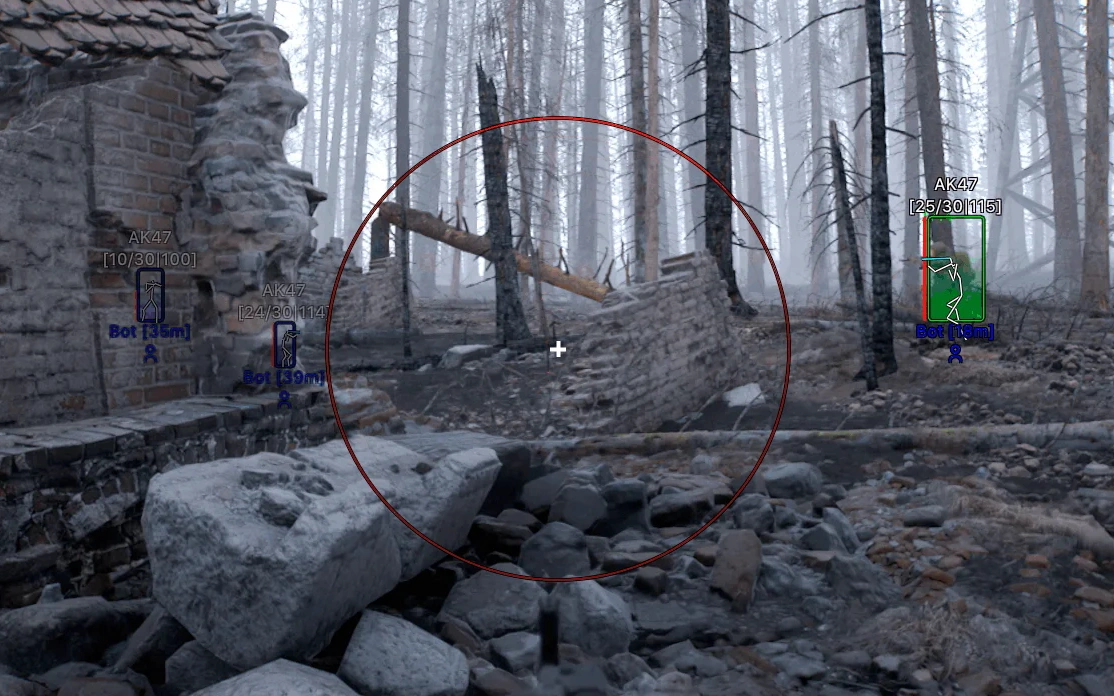
- FOV Draw – displays the aimbot area as a circle
- FOV Color – adjusts the color of the FOV circle
- FOV Thickness – adjusts the thickness of the FOV circle
- Smooth – adjusts the smoothness of aiming at the target
- Max Distance – aimbot operating distance
- Aim at Teammates – enables aiming at teammates
- Target Drones – enables aiming at drones
- Aim at Teammate Drones – enables aiming at allied drones
- Visible Check – aim only at targets within line of sight (not through walls or obstacles)
- Player Lock – locks the aimbot onto the selected target until it is eliminated/lost from sight
- Target Bone Type – selects the bone detection method (selected or nearest hitboxes)
- Selected Bone – body parts to aim at (head, neck, chest, stomach)
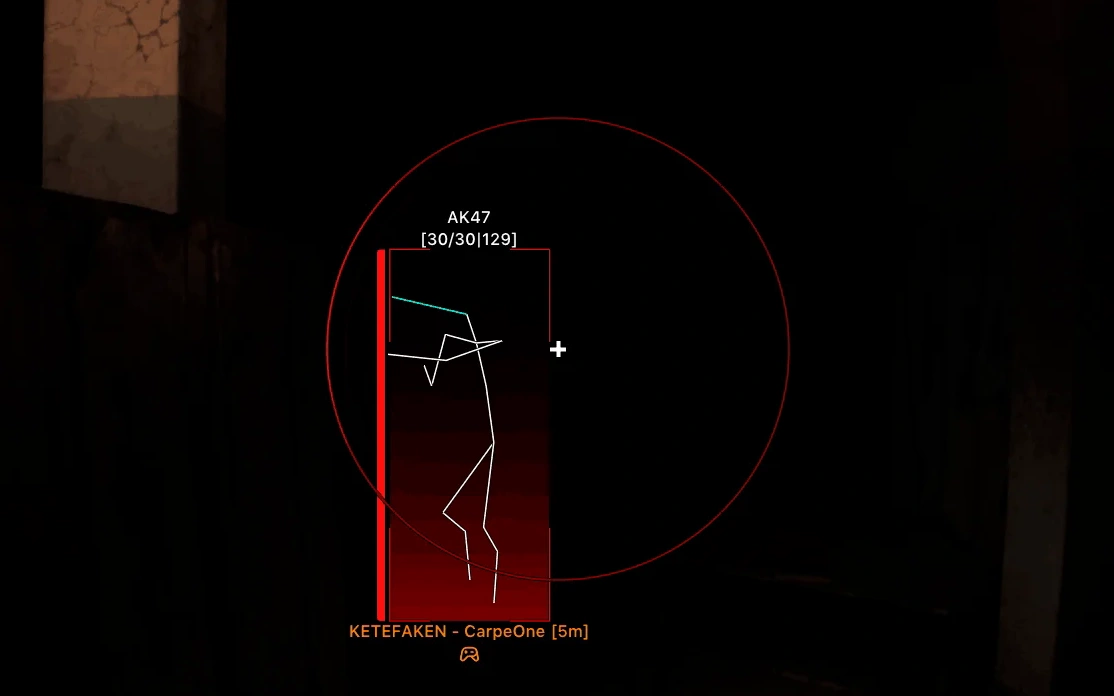
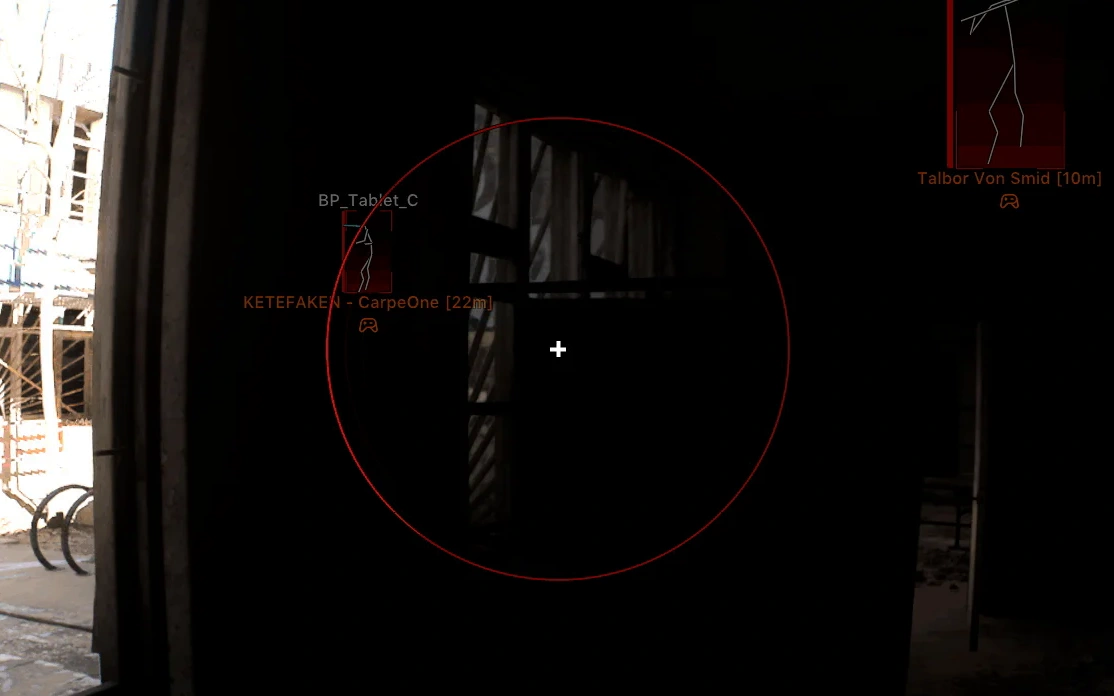
- Enable – enables player ESP (WH)
- Box – displays boxes around players
- Box Fill – adjusts the fill inside the boxes (Solid or Gradient)
- Draw Teammates – enables displaying teammates
- Visible Check – players within line of sight are highlighted in a different color
- Name – shows the player's nickname
- Distance – displays the distance to the player
- Icon – shows the player's icon
- Weapon Name – displays the name of the weapon in hand
- Weapon Ammo – shows the amount of ammo in the weapon
- Skeleton – displays the player's skeleton
- View Line – shows the player's view direction
- View Line Length – adjusts the length of the view line
- Health Bar – displays players' health bars
- Health Text – shows the numeric health value
- Health Bar Condition – selects the health bar display condition
- Max Distance – sets the maximum display distance
- Enable – enables bot ESP
- Box – displays boxes around bots
- Box Fill – adjusts the fill inside the boxes (Solid or Gradient)
- Draw Teammates – enables displaying allied bots
- Visible Check – bots within line of sight are highlighted in a different color
- Name – shows the bot's name
- Distance – displays the distance to the bot
- Icon – shows the bot's icon
- Weapon Name – displays the name of the weapon in the bot's hands
- Weapon Ammo – shows the amount of ammo in the bot's weapon
- Skeleton – displays the bot's skeleton
- View Line – shows the bot's view direction
- View Line Length – adjusts the length of the view line
- Health Bar – displays the bot's health as a bar
- Health Text – shows the bot's numeric health value
- Health Bar Condition – health bar display style
- Max Distance – sets the maximum display distance
- Enable – enables drone ESP
- Box – displays boxes around drones
- Box Fill – adjusts the fill inside the boxes (Solid or Gradient)
- Draw Teammates – enables displaying allied drones
- Visible Check – drones within line of sight are highlighted in a different color
- Max Distance – sets the maximum display distance
- Name – shows the drone name
- Owner Name – displays the drone owner's name
- Distance – shows the distance to the drone
- Icon – displays the drone icon
- Health Bar – displays the drone's health as a bar
- Health Text – shows the drone's numeric health value
- Health Bar Condition – adjusts the health bar display
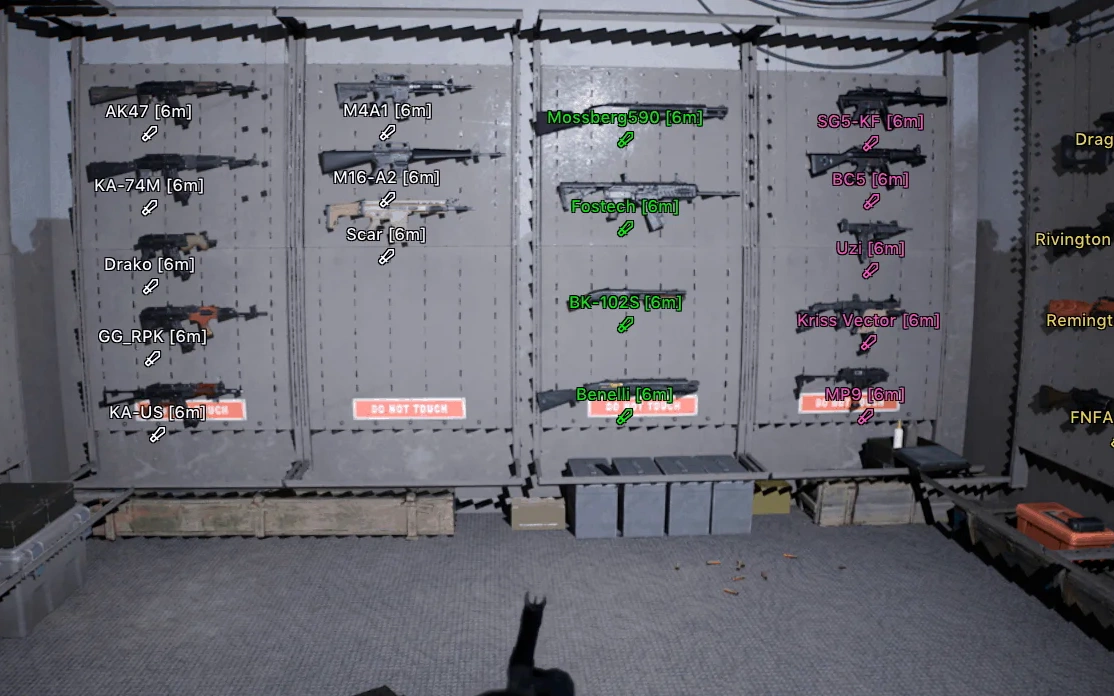
- Render Distance – sets the maximum weapon display distance
- Assault Rifles – displays assault rifles
- Sniper Rifles – displays sniper rifles
- Submachine Guns – displays submachine guns
- Light Machine Guns – displays light machine guns
- Shotguns – displays shotguns
- Pistols – displays pistols
- Grenades – displays grenades
- Other – displays other items
- Name – shows the item name
- Distance – displays the distance to the item
- Icon – shows the item icon
- Color – adjusts the color of the item name
- Free Camera – allows free flying and map exploration (customizable)
- No Recoil – disables weapon recoil
- No Shake – disables camera shake while shooting
- No Spread – disables weapon spread
- No Sway – disables weapon sway
- No Weapon Kick – disables weapon kick while shooting
- Crosshair – enables a custom crosshair (customizable)
- Self Health – displays your own health
- Ammo – shows an ammo count panel
- Hovering Display – shows information when hovering over objects (customizable)
- Menu Key – assigns the menu open key
- Unload Keybind – key for unloading the mod menu from the game
- DPI Scale – adjusts the menu scale
- Show FPS – displays the current FPS
- Create New – creates a new configuration
- Launch – loads the selected configuration
- Save – saves the current settings
- Edit Name – changes the configuration name
- Remove – deletes the selected configuration
- Theme – selects a dark or light theme
- Language – selects the interface language (English, Russian, Chinese)
Operating system: Windows 10, Windows 11 (21H2, 22H2, 23H2, 24H2, 25H2, 26H1, 26H2)
Processor: Intel & AMD
Video card: Nvidia & AMD
Client: Steam
RAM: 16 GB
A normal Windows install is required: not Enterprise, not optimized or repacked.
Arcane for Bodycam is an external menu with a customizable aimbot, a detailed ESP and extras for controlling the match. The vector aimbot lets you configure targets, hitboxes, smoothing and visibility checks. The ESP has categories for players, bots, FPV drones and weapons, each with boxes, names, health and distance, so only the information you want stays on screen. Exploits include a free camera, no recoil, a custom crosshair and a HUD with health and ammo, and a config system saves your profiles.
Bodycam │ ARCANE
Frozen- Instant delivery: your key arrives by email and on your order page.
- Setup guide and loader included.
- 24/7 support tickets.
Questions before you buy? Open a ticket
Bundle Offers
Save when you add all items