Image
Delta Force │ GHOST FULL
UndetectedInstant DeliveryDescription
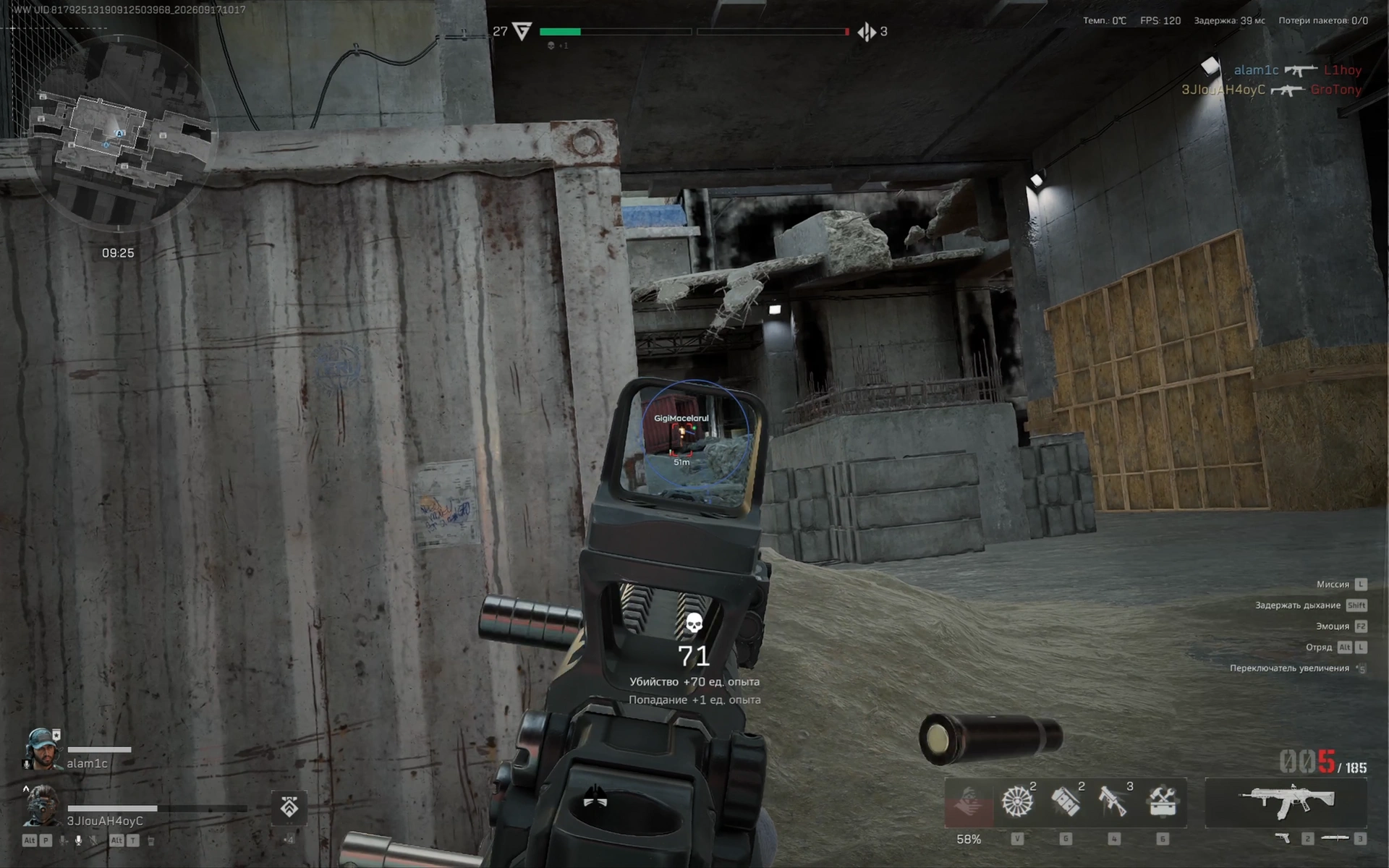
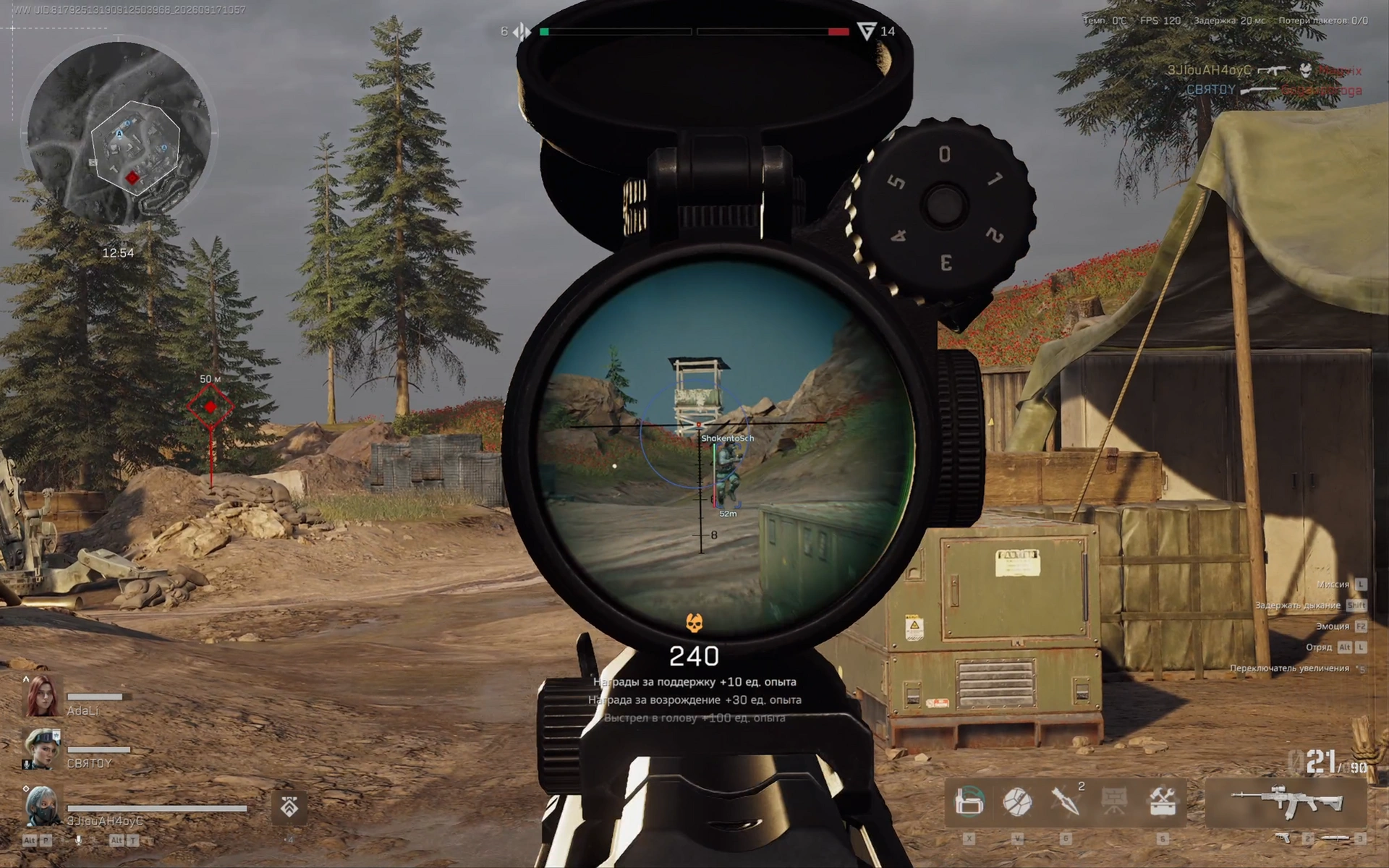
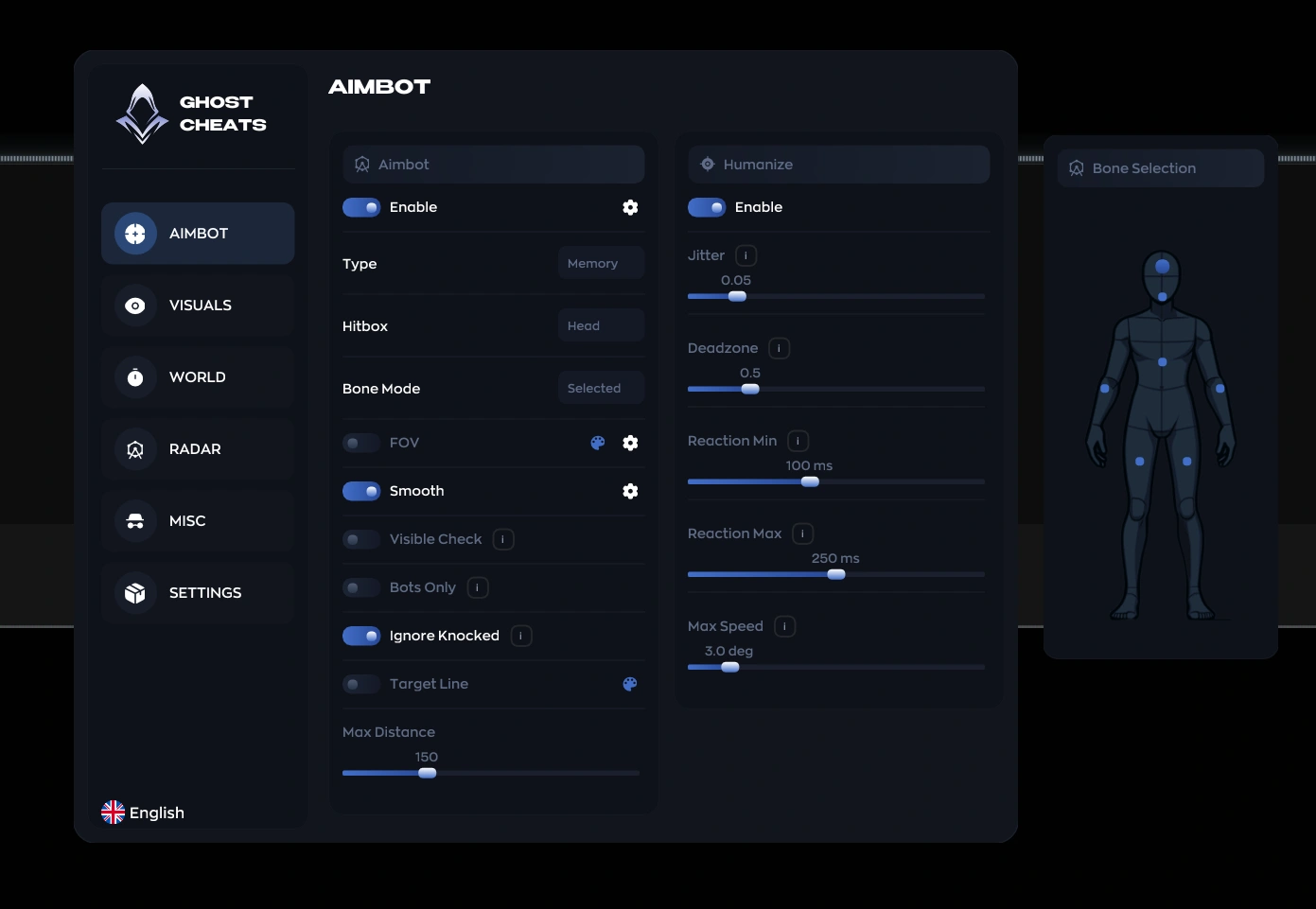
- Enable – enables automatic aiming at the target
- Type – allows you to choose the aimbot type (Memory, Silent)
- Memory Aim – a more accurate aimbot with smooth aim lock onto the target (legit)
- Silent Aim – silent aimbot on enemies without visible crosshair movement (semi-rage, rage)
- Hitbox – selects the main hit area for aiming
- Bone Mode – determines the bone selection mode for aiming
- FOV – size of the area for aimbot target acquisition
- Smooth – adjusts the smoothness of aiming at the target
- Visible Check – aims only at visible targets
- Bots Only – enables aim only on bots
- Ignore Knocked – aim ignores knocked players
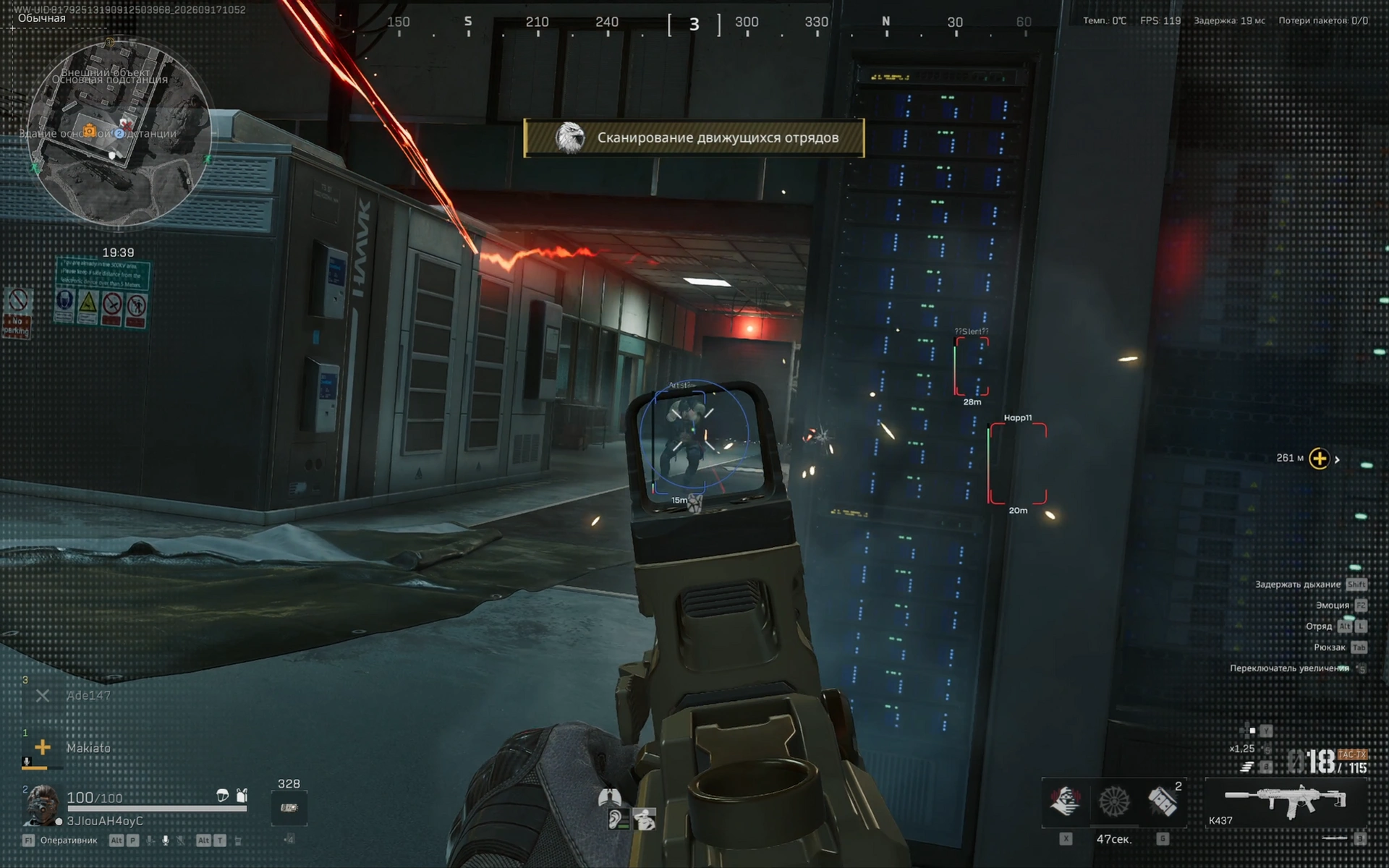
- Target Line – displays a line from the crosshair to the target locked by the aimbot
- Max Distance – sets the maximum aimbot operating distance
- Humanize – enables human-like behavior patterns when aiming at a target
- Jitter – adjusts random deviation during aiming
- Deadzone – sets an area around the crosshair with no aim correction
- Reaction Min – sets the minimum reaction delay to a target
- Reaction Max – sets the maximum reaction delay to a target
- Max Speed – limits the maximum aiming speed
- Bone Selection – allows you to select individual body points for aiming in a convenient window
- Corpse – enables display of dead player bodies
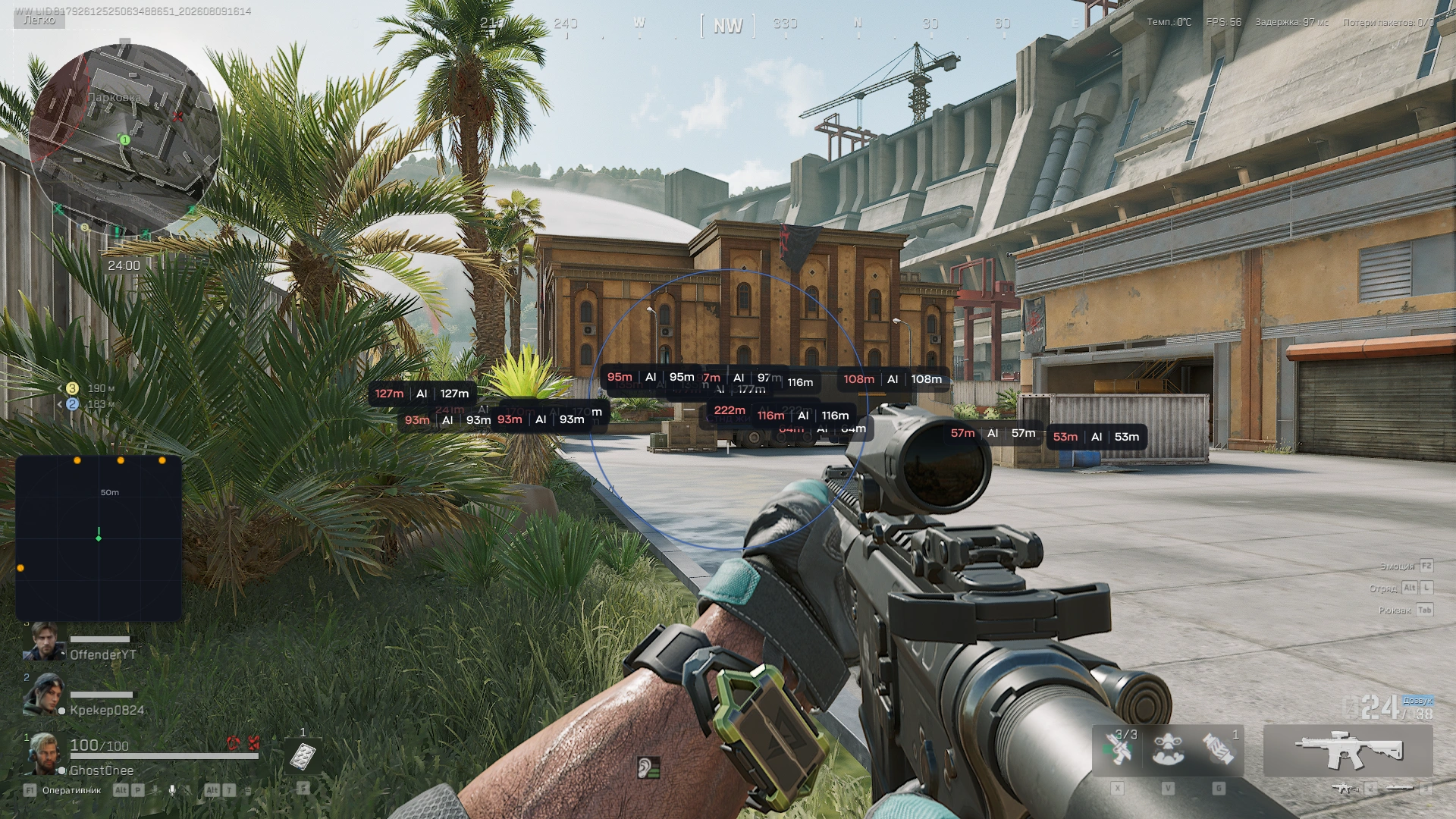
- Corpse AI – displays AI bodies
- Corpse Background – adds a background for displaying body information
- Container – enables display of containers
- Safe – displays safes
- Hide Empty – hides empty containers
- Hide Opened – hides already opened containers
- Computer – displays computers
- Container Background – adds a background for displaying container information
- Loot ESP – enables loot display
- Common – displays common items
- Rare – displays rare items
- Epic – displays epic items
- Legendary – displays legendary items
- Mythic – displays mythic items
- Red – displays red rarity items
- Short Name – displays shortened item names
- Count – shows the number of items in the loot
- Instant ADS – provides instant transition into aiming mode
- No Recoil – disables weapon recoil
- Custom ESP Colors – ability to customize the colors of ESP elements
- Localizations – the menu supports multiple languages (English, Russian, Chinese)
- Configs System – profile system with cheat settings for different scenarios
- Config Name – allows you to specify the configuration name
- Create – creates a new configuration
- Delete – deletes the selected configuration
- Save – saves the current config settings
- Load – loads the selected configuration
- Shadow Text – adds shadows to interface text
- Keybind List – shows the list of assigned keys
- Battle Mode – disables unnecessary ESP categories with a button press
- Menu Key – allows you to change the menu open key
- DPI Scale – adjusts the scale of the overlay interface
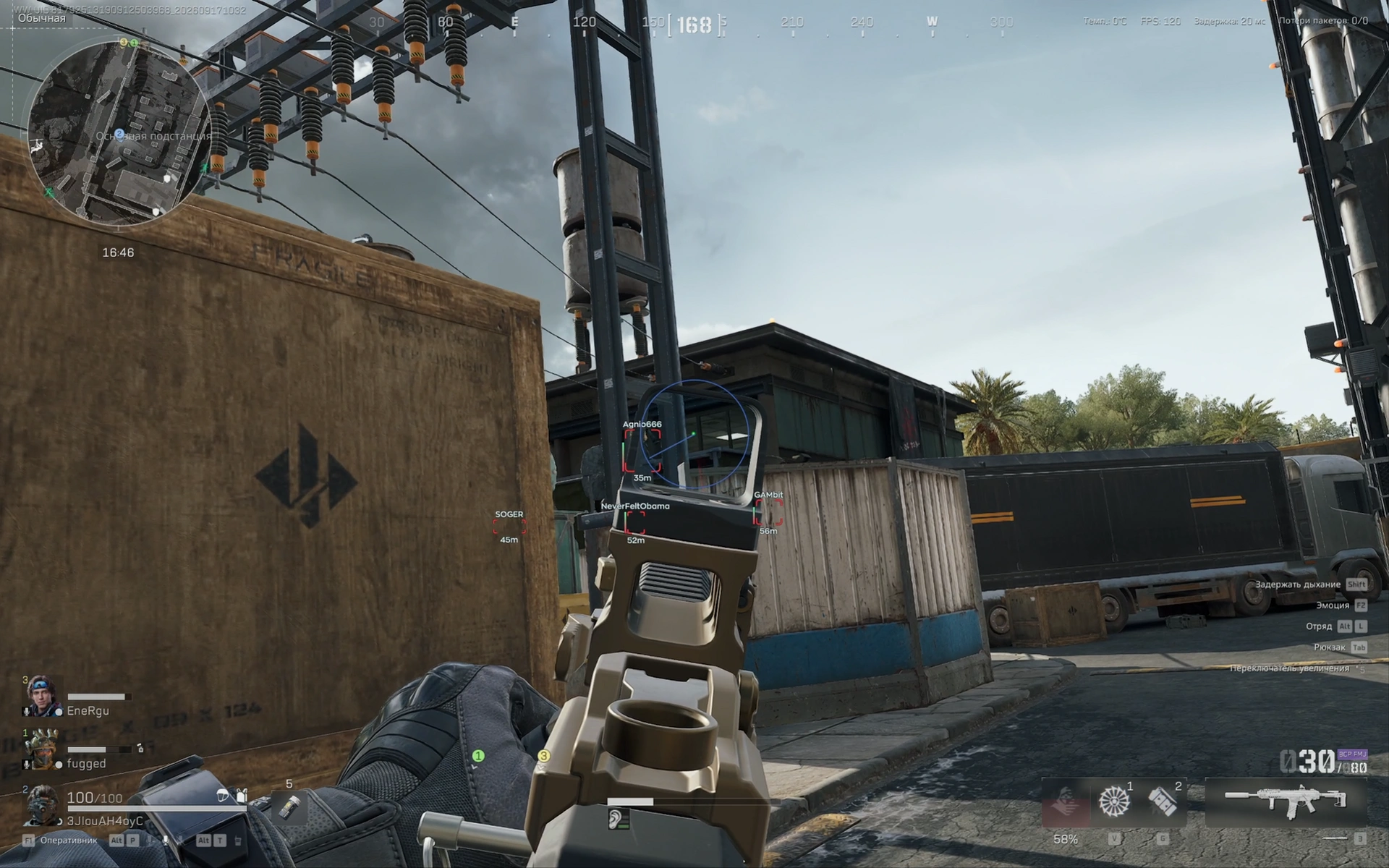
- Enable – enables ESP display for players and bots
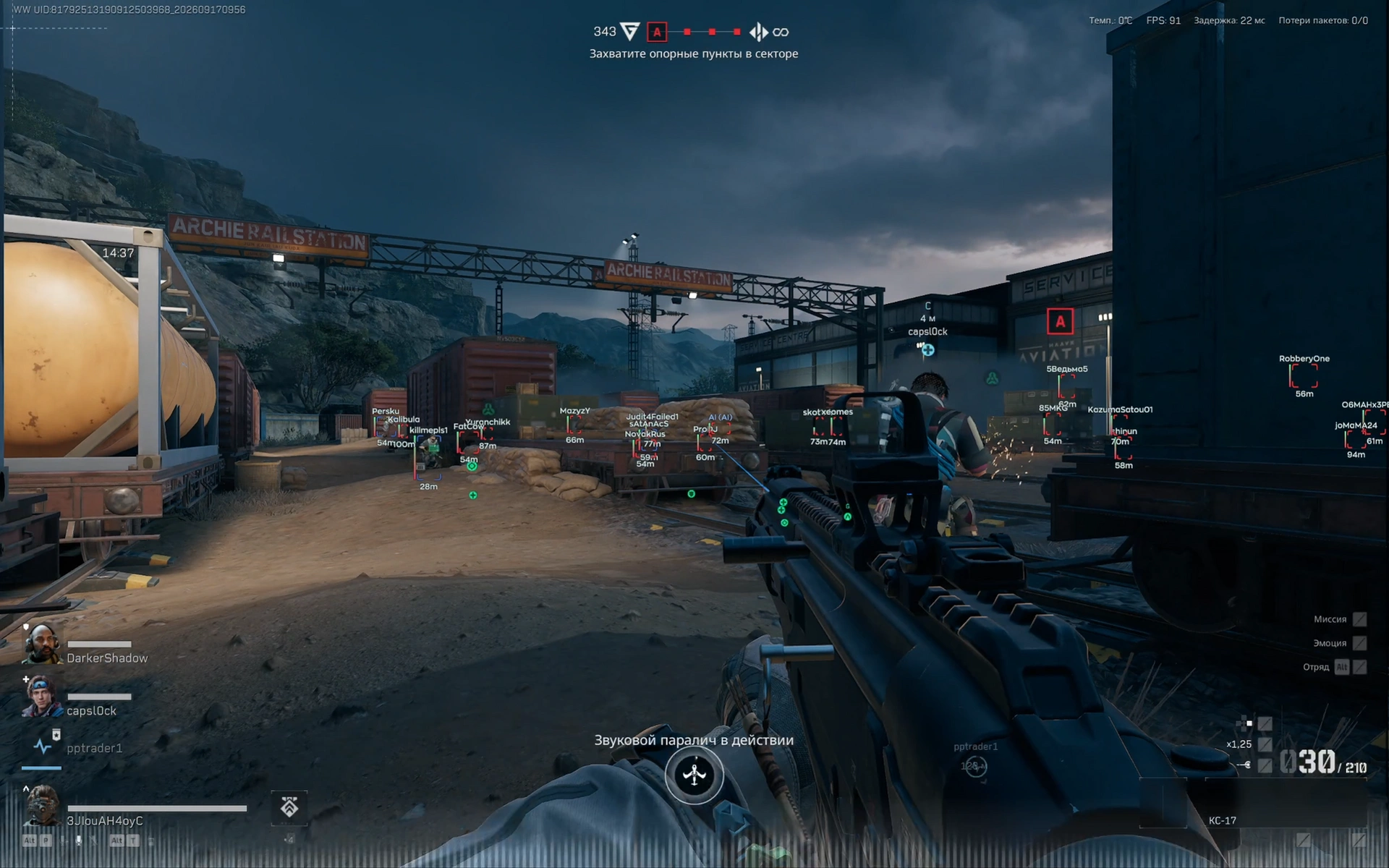
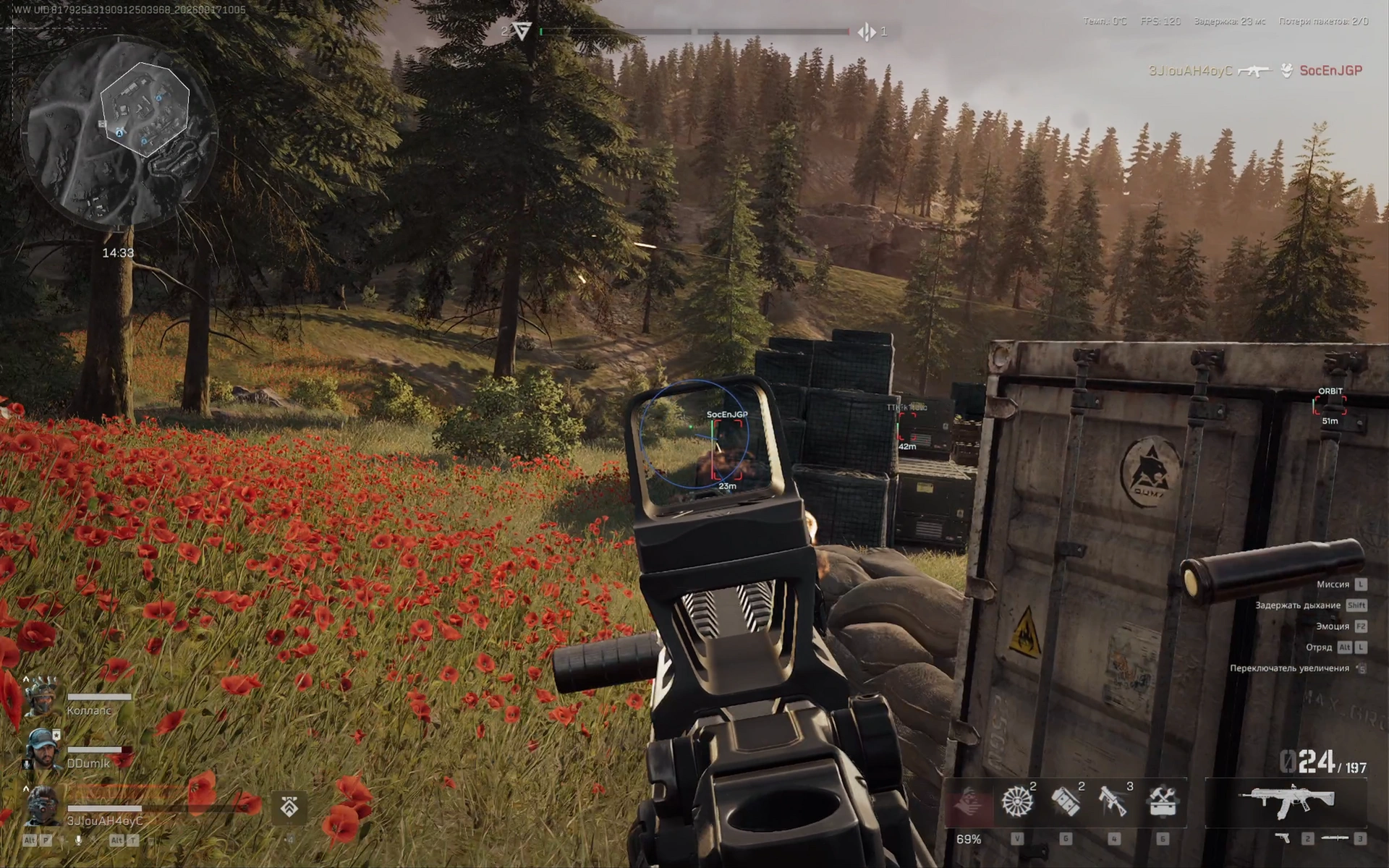
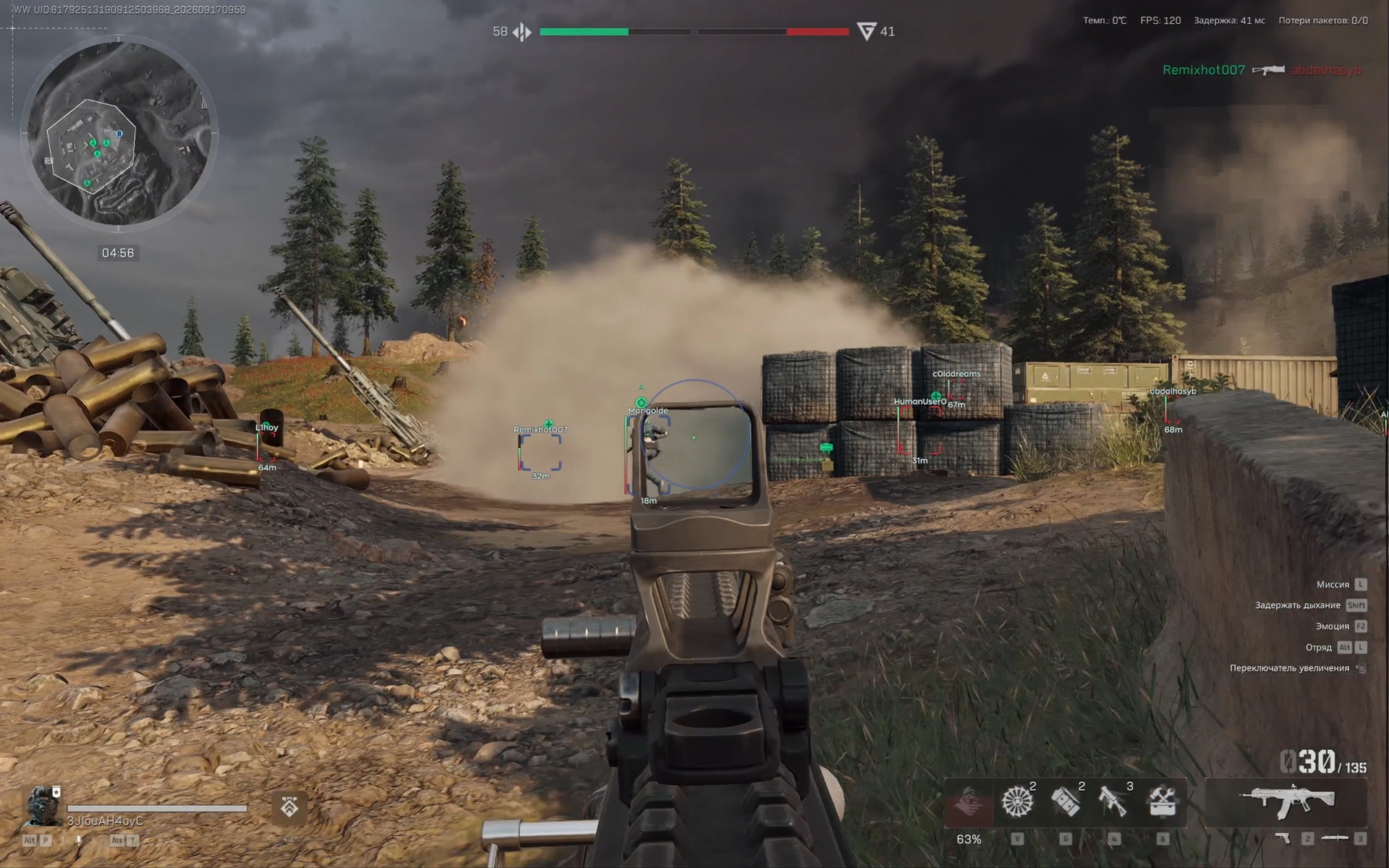
- Box – displays a box around players and AI
- Skeleton – displays player skeleton ESP
- Name – shows the target's name/nickname
- Party – displays information about the players' party/squad
- Distance – shows the distance to the target in meters
- Health – shows the health level
- Armor – displays the armor level
- Weapon – shows the target's current weapon
- Look Direction – displays the look direction
- AI Type – displays the bot type
- ESP Preview – preview window for the selected ESP settings
- Enable – enables the radar
- Size – adjusts the radar size
- Max Distance – sets the maximum distance for displaying targets
- Zoom – adjusts the radar zoom
- Point Size – changes the size of points on the radar
- Point Style – allows you to choose the point display style
- Background – adds a radar background
- Outline – adds an outline to radar elements
- Color Player – adjusts the player display color
- Color Bot – adjusts the bot display color
Operating system: Windows 10, Windows 11 (22H2, 23H2)
Processor: Intel & AMD
Video card: Nvidia & AMD
Client: Steam
Bundle Offers
Save when you add all items
✓ All bundle items in cart