Image
Fortnite │ MEMEZ
UndetectedInstant DeliveryDescription
- Enable Aimbot
- Aim Key (First, Second) - bind 2 keys for aim activation
- Prediction - prediction of target movement trajectories
- Visible Check - fire only at targets not behind walls
- FOV - size of the area where aim works
- Show FOV - show the aim's working area on screen (circle)
- FOV Color - color of the aimbot circle
- Dynamic FOV - dynamic FOV changes depending on circumstances
- Ignore Knocked - turn off aim for knocked players
- Ignore Pickaxe - turn off aim when you are holding a pickaxe
- Smooth - smoothing aim movements; higher value means weaker aim
- Custom Settings (Sniper Rifle, Pistol, SMG, Shotgun, Assault Rifle) - separate aim settings for different types of weapons
- Enable Triggerbot - automatic shooting when the enemy is in your crosshair
- Only Shotgun - triggerbot works only when you are holding a shotgun
- Always Active - triggerbot is always active by default, no key holding required
- Use Keybind - in this mode, triggerbot works when holding down a chosen key
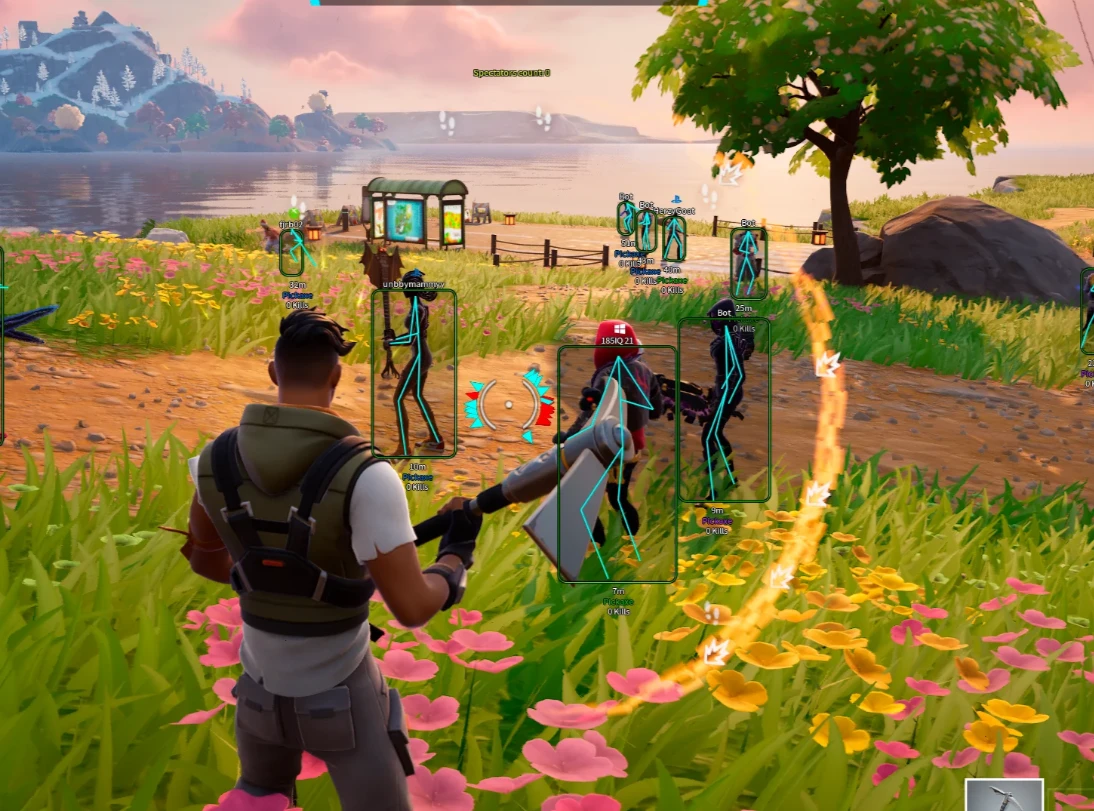
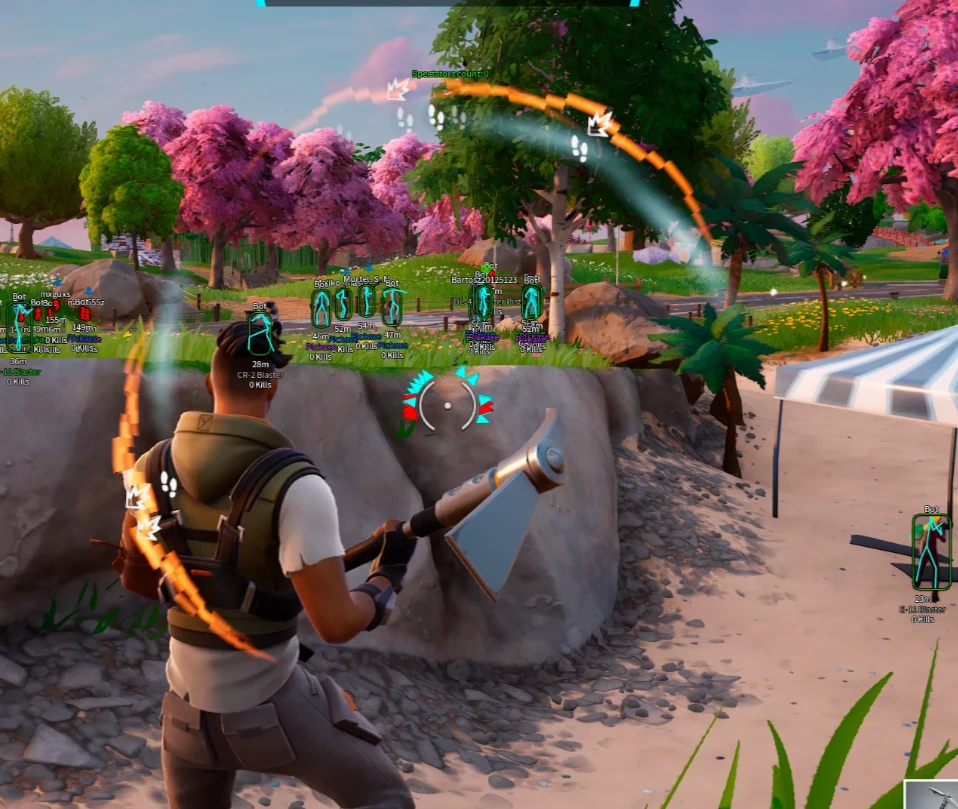
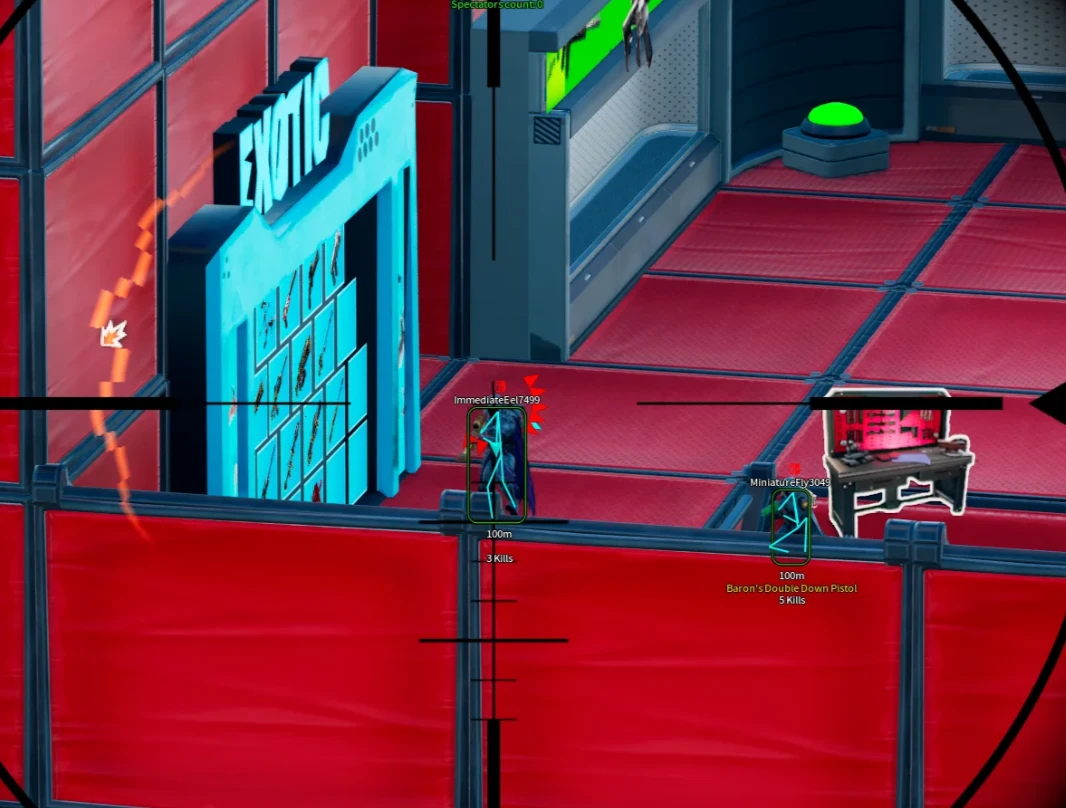
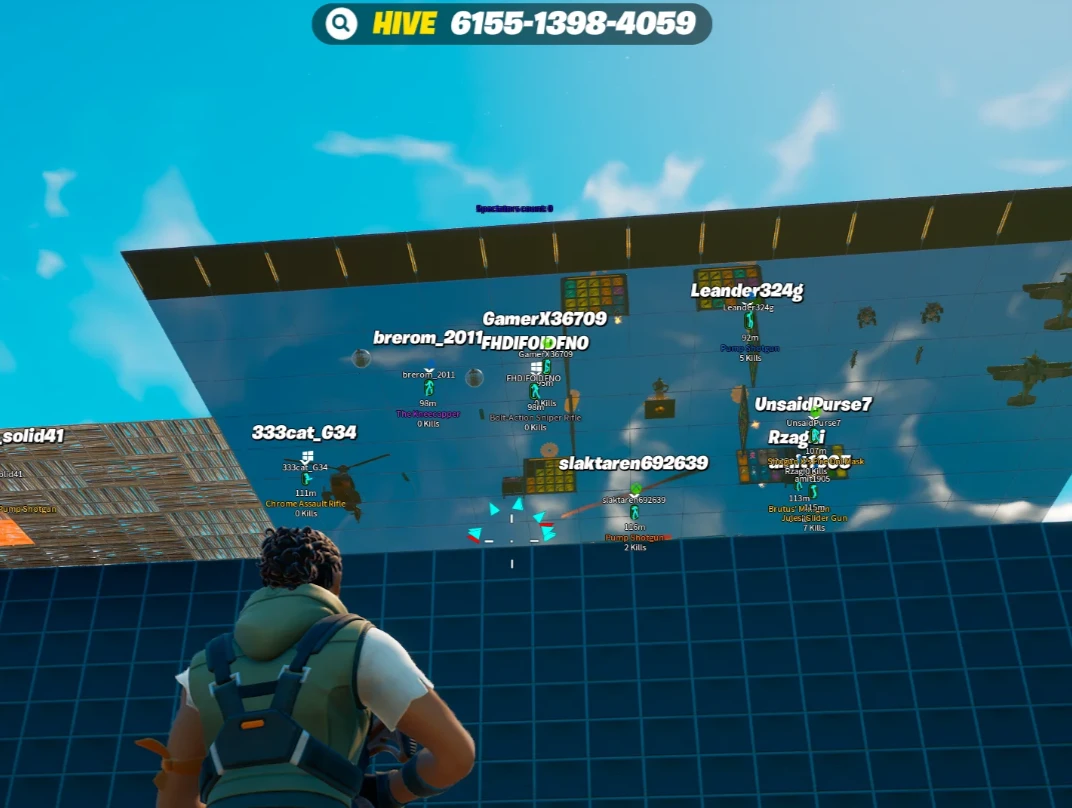
- Enable ESP - turn on ESP to show players
- Box - ESP in the form of boxes
- Box Style (Square, Corners, Fill) - option to select box type, with the ability to fill box background
- Visible Check - different color for visible targets and those behind walls
- Skeleton - ESP in the form of skeletons
- Distance - distance to targets in meters
- Nickname - player names
- Kills - players’ number of kills
- Weapon - weapon held by the player
- Minimap - display enemies on the in-game minimap
- Outlines - additional outline for ESP elements and its settings
- Arrows - directional arrows pointing toward enemies
- Platform - players’ platform (PC / Console, etc.), icon or text
Operating system: Windows 10, Windows 11 (21H2, 22H2, 23H2, 24H2, 25H2)
Processor: Intel & AMD
Video card: Nvidia & AMD
Client: Epic Games Store (EGS)
Bundle Offers
Save when you add all items
✓ All bundle items in cart