Image
Fortnite │ UNNAMED INTERNAL
UndetectedInstant DeliveryDescription
- Aimbot – enables automatic aiming at targets
- Visible Only – aims only at visible targets (not behind cover)
- Ignore Knocked – aimbot ignores knocked enemies
- Ignore BOT – aimbot ignores bots
- Draw FOV – displays the aimbot working area
- Target Line – shows a line to the current target
- Key Bind – assigns a key to activate the aimbot
- Mode – allows selecting the aimbot operating mode
- Filter – allows selecting target priority
- Bone – allows selecting the body part to aim at
- Controller – enables game controller support
- FOV – allows adjusting the aimbot target acquisition area (configurable)
- Smooth – adjusts aim smoothness (configurable)
- Speed – adjusts aiming speed (configurable)
- Stickiness – adjusts how strongly the aim sticks to the target (configurable)
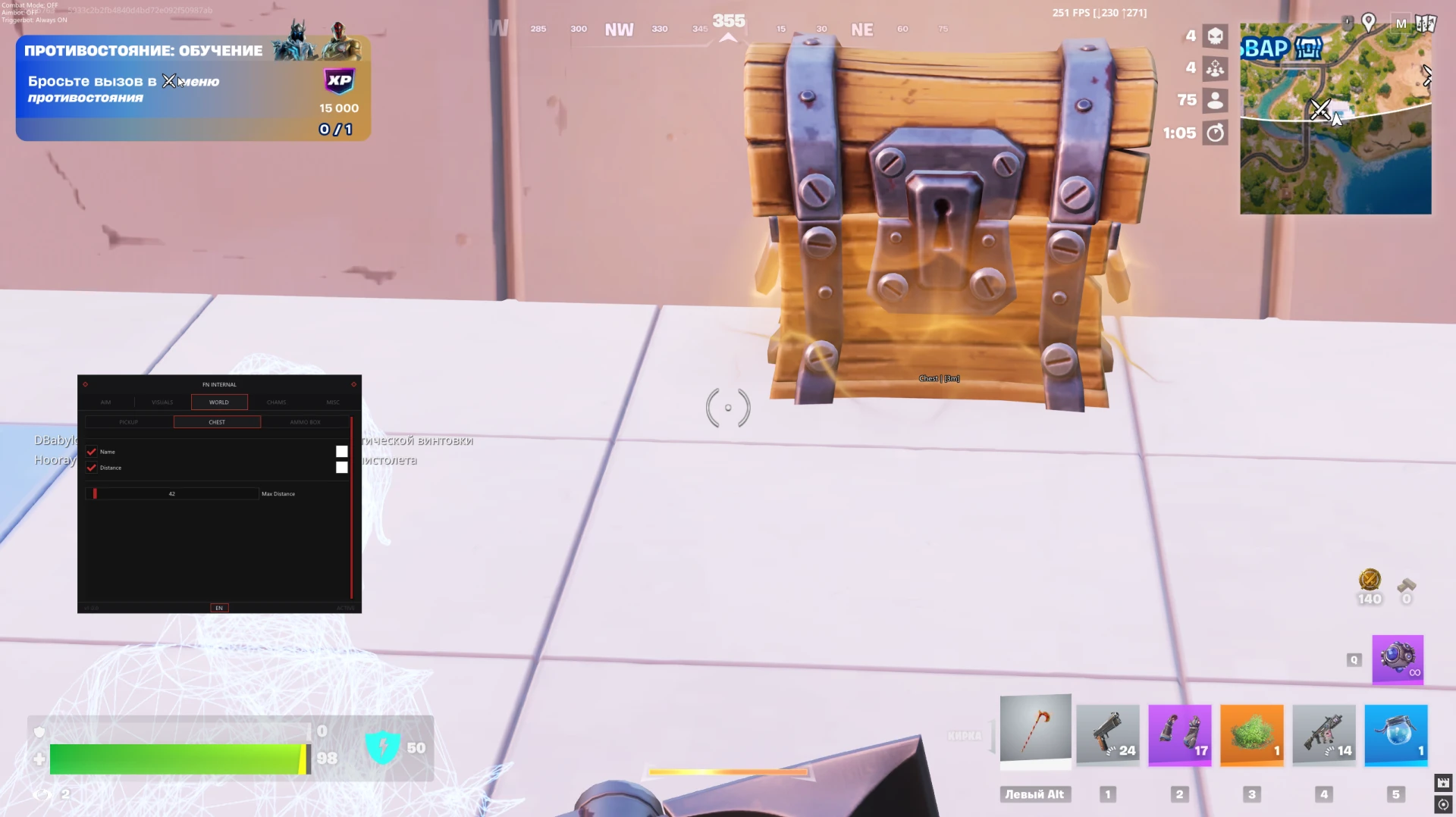
- Max Distance – limits the maximum aimbot working distance
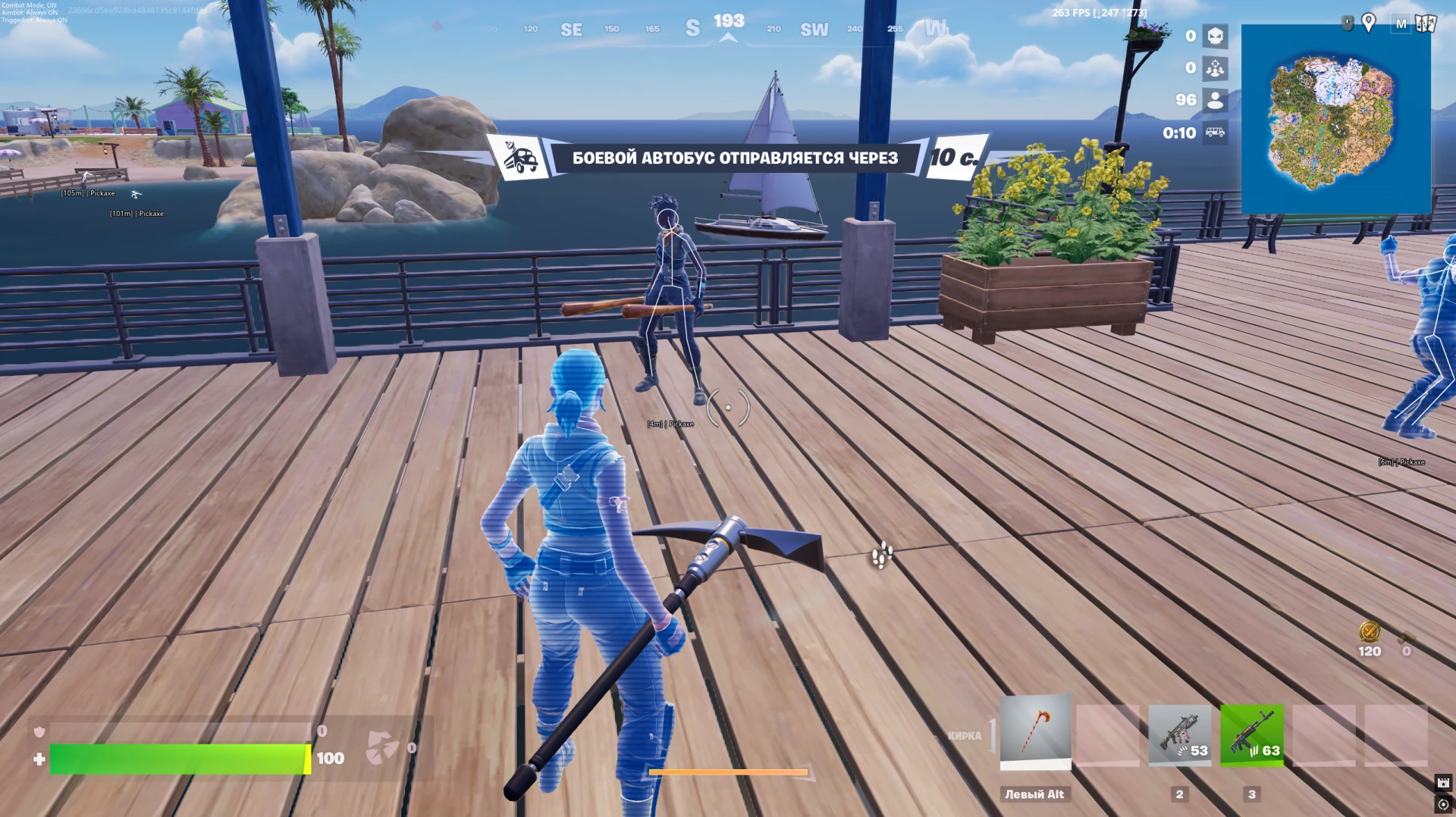
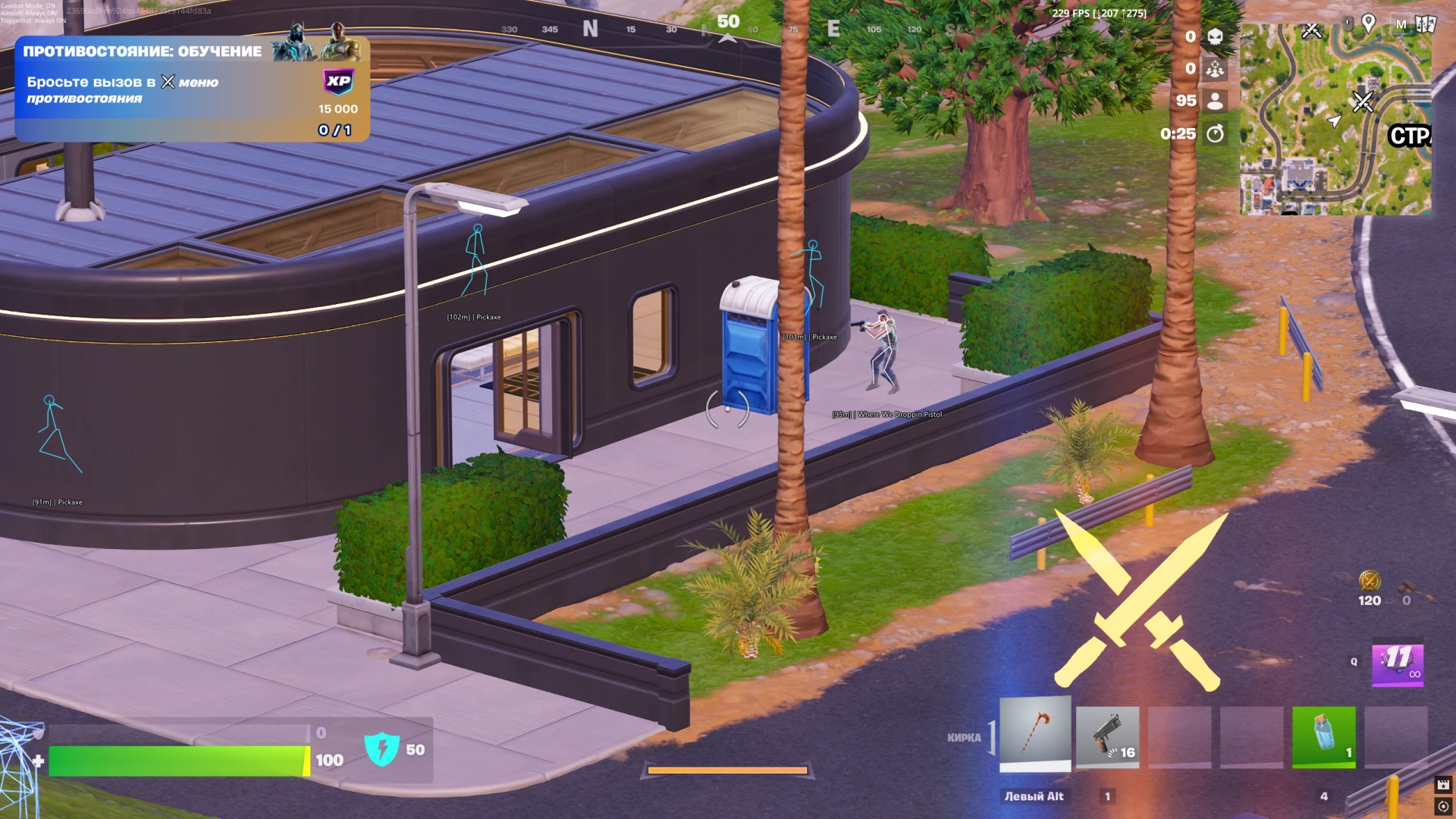
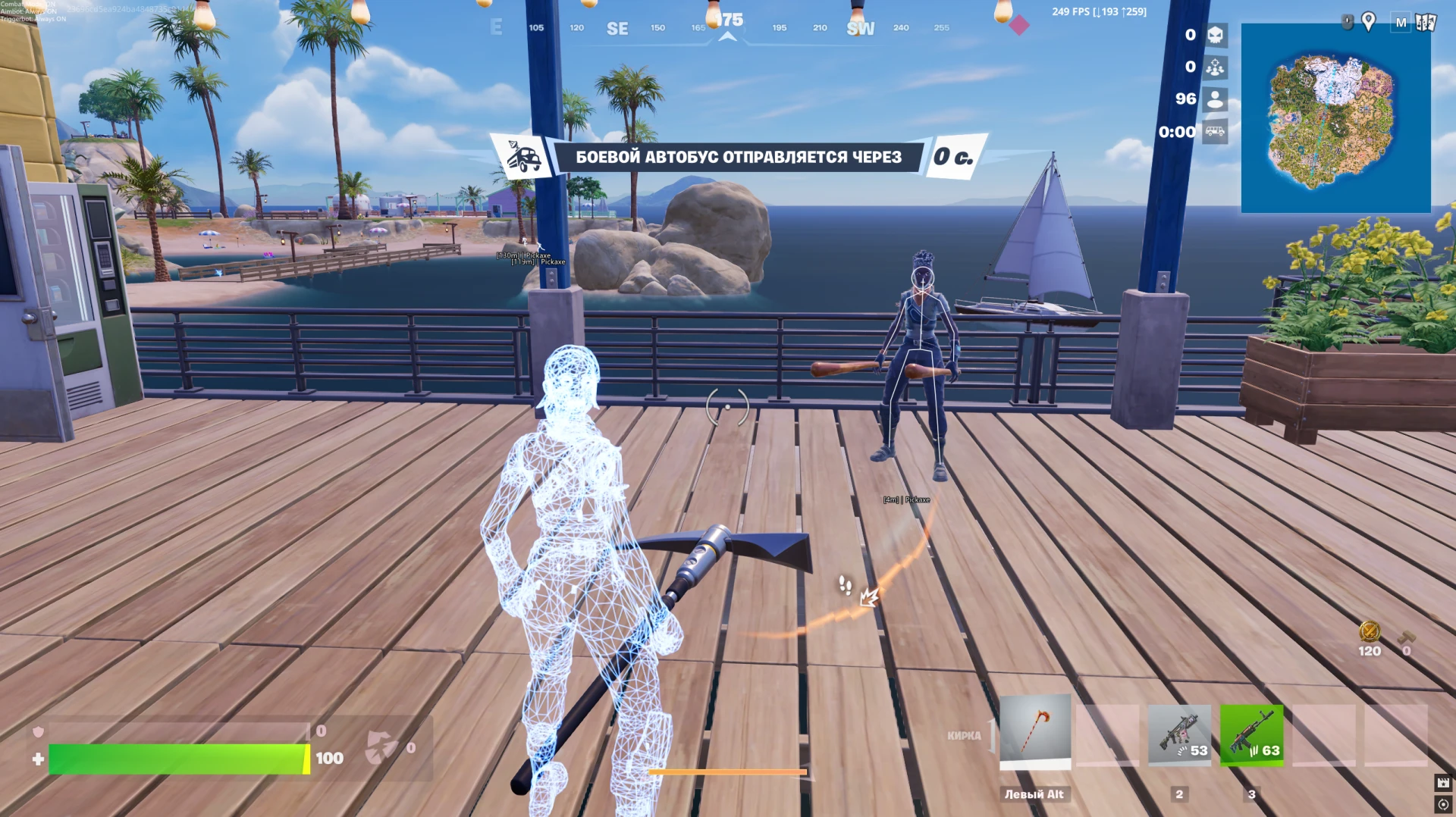
- Skeleton – displays bot skeletons
- Head Circle – displays a circle around bots' heads
- View Direction – shows bots' view direction
- OOF Arrow – displays indicators for bots outside the screen
- Name – displays bot names
- Distance – displays distance to bots
- Weapon Name – displays bots' equipped weapon
- Max Distance – limits the maximum display distance for bots
- Name – displays container names
- Distance – displays distance to containers
- FOV Changer – allows changing the field of view
- Player Chams – highlights player models
- Bot Chams – highlights bot models
- Self Chams – highlights your own character model
- Stream-Proof – there is protection against displaying the ESP and menu on streams and video recordings (optional)
- Skeleton – displays player skeletons
- Head Circle – displays a circle around players' heads
- View Direction – shows players' view direction
- OOF Arrow – displays indicators for players outside the screen
- Name – displays player nicknames
- Rank – displays player rank
- Distance – displays distance to players
- Platform – displays players' gaming platform
- Kill Score – displays players' kill count
- Team Index – displays the player's team identifier
- Is Knocked – shows knocked players
- Weapon Name – displays players' equipped weapon
- Max Distance – limits the maximum display distance for players
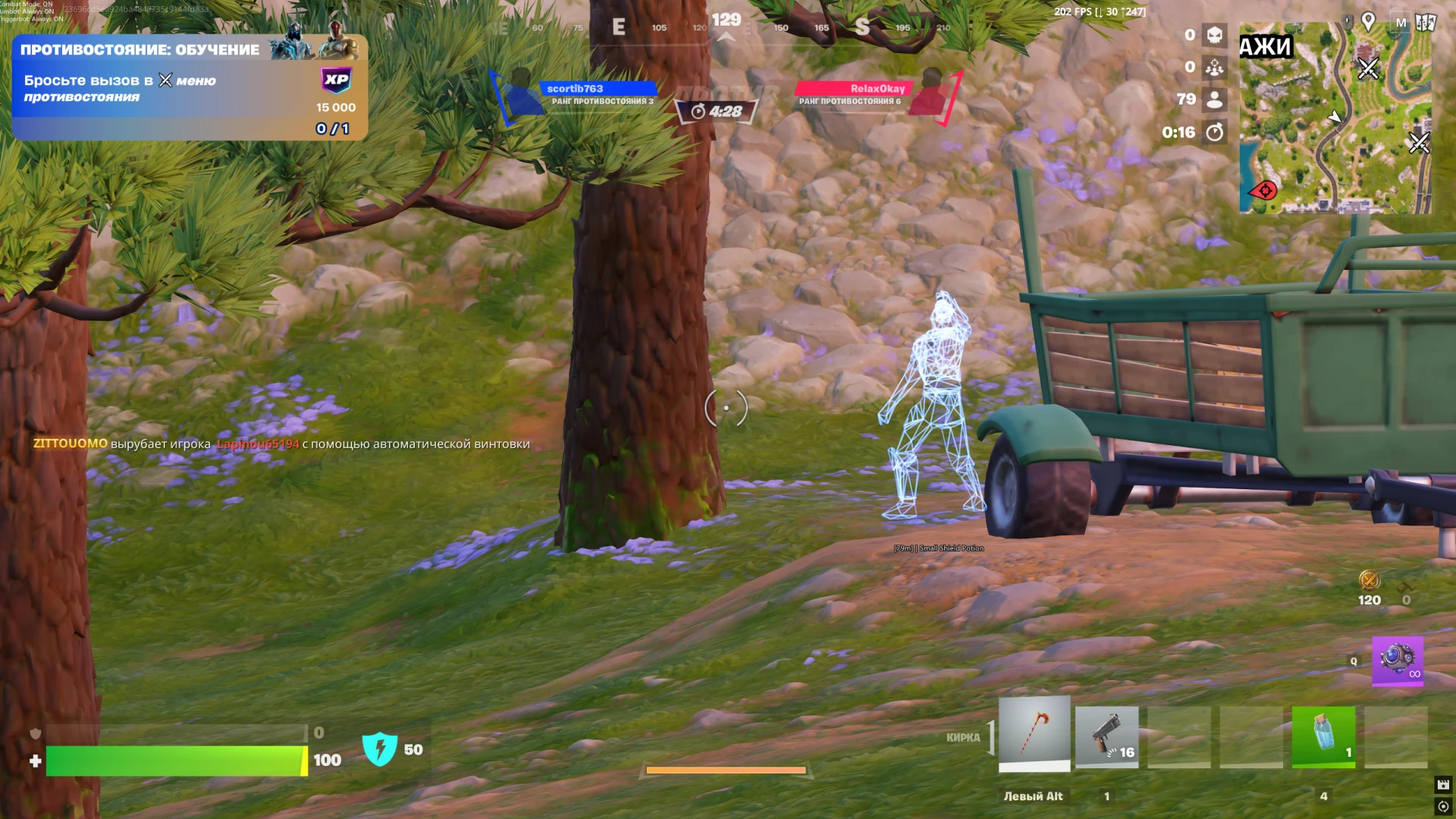
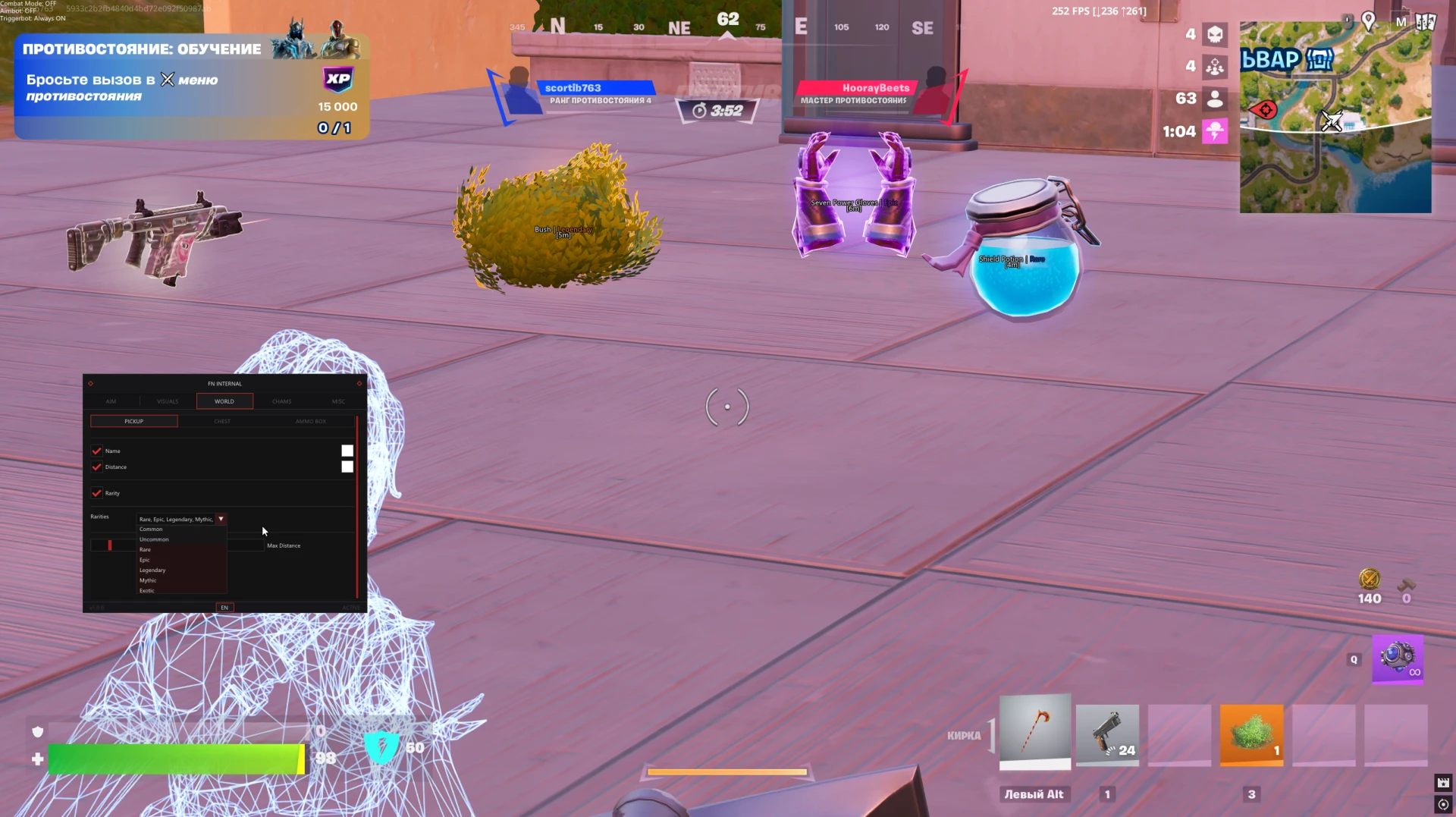
- Name – displays item names
- Distance – displays distance to items
- Rarity – displays item rarity
- Rarities – allows selecting which rarity categories to display
- Max Distance – limits the maximum display distance for items
- Name – displays ammo boxes
- Distance – displays distance to ammo boxes
- Max Distance – limits the maximum display distance for ammo boxes
Operating system: Windows 10, Windows 11 (21H2, 22H2, 23H2, 24H2, 25H2)
Processor: AMD & Intel
Video card: AMD & NVIDIA
Client: Epic Games Store (EGS)
Bundle Offers
Save when you add all items
✓ All bundle items in cart