Image
Marvel Rivals │ PHOENIX
UndetectedInstant DeliveryDescription
- Enable - turn Aimbot on/off
- Vector Aimbot - natural (legal) targeting of players
- Silent Aimbot - bullets reach the target within the aim radius without moving the scope
- Aim Keys - keys for activating aim or triggerbot
- Aim Mode - aim and triggerbot mode (always, toggle, hold key)
- Humanaizer - simulates human-like movements for Aimbot (legit)
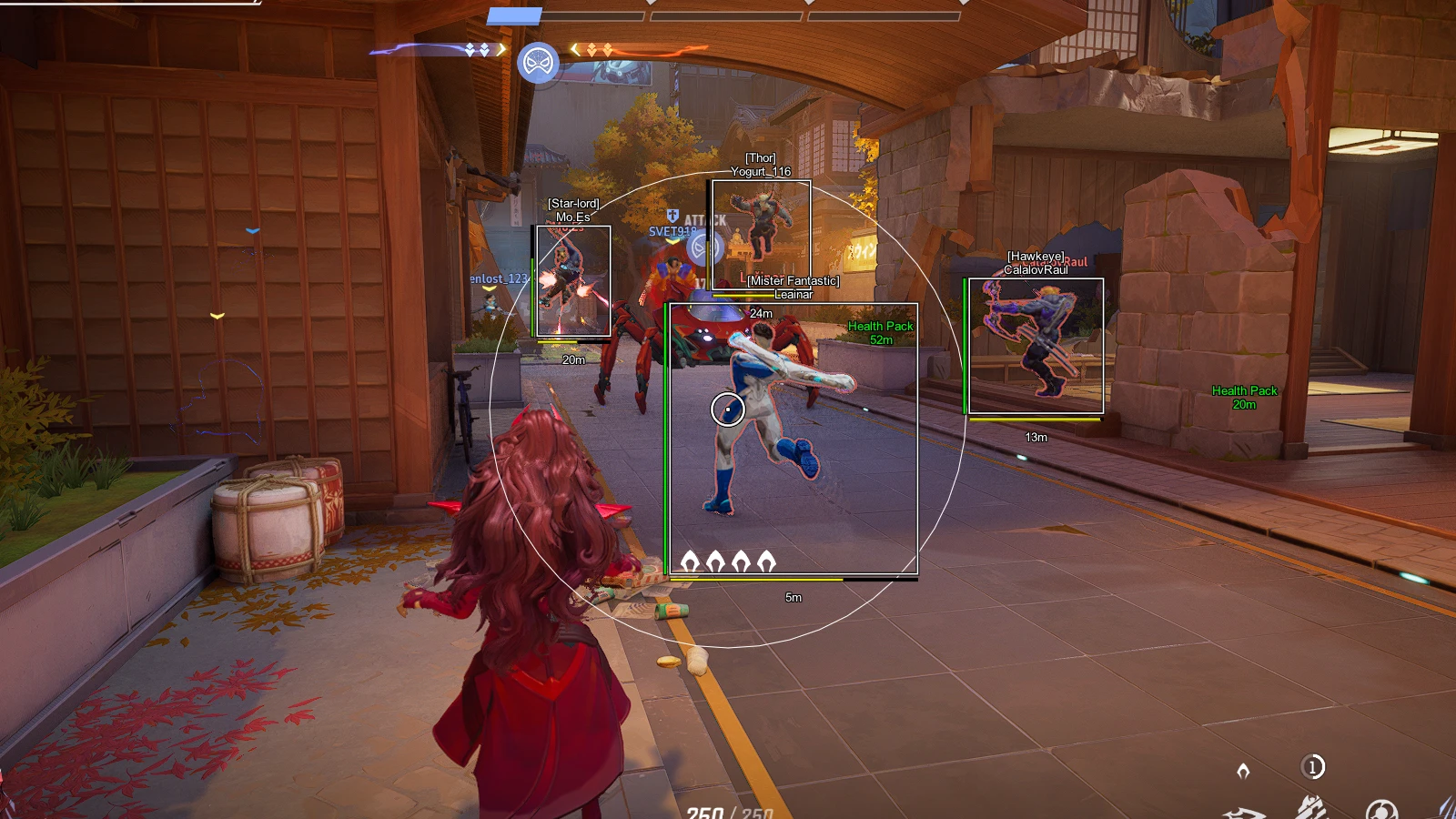
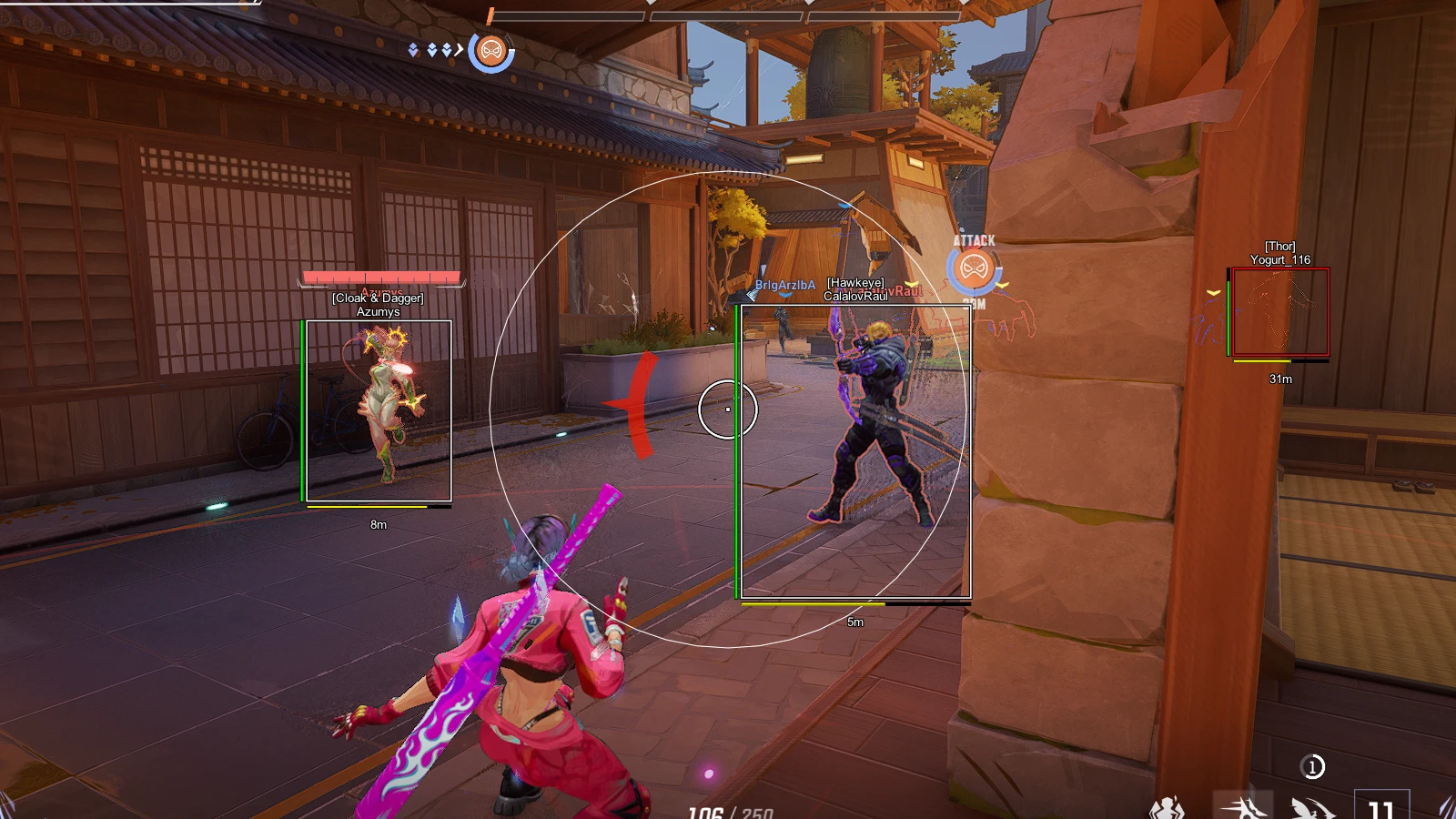
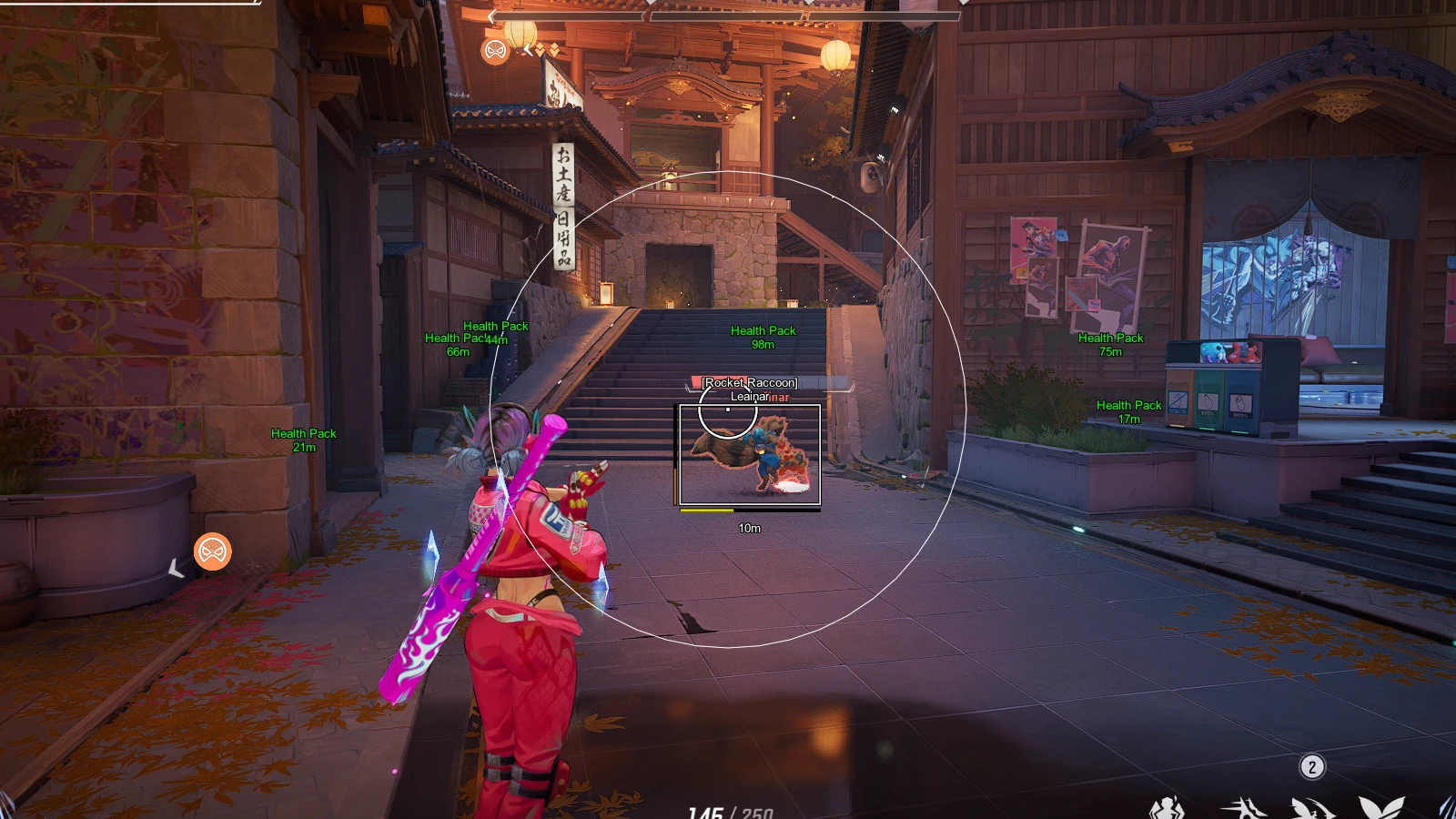
- FOV - Aimbot field of view in a circular area
- Show FOV - display aim working area as a circle
- FOV Color - color of the Aimbot circle
- Smooth - adjust smoothness of movements
- Only Body - aim only at the body
- Through Wall - aim will shoot targets through walls
- Visible Check - aim only works on visible enemies
- Ignore Teammate - ignore aim on allies
- Triggerbot - automatic shooting when the enemy is in sight (adjustable)
- Spinbot - rage twister with multiple modes
- Magic Bullet - bullet reaches its goal through walls
- Scripts - ability to load custom .lua scripts for heroes
- SkinChanger - free skins for any heroes
- BunnyHop - automatic jump script
- Configs - config system (save, load, update, reset, open config folder)
- Menu Key - key to activate the menu
- Safe Mode - safe mode prevents activating risky features
- Custom Scale - adjust menu size
- Custom Colors - set custom colors for ESP elements
- HWID Spoofer - included in Phoenix Marvel for bypassing hardware bans
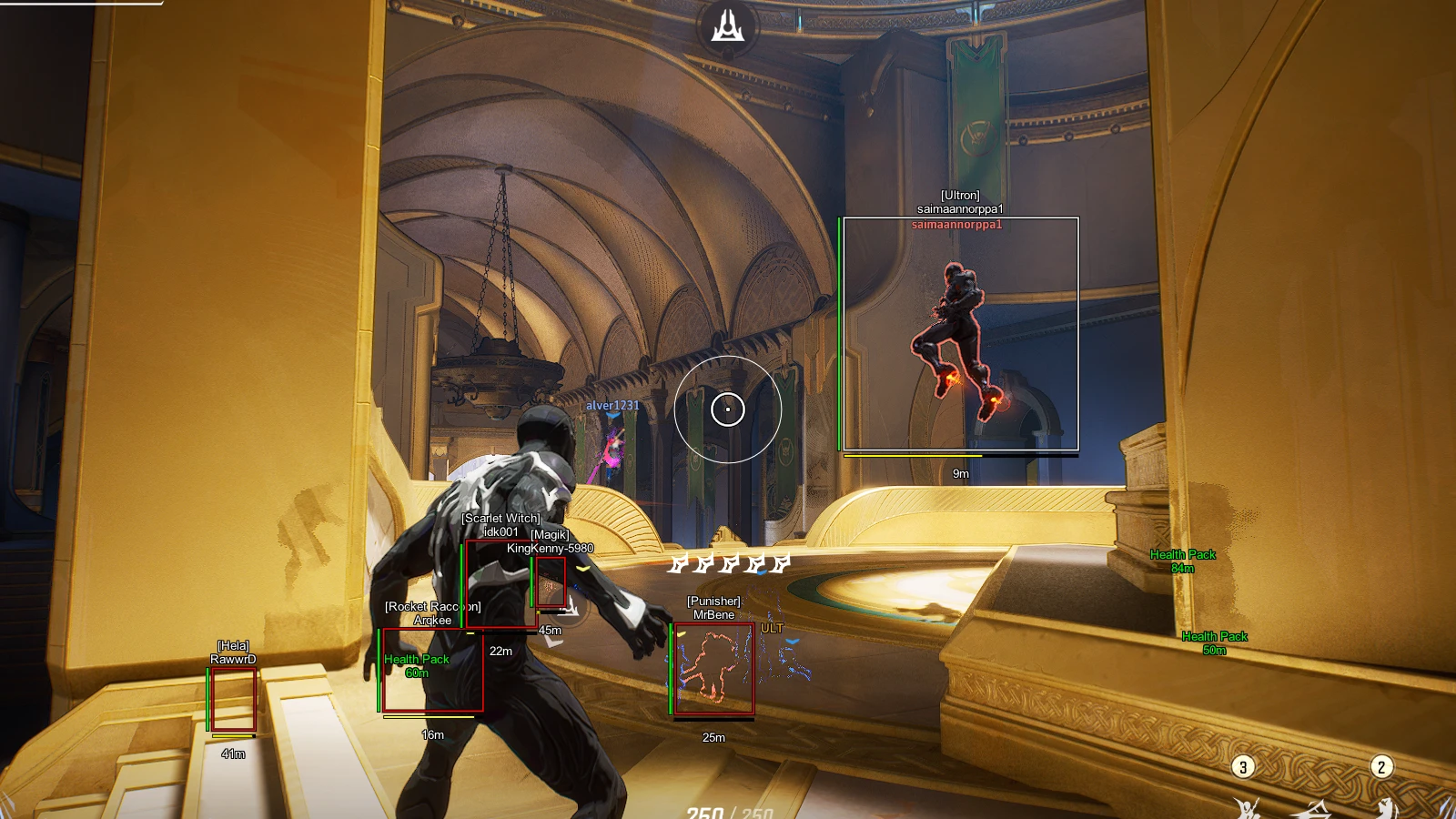
- Players ESP - WH for Players
- Box - enable boxes on players
- Hero Name - show player hero name
- Name - show player nicknames
- Glow - highlight player models
- Health - display HP level as a bar
- Ultimate - display heroes' ultimate status and value
- Distance - distance to players in meters
- Health Packs - show HP regen points, cooldowns, and distances
- Strange Portals - display the location and distance of all portals
- Portals Warning - warn about open portals
Operating system: Windows 10, Windows 11 (21H2, 22H2, 23H2, 24H2, 25H2)
Processor: INTEL & AMD
Video card: NVIDIA & AMD
Client: Steam, NetEase Launcher (Loading Bay)
Bundle Offers
Save when you add all items
✓ All bundle items in cart