Image
PUBG │ ARCANE RADAR
UndetectedInstant DeliveryDescription
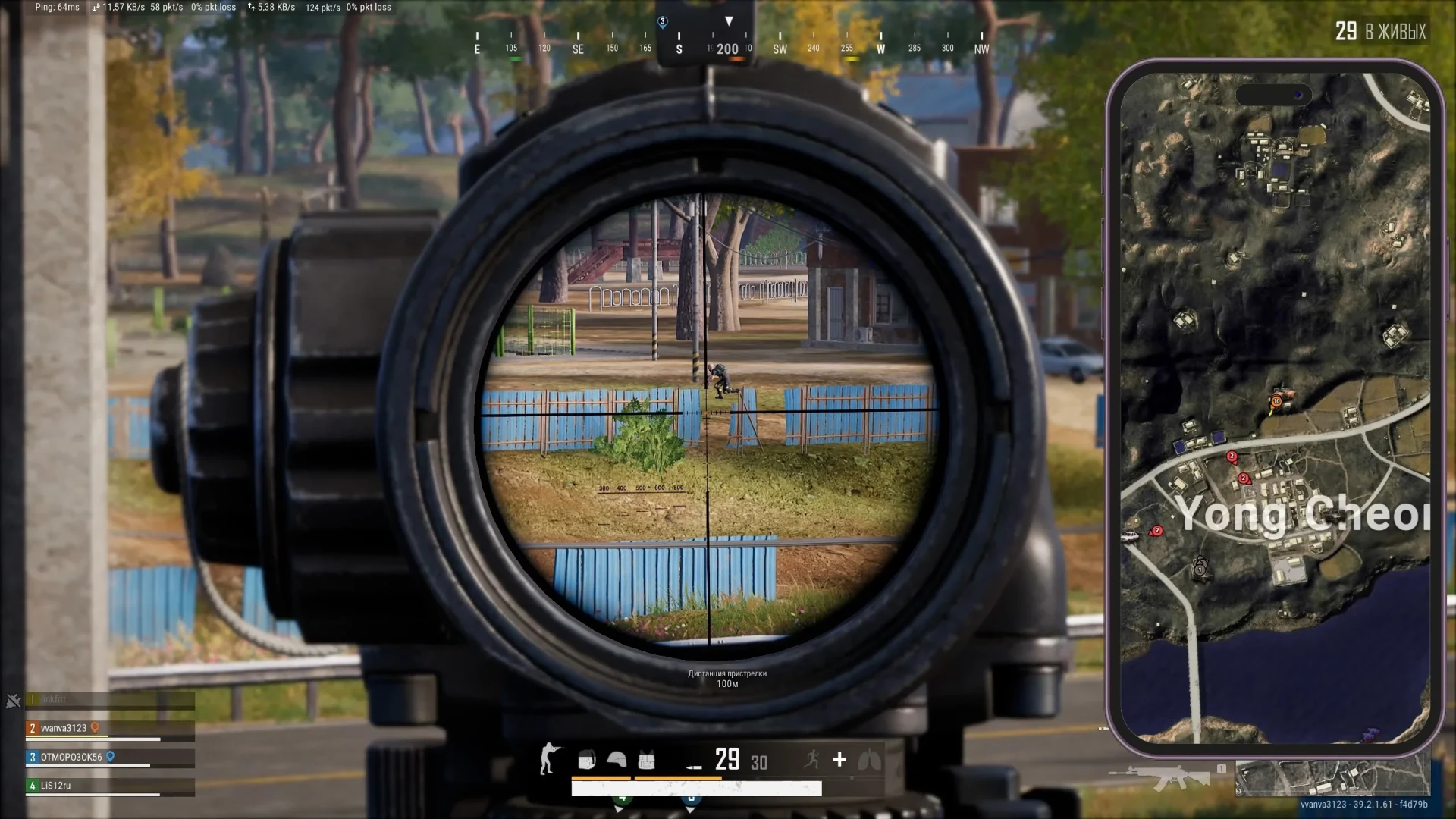
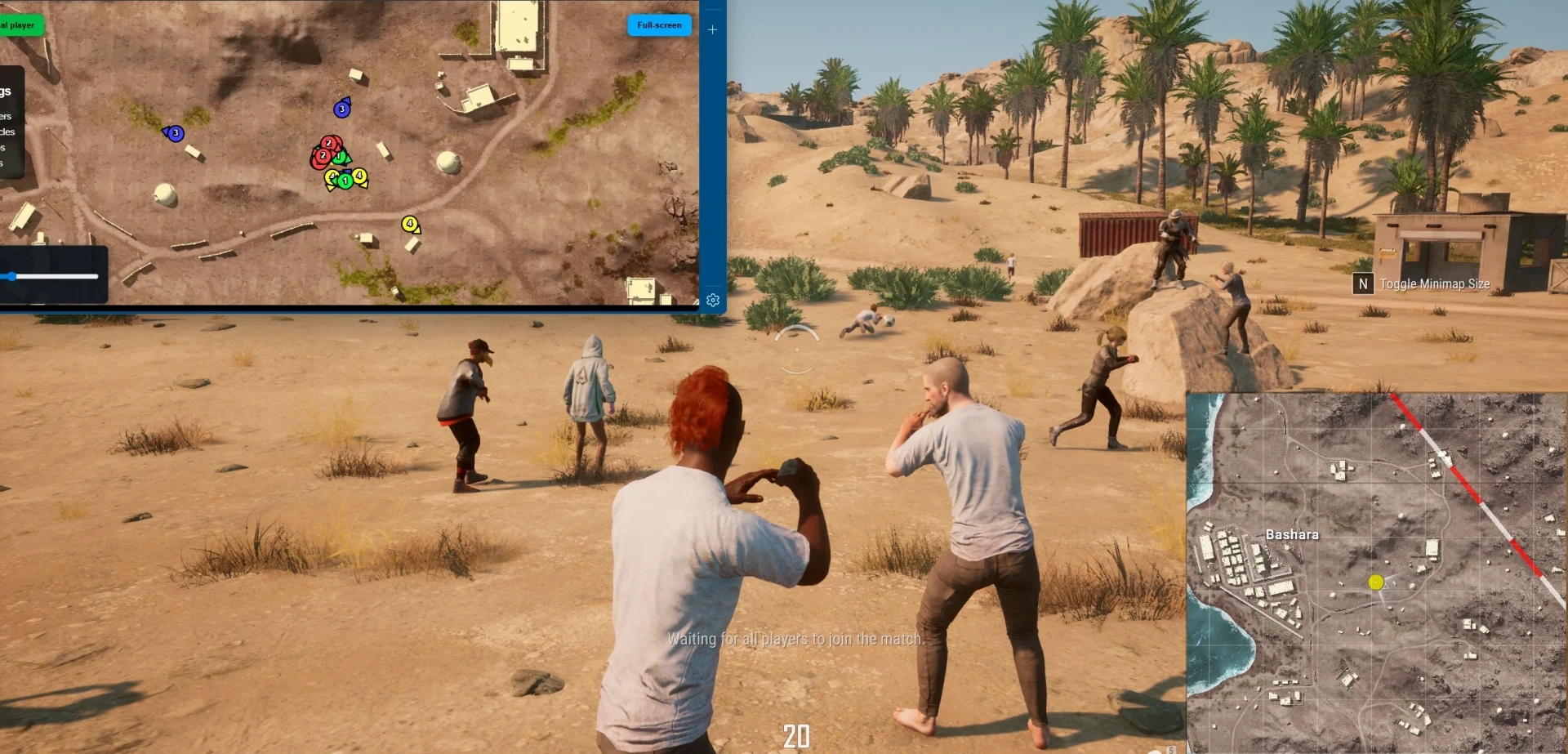
- Any Device – ability to open the map on any device (second monitor, laptop, tablet, or smartphone)
- Browser Access – opens the radar directly in the browser
- Share Radar Link – allows sharing the radar link with friends
- Steam Overlay Support – supports opening the radar through Steam Overlay during the game
- Cross-Device Access – allows opening the radar from any other internet‑connected device
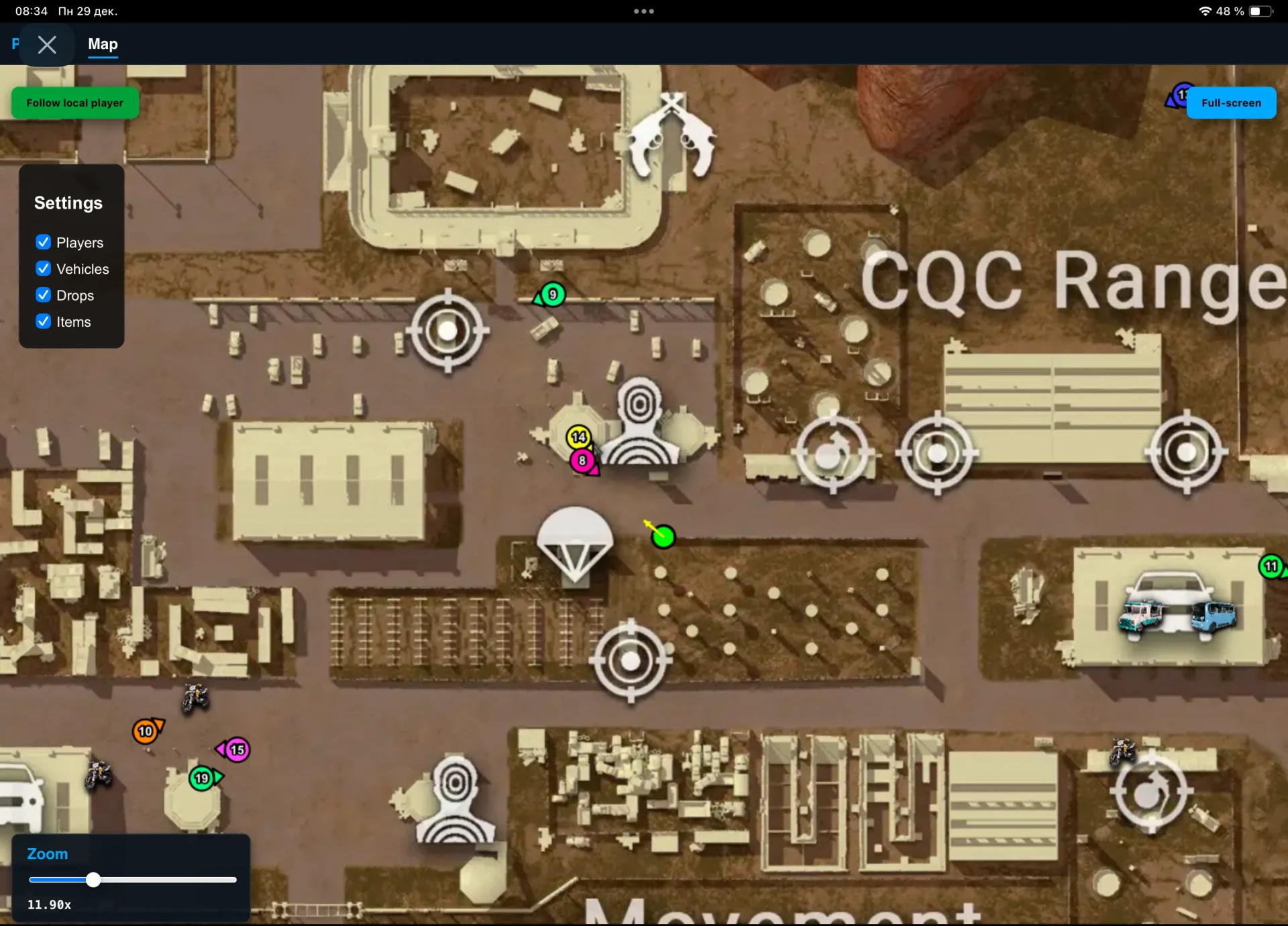
- Vehicles – display vehicles on the radar
- Show Vehicles – enable vehicle rendering
- Show Health – display vehicle durability
- Show Fuel – display vehicle fuel level
- Style – choose the vehicle display style: icon, icon with name, or name only
- Icon Size – adjust vehicle icon size
- No Recoil – disable weapon recoil with a hotkey
- Show Local Aiming Line – display the line of your aiming direction
- Show Mortar Trajectory – display mortar shell trajectory
- Auto-Scaling – intelligent automatic map scaling based on the situation (movement speed, number of enemies, amount of nearby loot)
- Follow Local Player – center the radar on your character
- Ability To Follow Specific Team Member – ability to switch tracking to a selected teammate
- Global Player Table – global table of all players in the match with detailed information
- Stats (Level, Kills, Spectators) – display level, kills, and number of spectators
- Gear – display player gear, weapons, and armor
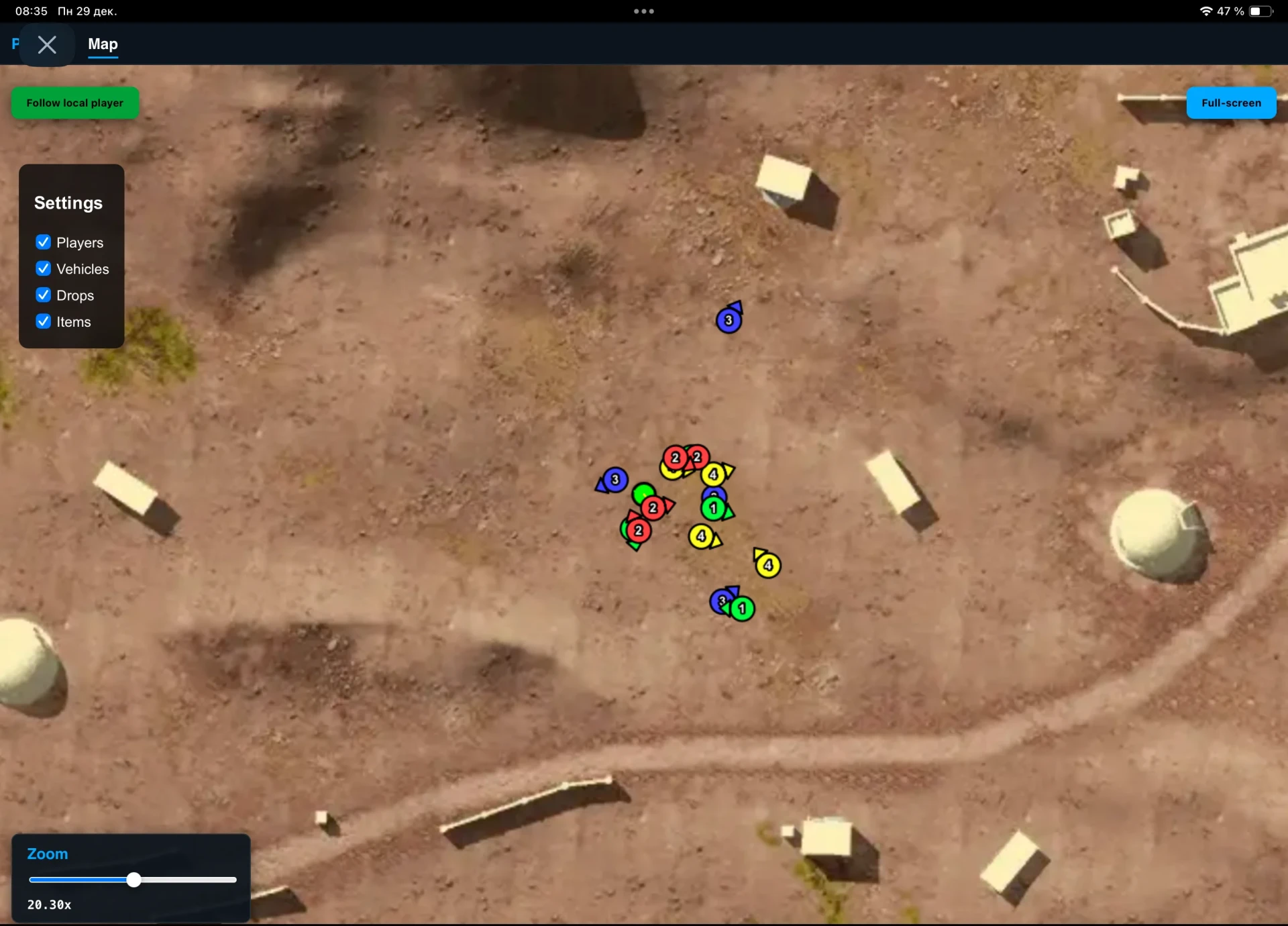
- Players – display players on the radar
- Show Team – display all teammates or only selected squad members
- Team Number – display the player's team number
- Team Color – set the team color on the radar
- Nickname – display the player's nickname
- Distance – display the distance to the player
- Weapon Name – display the player’s weapon name
- Ammo Count + Is Reloading – display ammo count and reloading status
- Show Shooting Line – display player shooting direction
- Items – display items on the radar
- Show Drops – display airdrops on the map
- Show Drop Contents On Map – display airdrop contents directly on the radar
- Style – choose the item display style: icon, icon with name, or name only
- Icon Size – adjust item icon size
- Advanced Items Filter – advanced item filter to show only desired loot
- Items Distance – display distance to the item
- Search For Nearby Items – search for items near you
- Items Nearby Table – table showing the list of items closest to you
Operating system: Windows 10, Windows 11 (21H2, 22H2, 23H2, 24H2, 25H2)
Processor: AMD & INTEL
Video card: AMD & NVIDIA
Client: Steam, Kakao
Bundle Offers
Save when you add all items
✓ All bundle items in cart