Image
Rust │ MEMEZ INTERNAL
UndetectedInstant DeliveryDescription
- Memory Aim: the aim reads data from the game’s memory
- Silent Aim: bullets hit targets within the aim's action area without moving the crosshair
- Aim Key: key for activating the aimbot
- Bones: select a bone for aimbot targeting
- FOV: field of view of the aimbot
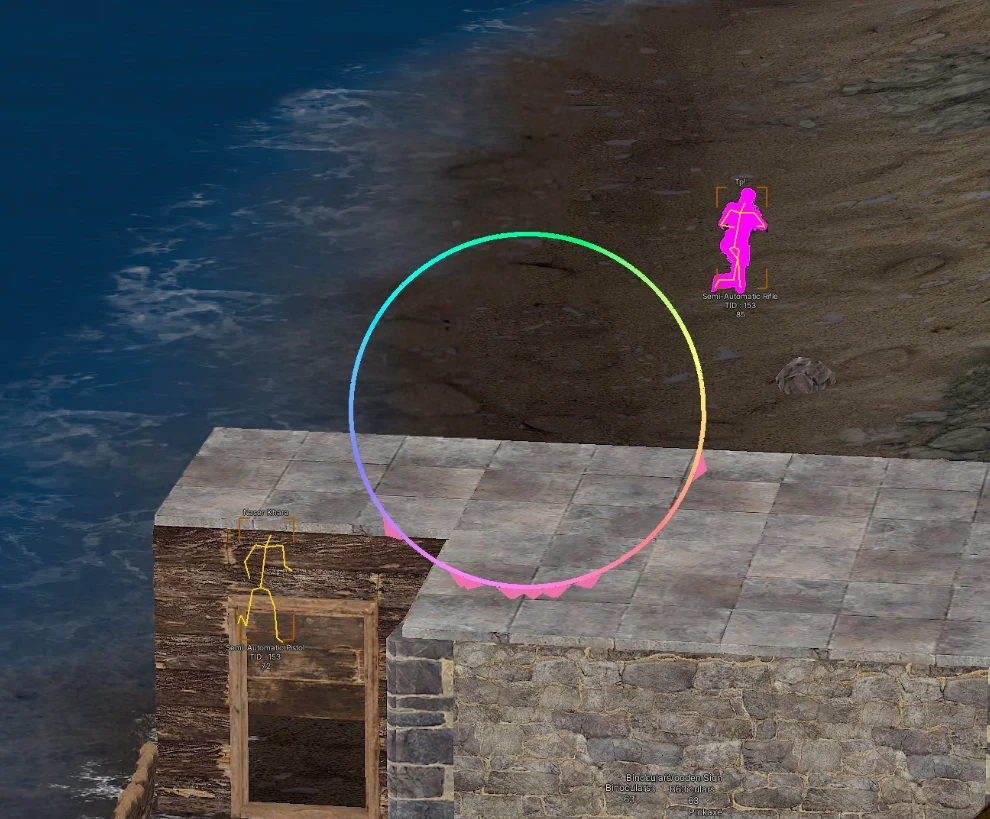
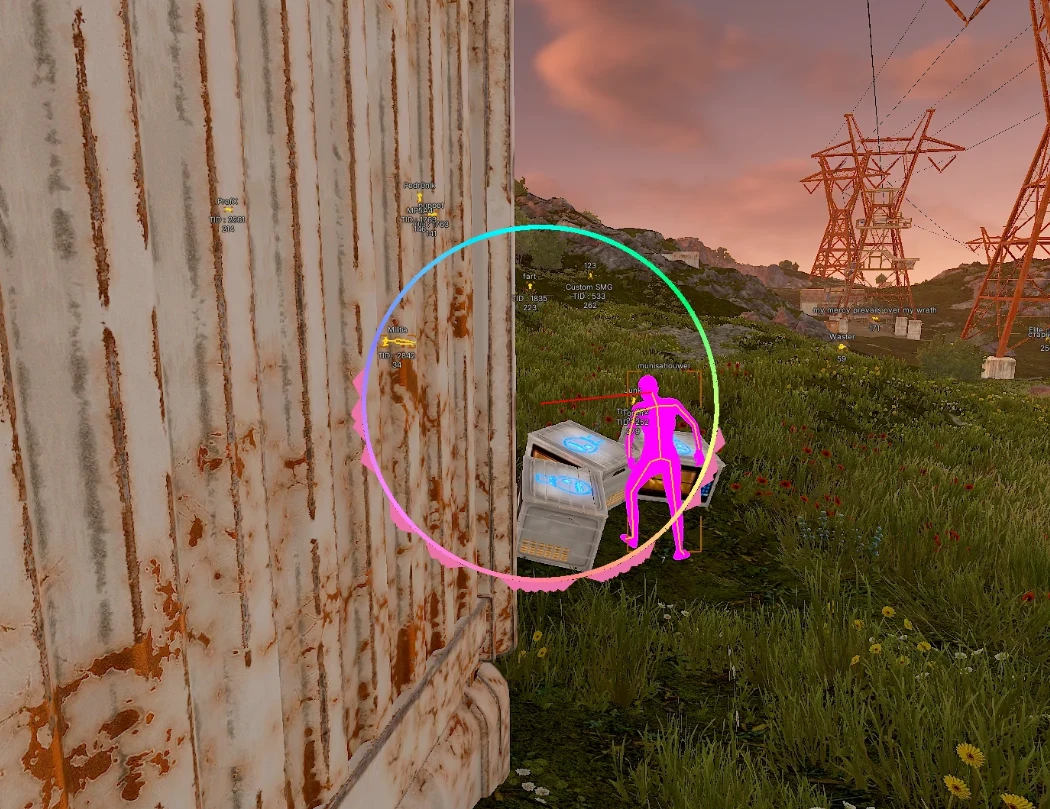
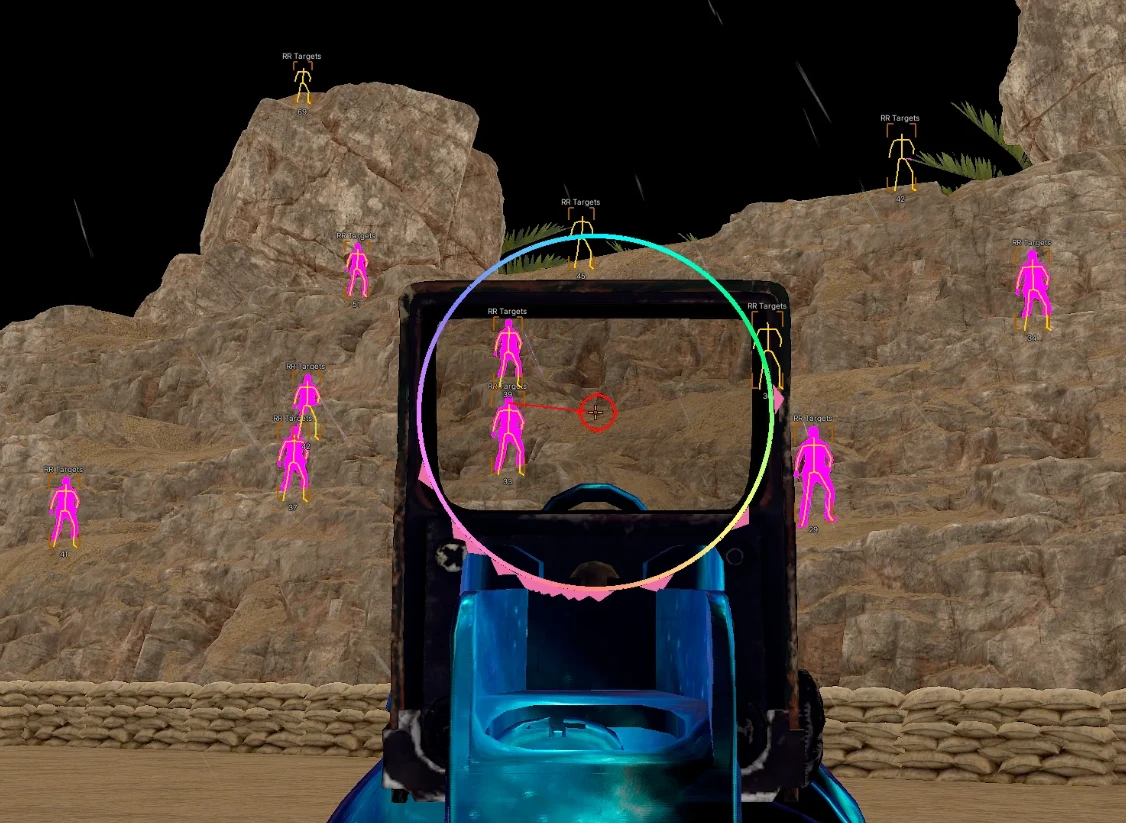
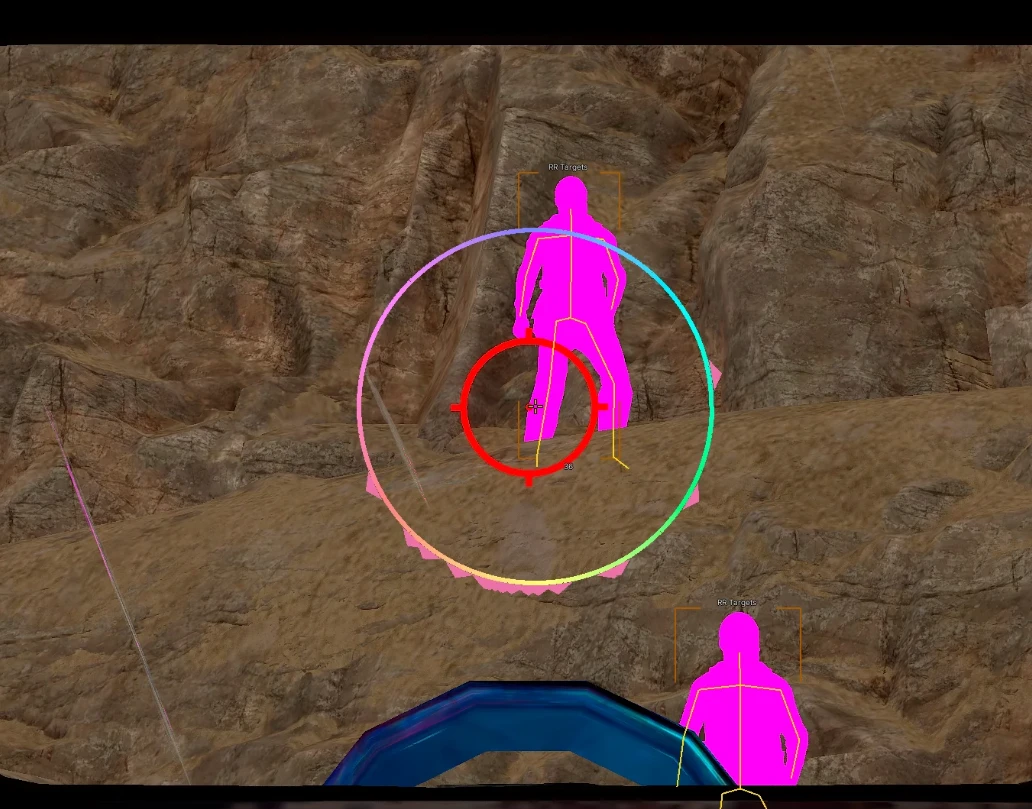
- Draw FOV: show the aimbot field in the form of a circle
- Smooth - smoothing the movements of the aimbot
- Head Chance: chance of successfully hitting the head
- Hit Chance: likelihood of successfully hitting the target
- Ignore Squad: ignore aimbot actions on teammates
- Visible Check: the aim will only work on visible targets (not behind obstacles)
- Prediction: prediction settings for trajectory
- Target Info: display information about the target
- FOV Styles: visual customization of the aimbot field (color, thickness, RGB)
- Thick Bullet: enable thick bullet mode (configurable)
- Fast Bullet: enable fast bullet mode
- Always Head Melee: always hit the head in melee combat
- Free Shooting: free shooting mode
- Rapid Fire: automatic shooting from semi-automatic weapons
- Instant Eoka: instant shot with the Eoka
- No Recoil: disable recoil when shooting
- Recoil %: adjust recoil percentage
- No spread: disable bullet spread when shooting
- Fast shoot: fast shooting mode
- Instant compound Bow: instant compound bow
- Low Velocity: changing the bullet's speed to jump over obstacle
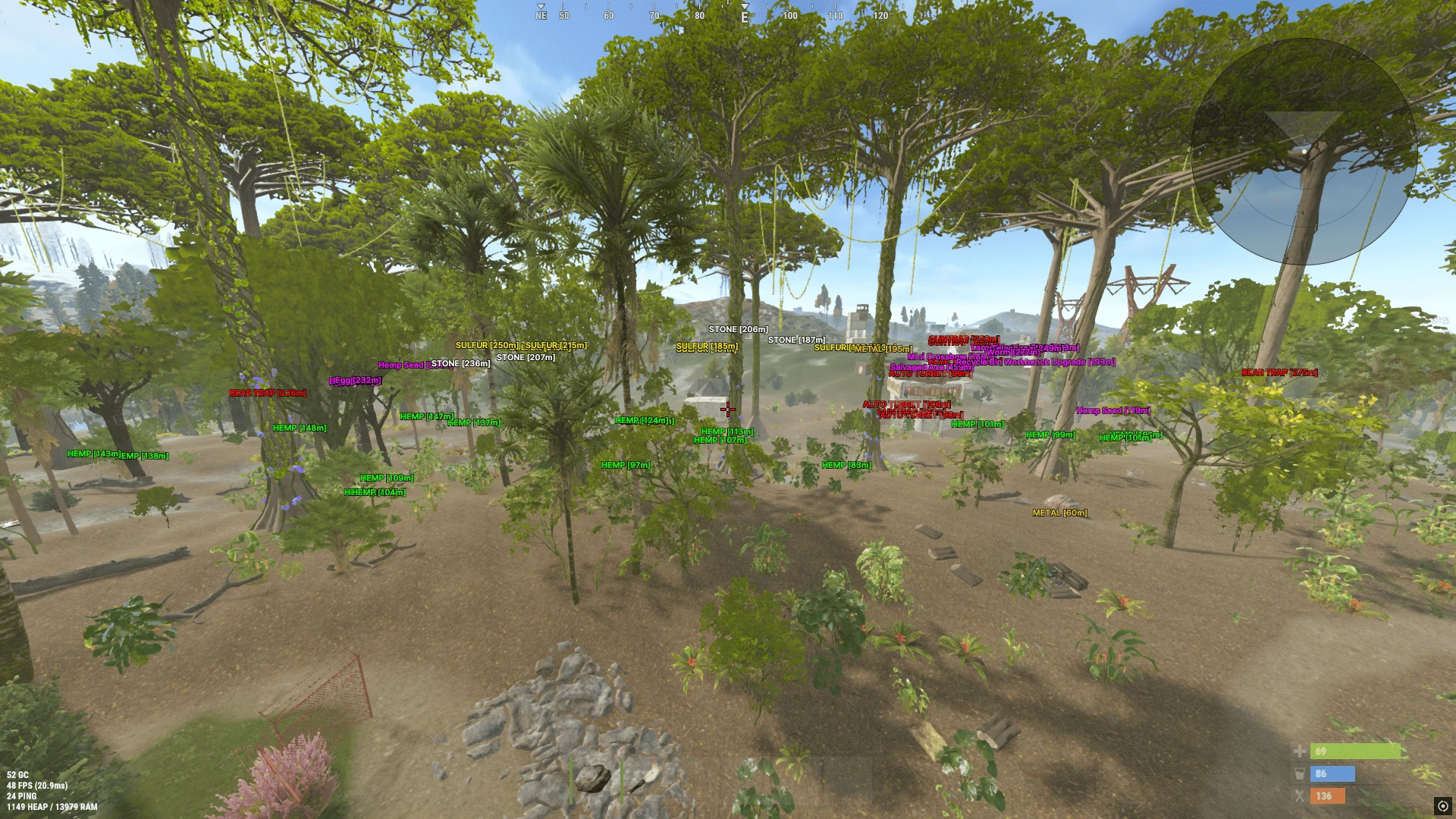
- Stones
- Metal ore
- Sulfur
- Grass
- Various vehicles
- Aircraft
- Chickens
- Bears
- Sharks
- Boars
- Wolves
- Barrels
- Wooden crates
- Elite containers
- Normal crates
- Beds/sleeping bags
- Dead players' bodies
- Airdrop
- Dropped items
- Traps (gun traps, mines, bear traps, etc.)
Operating system: Windows 10, Windows 11 (21H2, 22H2, 23H2, 24H2, 25H2)
Processor: Intel & AMD
Video card: Nvidia & AMD
Client: Steam
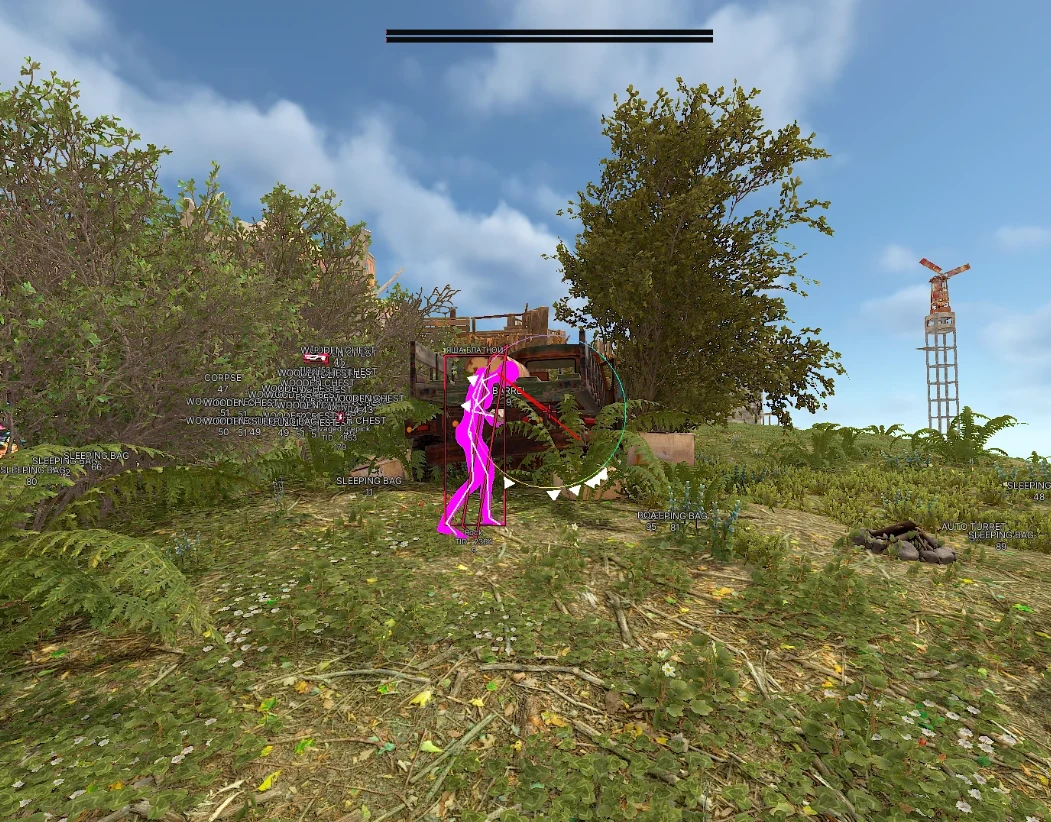
- BOX: WH displayed in the form of boxes
- Box Style: display style for boxes (full, corners, 2D, 3D)
- Name: display player nicknames
- Team ID: display team ID
- Sleepers: display sleeping players
- Skeletons: WH displayed as skeletons
- Player Weapon: weapon in the player's hands
- Show NPC: display NPC locations
- HotBar: quick access panel
- Look Direction: show the direction of players' view
- Look Alert: display an alert when players look at you
- Radius: alert radius settings
- Chams: WH displayed as colorful textures on players' hands and models
- OOF Arrows: arrows pointing to players off-screen
- Radar: activate radar window
- Colors: players and bots are colored with different colors of the boxes to distinguish
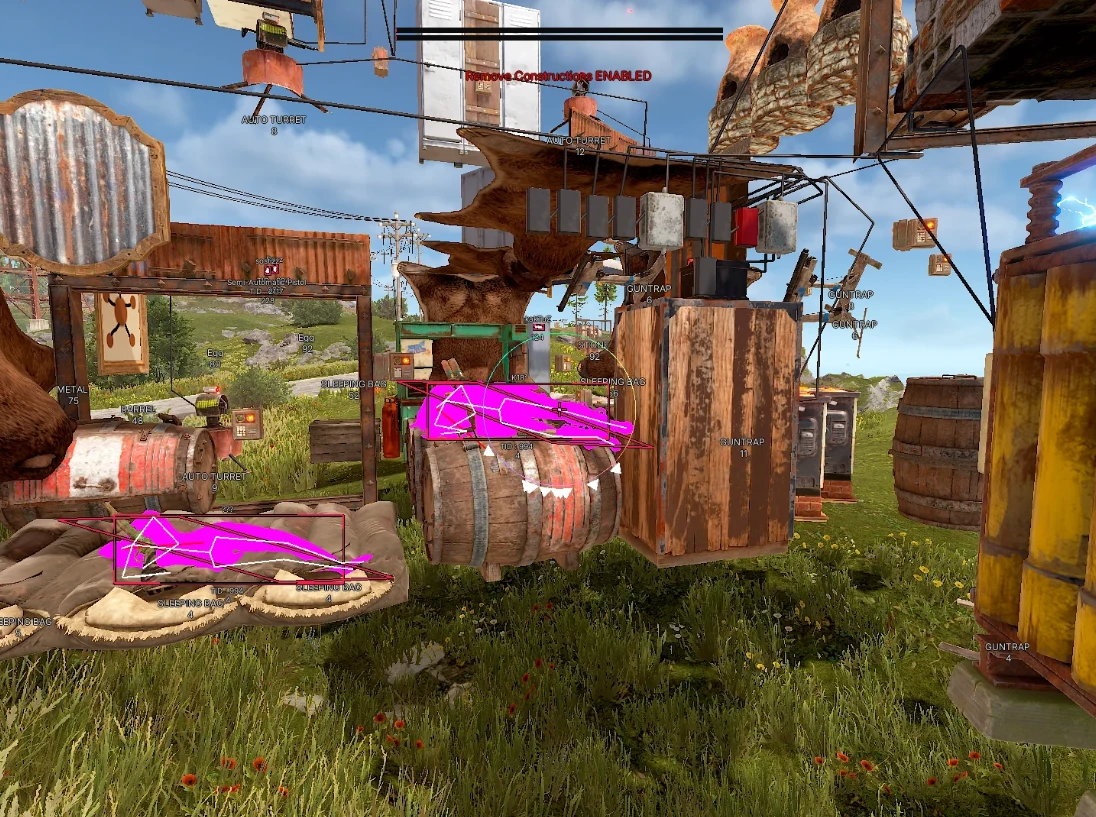
- Remove Constructions: disable texture layers (see through walls)
- FlyHack: enable flying mode across the map
- FlyHack Prevent: enable flight blocking
- No Player Collision: remove collision with players
- FOV Changer: adjust field of view (viewing angle)
- Omni Sprint: infinite sprint
- Fast Loot: quickly collect loot
- Spider man: climb elevated areas without ladders
- Spin Bot: enable constant spinning of the character model
- Ore Farm Assist: enable ore mining assistant
- Zoom Hack: adjust zoom settings
- Silent Walk: silent walking mode
- Custom Time: set custom time on the map
- Bright Night: bright and beautiful night mode
- Debug Camera: free flight mode camera
- Crosshair: static crosshair at the center of the screen
- Aspect Ratio: change aspect ratio
- Constructions Key: key to enable/disable texture layers
- Debug Camera Key: key for enabling debug camera
- Silent Walk Key: key to enable/disable silent walk
- Zoom Hack Key: key to enable/disable zoom hack
- Weapon Spam Key: key to enable/disable gun spam
- Fly Hack Key: key for activating flying mode
- Configs: configuration system for saving settings and quick loading on the next use
- Languages (English, Russian): Memez supports 2 languages (English, Russian)
- Custom Colors: customize colors for many WH (ESP) elements
- Value Slider: convenient slider for configuring some parameters
- Auto Upgrade – automatic upgrade of buildings
- Walk on Water – the ability to walk on water
- Auto Heal – automatic use of healing
- Instant Revive – quick revival of allies
- Weapon Spam – spam with weapon sounds
- Fast Place – accelerated placement of buildings
- Force Run – automatic running
- Player FOV – setting the field of view (angle of view)
Bundle Offers
Save when you add all items
✓ All bundle items in cart