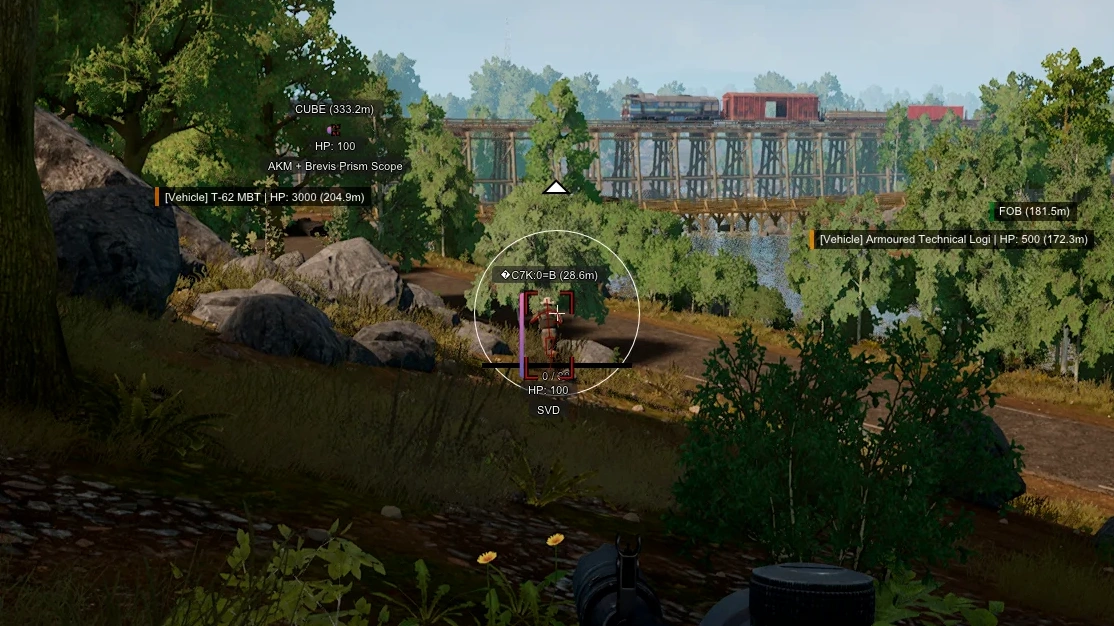
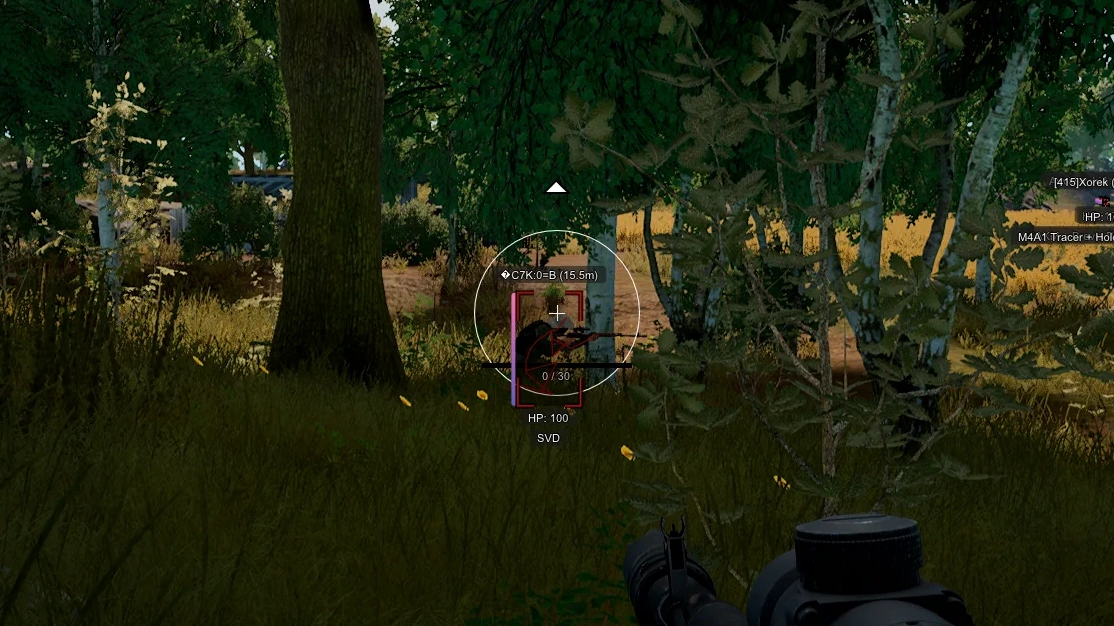
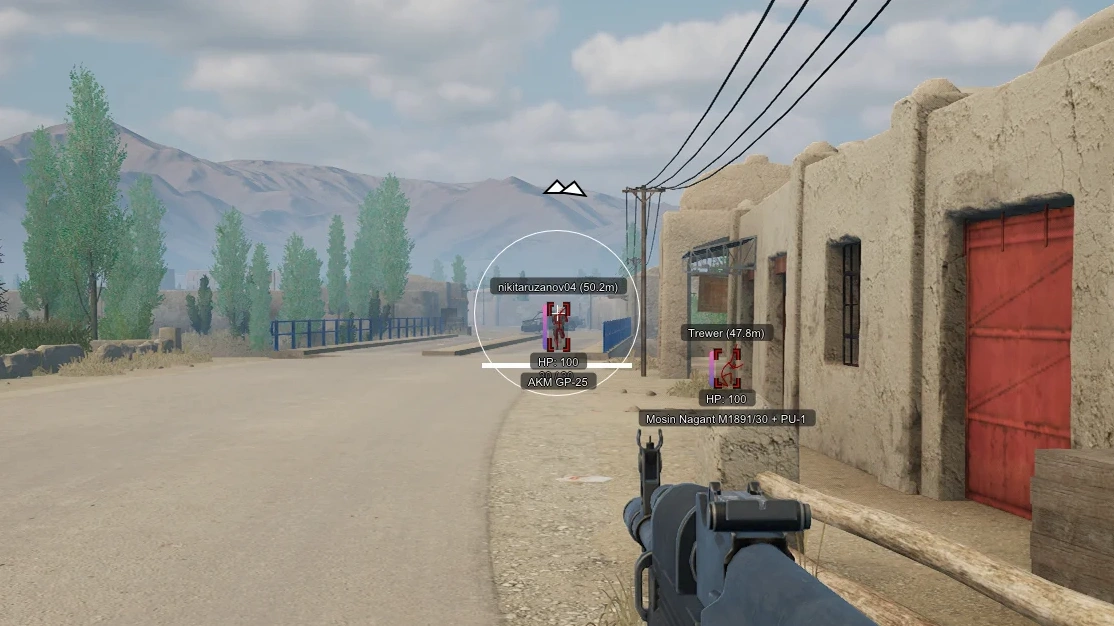
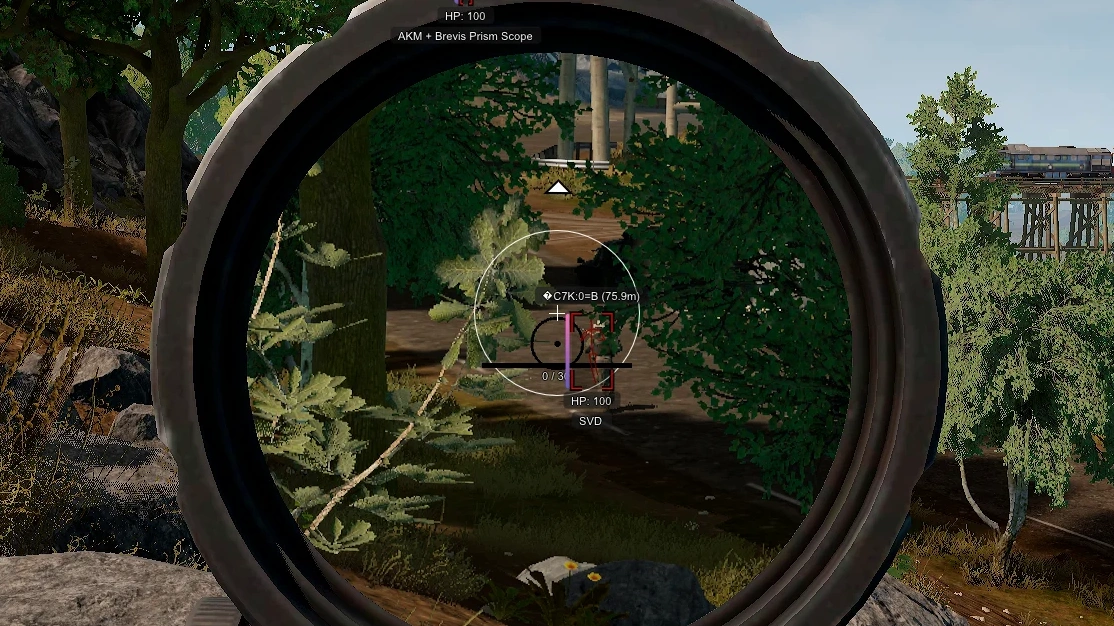
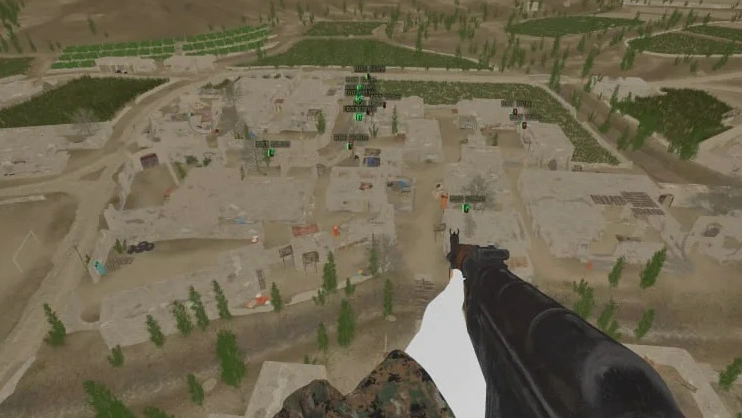
Description
- Enable Aimbot - enable Aimbot, aiming assistance when shooting
- FOV - the size of the area in which the aim will select targets
- Adaptive FOV - the aiming area will change depending on the type of sight
- Draw FOV - show the size of the aim area using a circle around the sight
- FOV Color - the color of the circle showing the area of the aimbot's work
- Bone - select body parts that the aimbot will aim at when shooting
- Smooth - smoothing of aimbot movements, the higher the value, the slower and smoother the aim moves
- Distance - aim range
- Aim Key - select a key to activate aim
- Mode (Hold, Toggle) - aim activation mode
- Silent Aimbot - bullets hit targets within FOV radius, camera and sight don't move
- Magnet Aimbot - magnetizes enemies into your sight
- Visible Check - fire only at targets in line of sight
- Aim at Bots - when activated, aim will work on bots
- Prediction – takes into account the target’s movement when aiming
- Target Lock – locks the aimbot on the selected target
- Target Selection – selects the priority target based on distance to the crosshair, distance, or HP
- Target Indicator – shows the current aimbot target
- Multi Bone Selection – allows selecting multiple bones for aiming
- Triggerbot – automatically opens fire when aiming at a target
- RayCast Visibility Check – more accurately determines the visibility of targets’ bones
- Players ESP - displaying players using WH
- 2D Box - esp in the form of boxes
- Filled Box - fill the background of the boxes with a dark transparent background
- Health (Text, Bar) - show players/bots HP
- Nickname - players names
- Distance - distance in meters to players
- Max Distance - limit the range of Player ESP
- Item In Hands (Weapon) - item in the player's hands
- Line - wh in the form of lines (snaplines)
- Skeleton - esp in the form of skeletons
- Scope Zoom - scale of ESP elements for zoom in the sight
- Out Of Arrows - arrows pointing to targets outside the screen
- Visible Check - targets behind walls and in direct line of sight are shown in different colors
- Bleeding Players - show injured players
- Vehicles - shows transport with ESP
- Category - type of vehicle displayed
- Health - amount of HP for displayed objects
- HAB Base - display of bunkers and protected areas (shelters)
- FOB Radio - Enemy Bases
- Show Distance - distance to displayed objects
- Max Distance - limitation of the ESP operating range for displaying objects and vehicles
- Box – displays a frame around the vehicle
- Front Side Indicator – displays the front side of the vehicle
- Hide Empty Vehicles – hides empty vehicles
- Hide Friendly Vehicles – hides friendly vehicles
- Vehicle Type Filter – allows you to select the types of vehicles to be displayed
- Rally Points – displays rally points on the map
- Anti-Tank Missiles – displays anti-tank missiles
- Mortars – displays mortars
- VBIEDs – displays mined vehicles
- Drones – displays drones
- Grenades – displays grenades
- Unlimited Ammo - infinite ammo for your weapon
- Unlimited RPG Ammo - infinite ammo for RPG
- No Recoil - disable weapon recoil when shooting
- No Sway - disable weapon sway when shooting
- Rapid Fire - increased rate of fire
- Show Ammo Count - show the number of ammo in the weapon
- Big Player - increase your model
- Speedhack - Increase your movement speed
- FOV Changer - allows you to change the camera's viewing angle
- Third Person View – switches the camera to a third‑person view
- No Clip – allows you to move freely around the map and shoot through objects
- Fast Weapon Switching – speeds up weapon switching
- Instant Aim – instantly activates aiming
- No Animations – disables weapon animations
- Long-Range Interaction – increases the distance for interacting with objects
- Disable Screen Effects – disables on‑screen effects, including blood and explosions
- Disable Shadows – disables shadows in the game
- Disable Grass – disables grass
- Disable Bushes & Trees – disables bushes and trees
- No Spread – disables bullet spread
- Wall Penetration – allows you to shoot through obstacles
- Bullet Tracers – displays the trajectory of bullets
- Crosshair - static crosshair in the middle of the screen
- CFG System - the ability to save and load your settings for the Arcane SQUAD cheat
- Language (English, Russian) - Arcane cheat menu is available in 2 languages
- StreamProof - software is completely invisible when streaming or recording video
- Custom Colors - the ability to customize colors for the ESP to your taste
- Menu Color - allows you to change the color of menu items
- Health Display – displays your health
- Match Information – shows team tickets, ammo, kills, deaths, and destroyed equipment
- Big Map Radar – adds radar to the large map
- Mini Map Radar – adds radar to the mini-map
Operating system: Windows 10, Windows 11 (21H2, 22H2, 23H2, 24H2, 25H2, 26H1, 26H2)
Processor: Intel & AMD
Video card: Nvidia & AMD
Client: Steam
RAM: 16 GB
A normal Windows install is required: not Enterprise, not optimized or repacked.
Arcane for Squad gives you full control of the game. Its vector aimbot has flexible settings for fast, accurate hits, and shooting exploits such as infinite ammo, no recoil and no sway make every engagement more stable. The ESP tracks enemies, vehicles and objects, a real tactical advantage on large maps. The menu is convenient and available in English and Russian. It runs externally, which keeps its footprint small, and is fairly priced.
Squad │ ARCANE
Undetected- Instant delivery: your key arrives by email and on your order page.
- Setup guide and loader included.
- 24/7 support tickets.
Questions before you buy? Open a ticket
Bundle Offers
Save when you add all items
✓ All bundle items in cart