Image
Wardogs │ DULLWAVE
UndetectedInstant DeliveryDescription
- Enable – turns the aimbot on/off
- Silent – hidden aim assist at the target without noticeable crosshair movement
- Vector – directs shots toward the selected target using smooth aiming
- Magic Bullet – allows hitting the selected target regardless of crosshair direction
- Bind – key to activate the aimbot
- Priority – target priority selection (closest to crosshair, by distance to target)
- Type – selects the aimbot type (Silent, Vector, or Magic Bullet)
- Bone – selects the aim point (head, neck, body, or the bone closest to the crosshair)
- Draw Deadzone – displays the deadzone area around the crosshair
- Draw Bone FOV – displays the area for selected bones/hitboxes
- Draw Snapline – displays a line to the selected target
- Draw FOV – shows the aimbot's effective area as a circle
- Smooth Switch – enables smooth switching between targets
- Humanized Aim – makes aiming more natural (human-like)
- Sticky Target – locks the aimbot onto the selected target until it is eliminated
- Ignore Team – excludes teammates from the target list
- Only Visible – limits aiming to visible targets only
- Deadzone – the size of the area where the aimbot will not work
- Curve – adjusts the movement curve while aiming
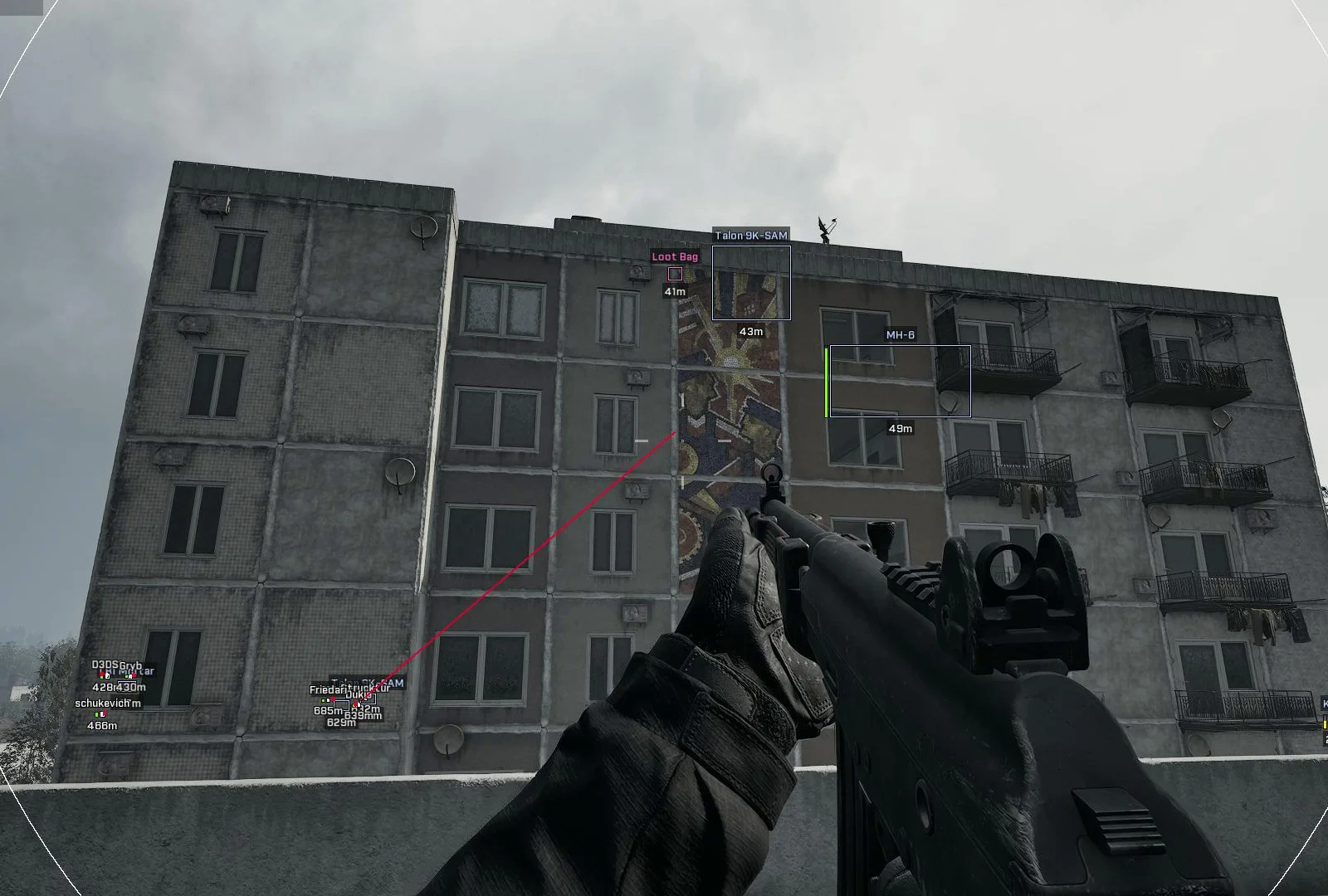
- Enable – enables building display using boxes
- Box Style – selects the box style (2D or corners only)
- Ignore Team Building – hides allied buildings
- Draw Background – adds a background behind building information
- Draw Distance – displays the distance to buildings
- Draw Name – shows the building name
- Draw Box – displays a box around buildings
- Show Vanguard CIWS – displays Vanguard CIWS
- Show Talon 9K-SAM – displays Talon 9K-SAM
- Show Loudspeaker – displays loudspeakers
- Show L81 Mortar – displays L81 mortars
- Show Stingray – displays Stingray
- Show Door – displays doors
- Show FOB – displays built bases/FOBs
- Enable – enables loot display using boxes
- Box Style – selects the box style (full or corners only)
- Draw Background – adds a background behind loot information
- Draw Distance – displays the distance to items
- Draw Name – shows the item name
- Draw Box – displays a box around items
- Show Pickup Item – displays collectible items
- Show Loot Bag – displays loot bags
- Infinity Focus – infinite breath hold while aiming
- Instant Scope – instant transition to aiming mode
- Instant Hit – instant bullet hit on the target
- No Spread – disables weapon spread
- No Recoil – disables weapon recoil
- No Sway – disables weapon sway
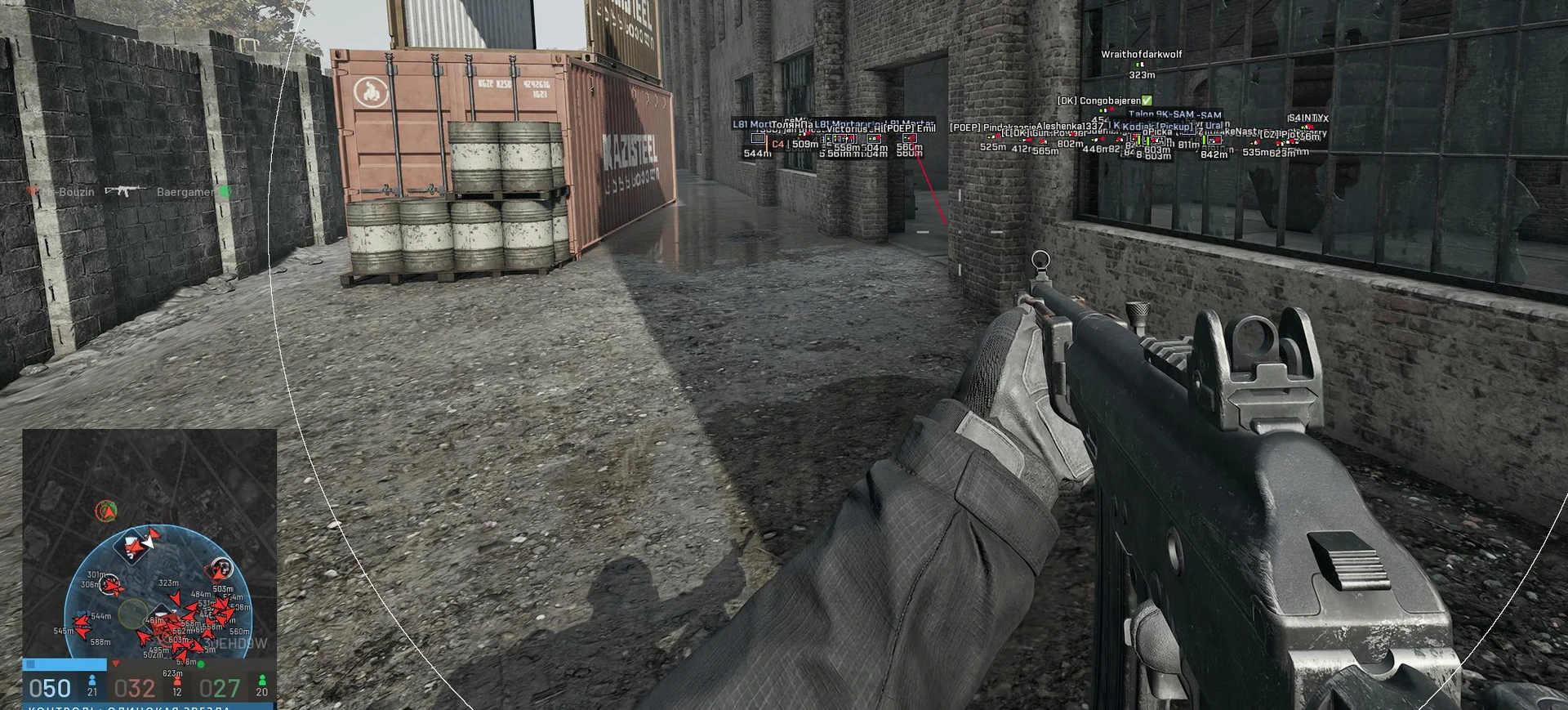
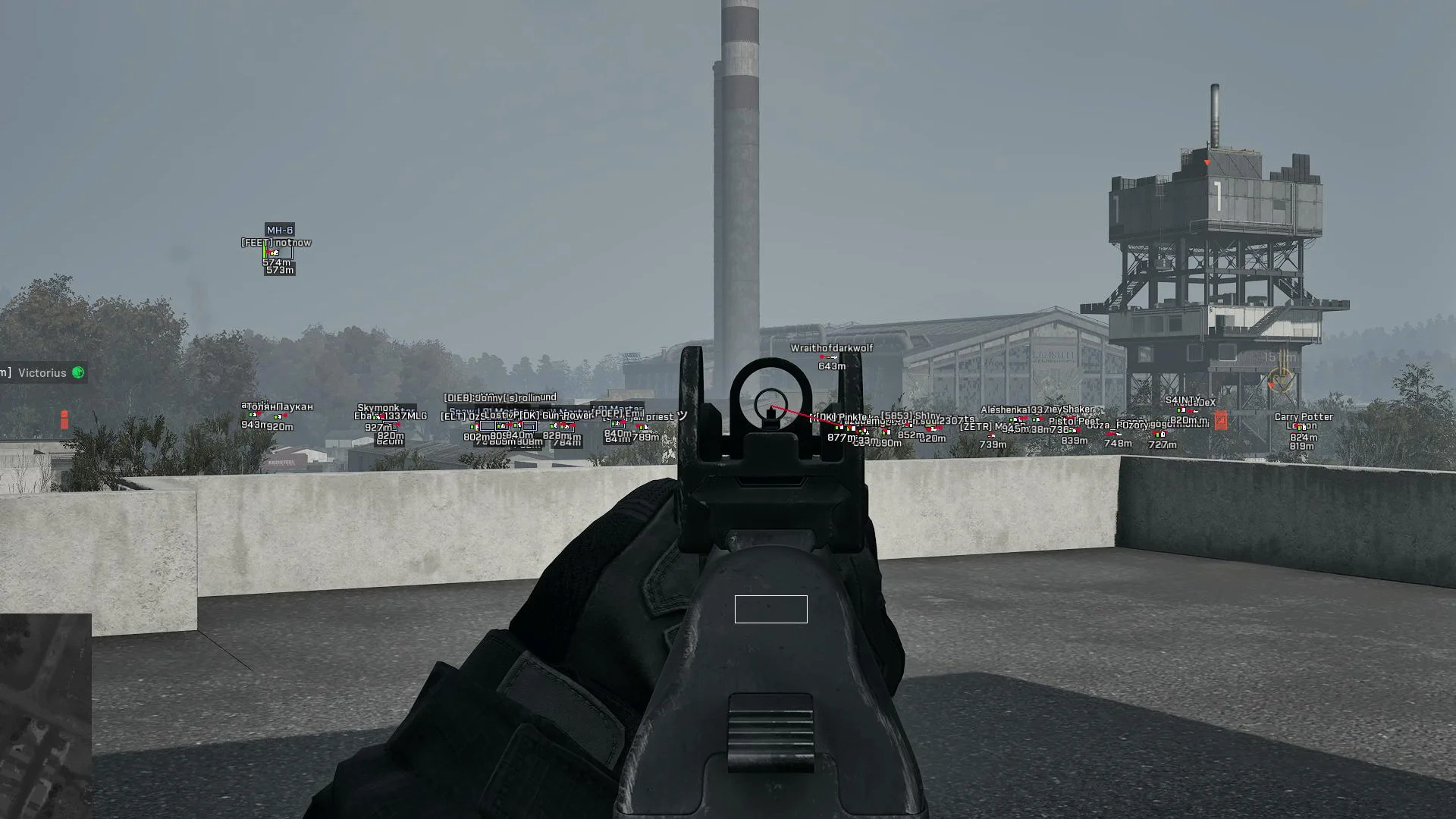
- Player ESP – enables ESP for players
- Box Style – selects the box style (2D or Corner)
- Health Bar – displays the player's health bar
- Nickname – shows the player's nickname
- Distance – displays the distance to the player
- Skeleton – displays the player's skeleton
- Snapline – displays a line to the player
- Filled – adds fill to the player's area
- Head – highlights the player's head
- Look – displays the player's view direction
- Grenade ESP – enables the display of grenades and explosives
- Show Claymore – displays Claymore mines
- Show Mine – displays mines
- Show C4 – displays C4
- Team ESP – enables ally display
- Debug ESP – enables debug ESP display
- Enable – enables vehicle display
- Box Style – selects the ESP style (2D or corners)
- Ignore Team Vehicle – hides allied vehicles
- Draw Background – adds a background behind vehicle information
- Draw Distance – displays the distance to vehicles
- Draw Health – shows the vehicle's health level
- Draw Name – shows the vehicle name
- Draw Box – displays a box around vehicles
- Show Spawn Vehicle – displays vehicles at spawn points
- Show Transport – displays transport vehicles
- Show Artillery – displays artillery
- Show Tank – displays tanks
- Show Air – displays air vehicles
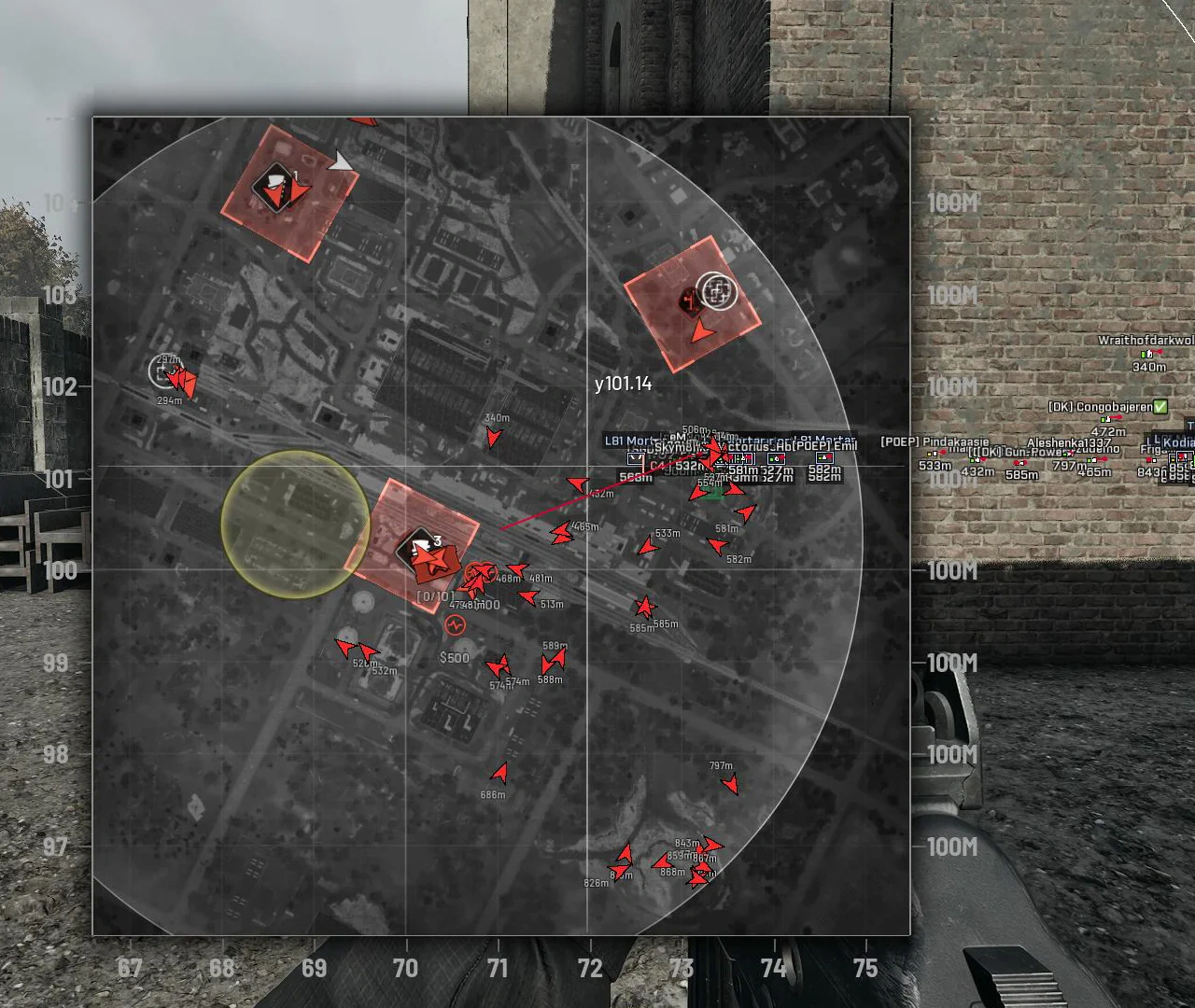
- Enable – enables the radar
- Draw On Tactical Map – displays the radar on the tactical map
- Draw On Mini Map – displays the radar on the mini-map
- Draw Distance – shows the distance to targets
- Show Enemy – displays enemies on the radar
Operating system: Windows 10, Windows 11 (21H2, 22H2, 23H2, 24H2, 25H2)
Processor: Intel & AMD
Video card: Nvidia & AMD
Client: Steam
Bundle Offers
Save when you add all items
✓ All bundle items in cart