Description
All Wardogs cheats More about Arcane cheats
- Enable – turns the aimbot on/off
- Silent Aim – bullets reach the target in the FOV area without the crosshair moving
- Vector Aim – a natural-looking aimbot with smooth targeting (legit)
- Always – allows the aimbot to work constantly without holding a key
- Prediction – accounts for target movement for more accurate aiming
- Visibility Check – ignores targets behind obstacles
- Target Bots – aim at bots
- Target Teammates – aim at teammates
- First Keybind – assigns the first aimbot activation key
- Second Keybind – assigns the second aimbot activation key
- Find Bone Type – allows you to choose the method for determining priority bones
- Bones Selected – selects bones for aimbot targeting (head, neck, body)
- Bone Priority – sets the priority for bone selection when aiming
- FOV – adjusts the size of the area used by the aimbot to acquire targets
- Adaptive FOV – automatically adjusts the target acquisition area
- Smoothness – adjusts how smoothly the aim moves to the selected target
- Max Distance – sets the maximum aimbot working distance
- Humanize – adds a more natural aiming trajectory
- Draw FOV – displays the aimbot working area on the screen
- Draw FOV Background – adds a background inside the FOV area
- Draw Target Marker – shows a marker for the current target
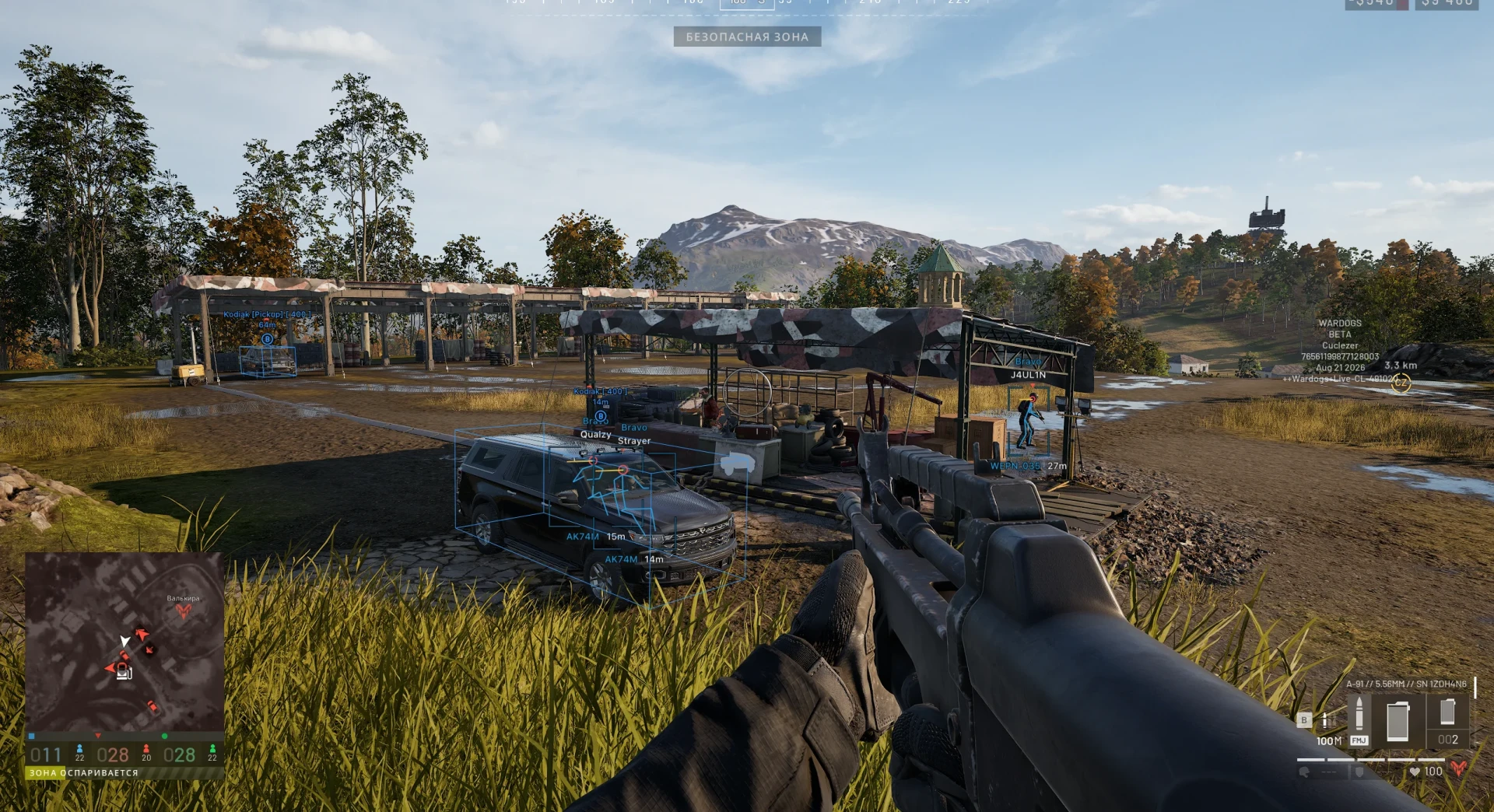
- Bounding Box – displays rectangular boxes around players
- Box Style – allows you to choose the box display style
- Fill Box – adds a fill inside ESP boxes
- Fill Style – allows you to choose the fill style
- Skeleton – displays the player's ESP skeleton
- Line to Enemy – draws a line from the player to the enemy
- Viewline – shows the direction the player is looking
- Health Bar – display HP of players in the form of a bar
- Game Nickname – displays the player's nickname
- Team Name – shows the team name
- Distance – displays the distance to the player
- Weapon in Hands – shows the weapon in the player's hands
- Team Colors – uses different colors to display players depending on their team
- Visibility Check – players in line of sight and behind walls are colored differently
- Max Distance – sets the maximum distance for displaying players
- Dropped Item – allows ground items to be displayed
- Vehicle – displays vehicles on the map
- World – display other objects in the game
- Corpses – display the bodies of killed players
- Menu Key – assigns a key to open the mod menu
- Unload Key – assigns a key to unload the mod menu
- Crosshair – allows you to enable an additional crosshair and configure its display
- DPI Scale – adjusts the scale of the mod menu interface
- FPS Limit – allows you to set the maximum frame rate limit
- No Recoil – disables weapon recoil for more stable shooting
- No Spread – completely removes bullet spread
- No Sway – disables weapon sway while aiming
- Fullbright – makes dark areas of the map significantly brighter for better visibility
- Battle-Mode – hides unnecessary ESP and leaves only VH on players (by bind)
Operating system: Windows 10, Windows 11 (21H2, 22H2, 23H2, 24H2, 25H2)
Processor: AMD & INTEL
RAM: 16 GB
Video card: AMD & NVIDIA
Client: Steam
A normal Windows install is required: not Enterprise, not optimized or repacked.
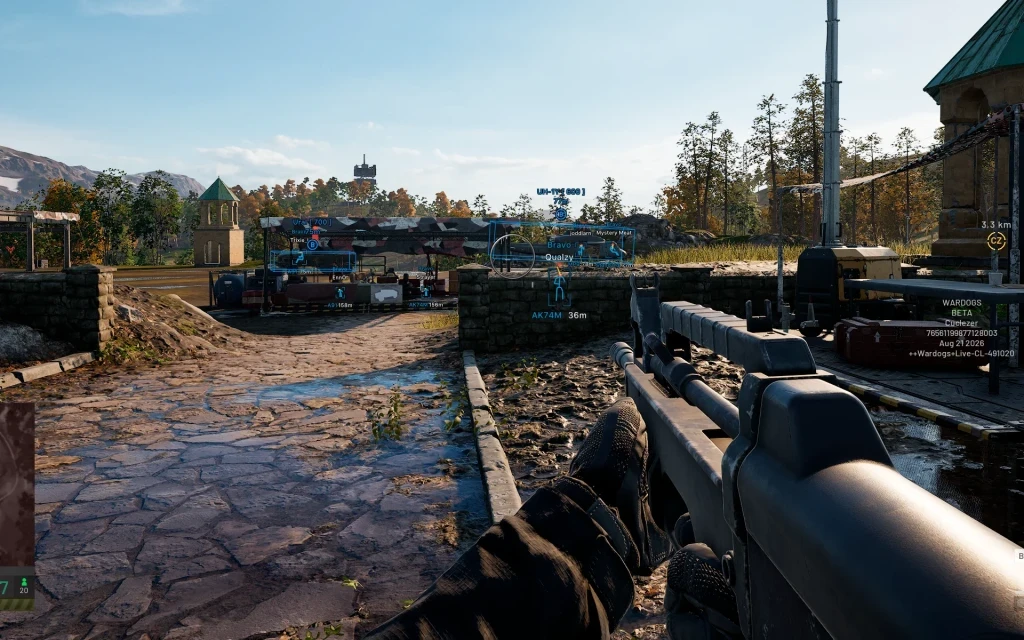
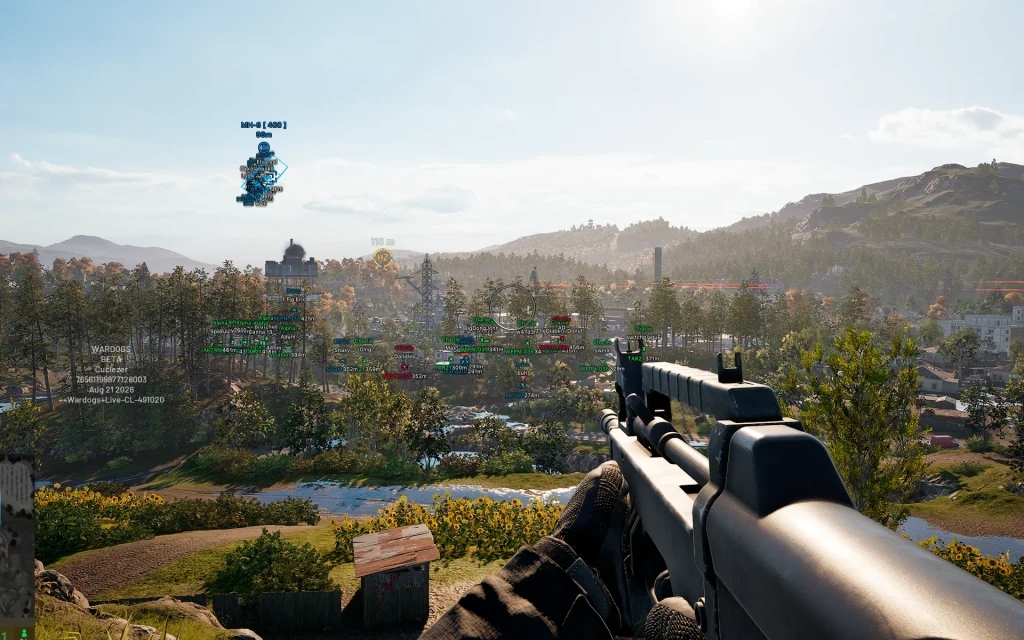
Arcane for WARDOGS puts a flexible aimbot at the center, with prediction, bone selection, FOV, smoothing and a maximum distance, plus a humanizer that makes the aim path more natural. The player ESP shows boxes, skeletons, nicknames, teams, weapons, distance and visibility, and you can also display items on the ground and vehicles to move around the map faster. For shooting, no recoil, no spread and no sway are included, and fullbright makes dark areas easy to see. A custom crosshair, keybinds, interface options and a config system round out the package.
Wardogs │ ARCANE
Undetected- Instant delivery: your key arrives by email and on your order page.
- Setup guide and loader included.
- 24/7 support tickets.
Questions before you buy? Open a ticket
Latest updates
All updatesBundle Offers
Save when you add all items